Icosahedral Cluster

augmented-great-icosa

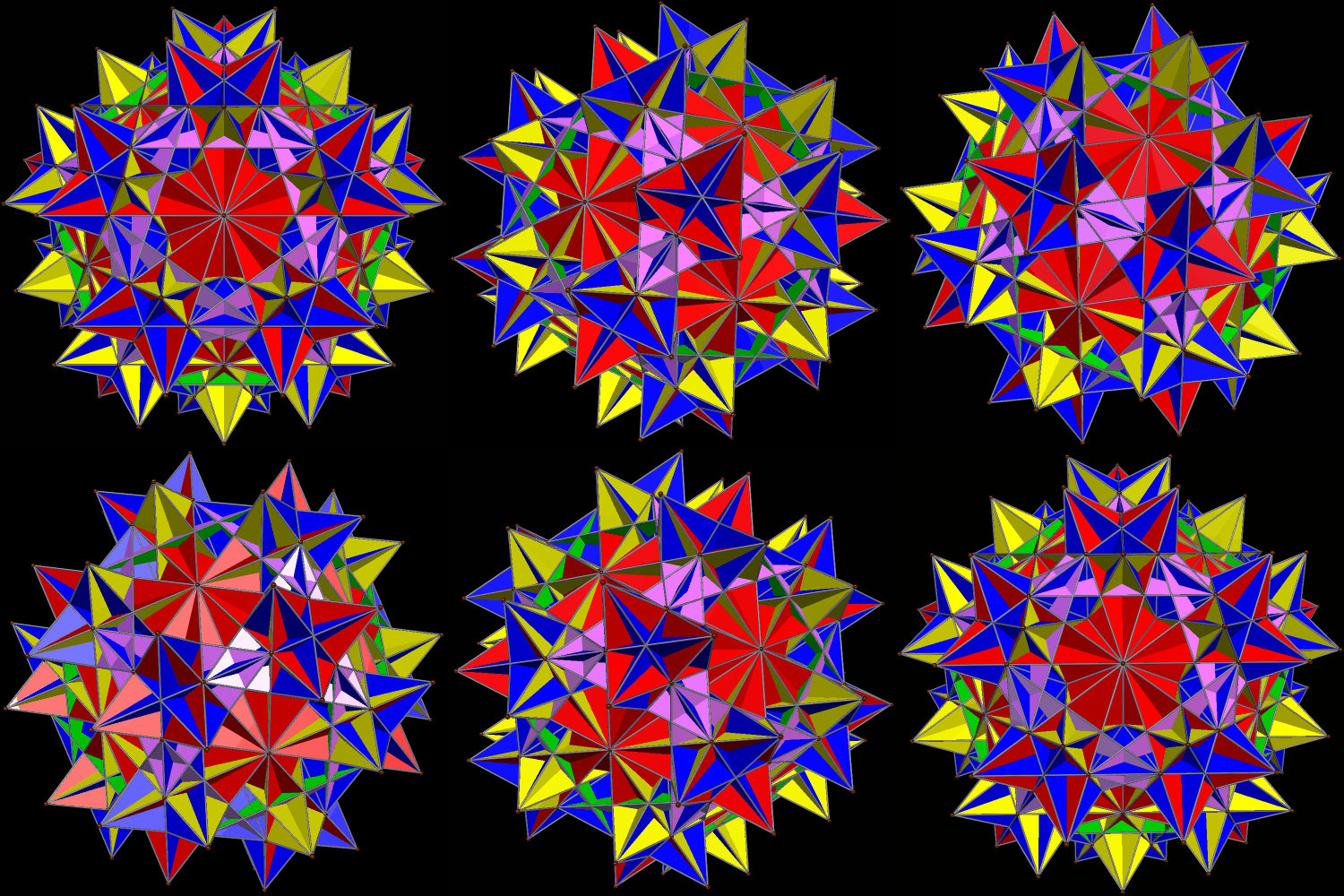
The great icosahedron, one of the Kepler-Poinsot solids, is hidden from view at the center of this cluster. Each of its faces is augmented with a Platonic icosahedron, producing what you see here. Stella 4d is the software I used; more information about that program may be found here.

Two Different Cluster-Polyhedra

Augmented Icosa with RIDs

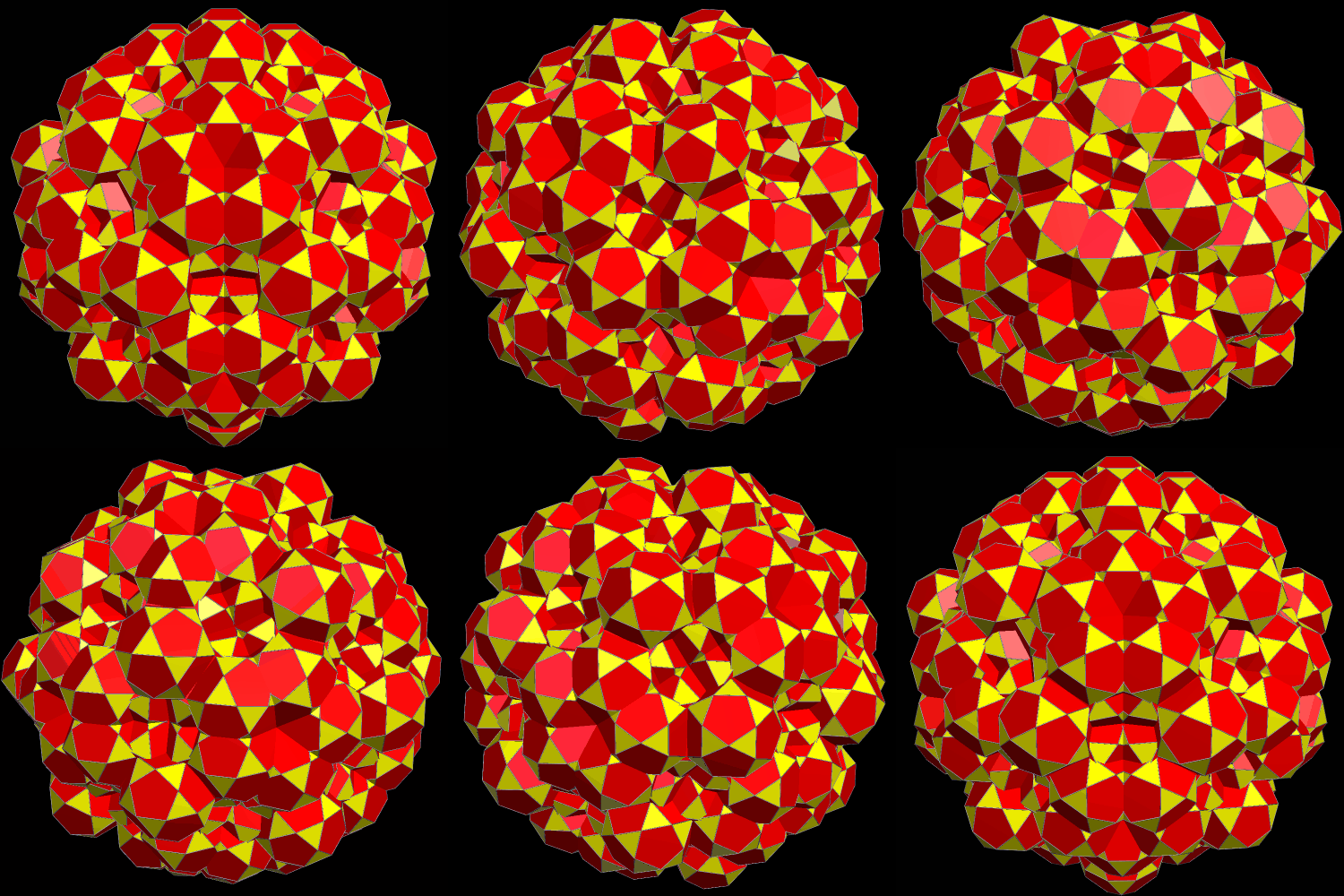
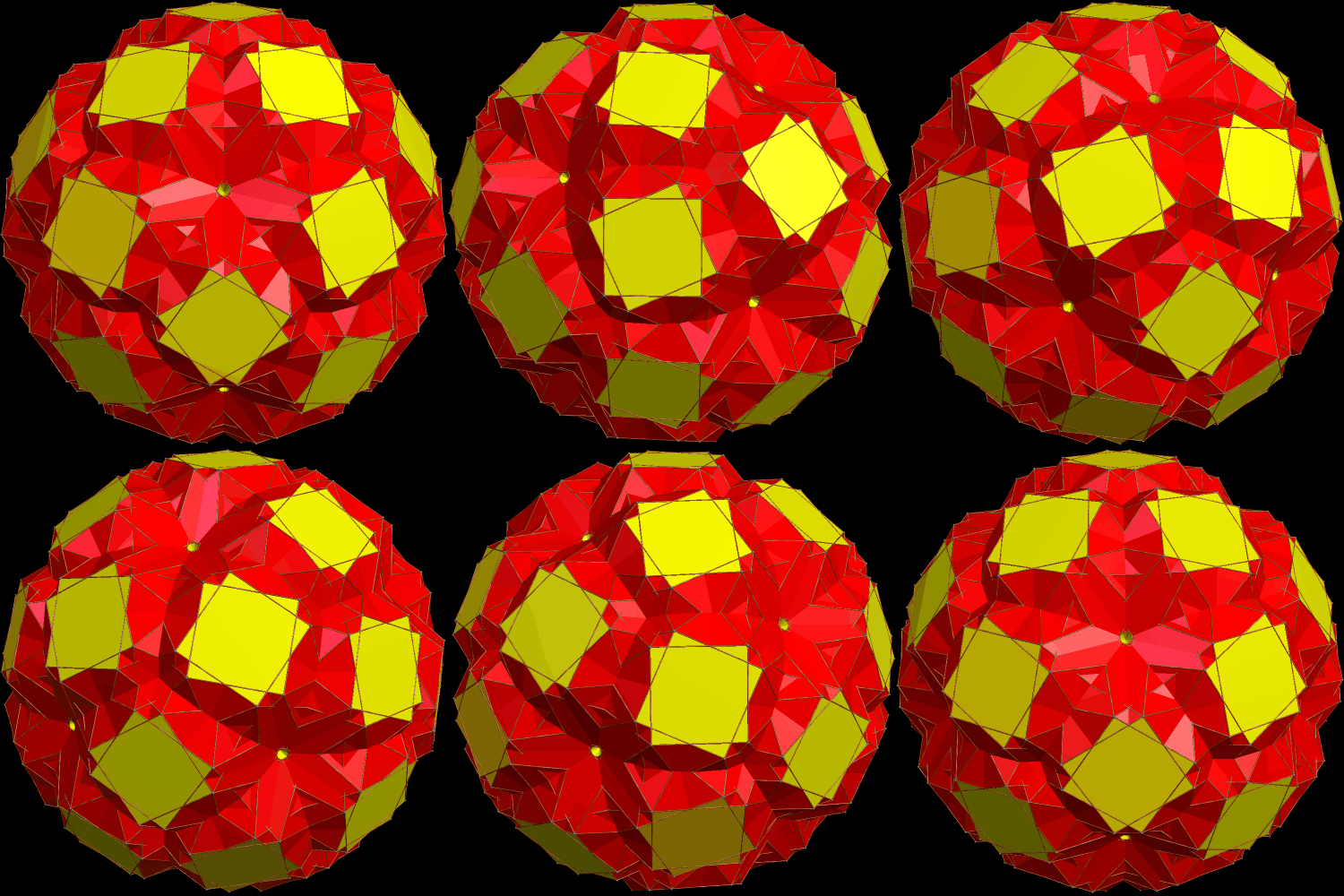
An icosahedron is hidden from view in the center of this cluster-polyhedron. To create the cluster, each of the icosahedron’s triangles was augmented with a rhombicosidodecahedron. The resulting cluster has the overall shape of a dodecahedron.

To create the next cluster-polyhedron, I started with the one above, and then augmented each of its triangular faces with icosidodecahedra. 

large cluster os icosidodecahedrons.gif

I used a program named Stella 4d: Polyhedron Navigator to create these cluster-polyhedra. This software may be bought (or tried for free) at this website

Two Views of an Icosahedron, Augmented with Great Icosahedra

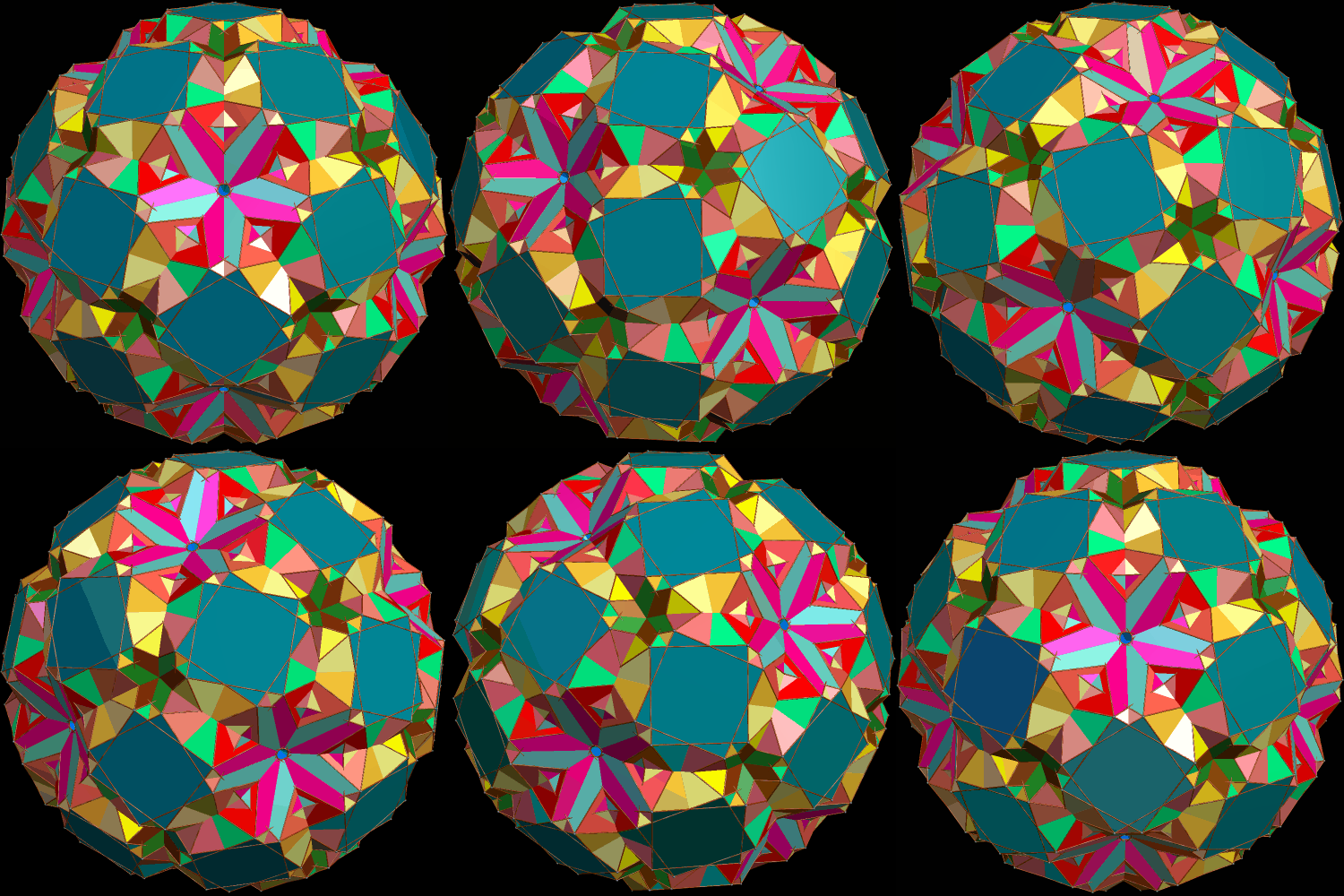
If colored by face-type, based on face-position in the overall solid, this “cluster” polyhedron looks like this:

Augmented Icosa using grt icosas

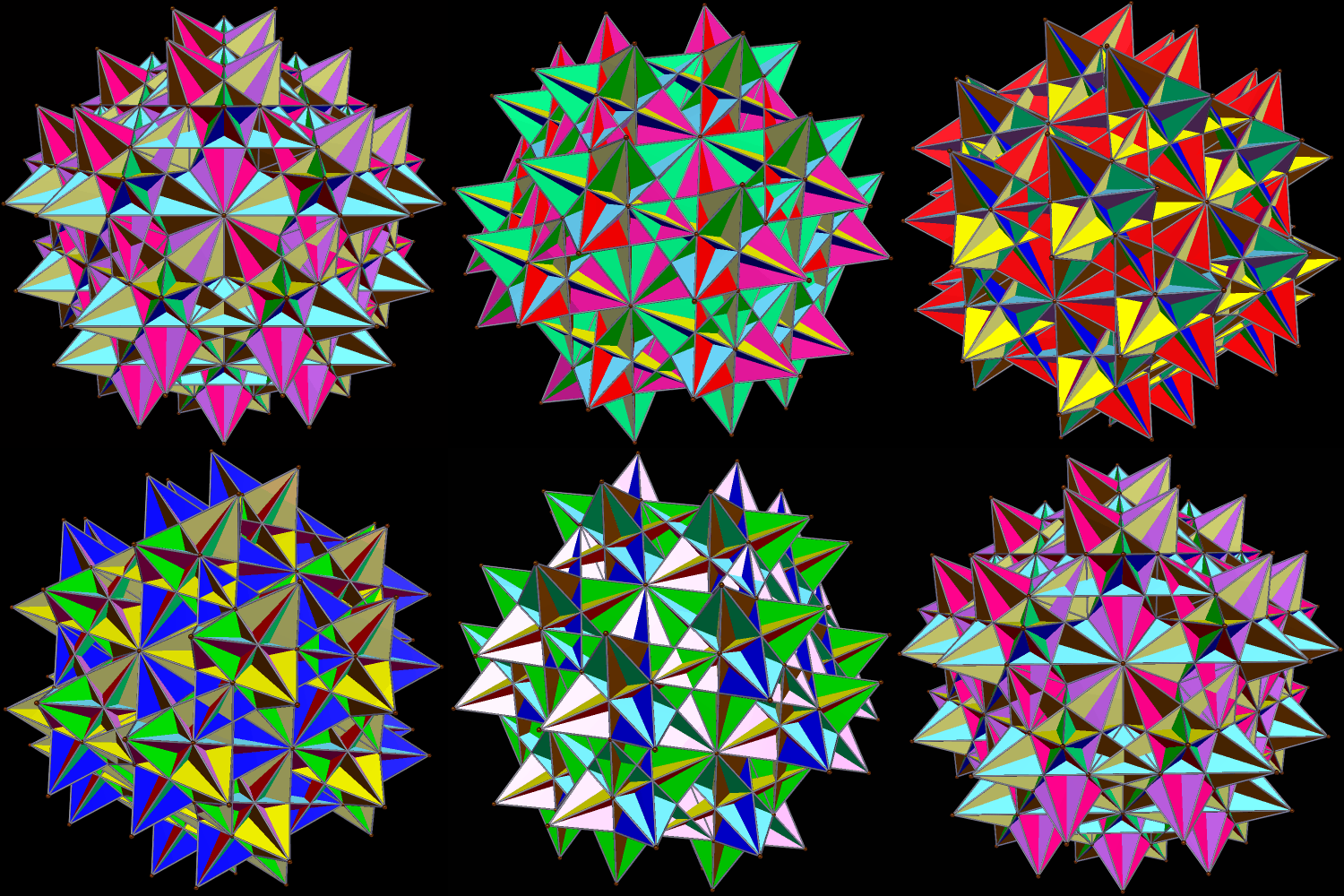
There is another interesting view of this polyhedral cluster I like marginally better, though, and that is to separate the faces into color-groups in which all faces of the same color are either coplanar, or parallel. It looks like this.

Augmented Icosa using grt icosas parallel faces colored together

Both versions were created by augmenting each face of a Platonic icosahedron with a great icosahedron, one of the four Kepler-Poinsot solids. I did this using Stella 4d: Polyhedron Navigator, available here.

Unsquashing the Squashed Meta-Great-Rhombcuboctahedron

I noticed that I could arrange eight great rhombcuboctahedra into a ring, but that ring, rather than being regular, resembled an ellipse.

Augmented Trunc Cubocta

I then made a ring of four of these elliptical rings.

Augmented Trunc Cubocta B

After that, I added a few more great rhombcuboctahedra to make a meta-rhombcuboctahedron — that is, a great rhombcuboctahedron made of rhombcuboctahedra. However, it’s squashed. (I believe the official term for this is “oblate,” but “squashed” also works, at least for me.)

Augmented Trunc Cubocta 3

So now I’m wondering if I can make this more regular. In other words, can I “unsquash” it? I notice that even this squashed metapolyhedron has regular rings on two opposite sides, so I make such a ring, and start anew.

Augmented Trunc Cubocta a

I then make a ring of those . . . 

Augmented Trunc Cubocta AA

. . . And, with two more ring-additions, I complete the now-unsquashed meta-great-rhombcuboctahedron. Success!

Augmented Trunc Cubocta AAA

To celebrate my victory, I make one more picture, in “rainbow color mode.”

Augmented Trunc Cubocta AAAR

[All images made using Stella 4d, available here: http://www.software3d.com/Stella.php.]

On Polyhedral Augmentation and Excavation

I have made many posts here using polyhedral augmentation, but what I haven’t done — yet — is explain it. I have also neglected the reciprocal function of augmentation, which is called excavation. It is now time to fix both these problems.

Augmentation is the easier of the two to explain, especially with images. The figure below call be seen as a blue icosahedron augmented, on a single face, by a red-and-yellow icosidodecahedron. It can also be viewed, with equal validity, as the larger figure (the icosidodecahedron) augmented, on a single triangular face, with an icosahedron.
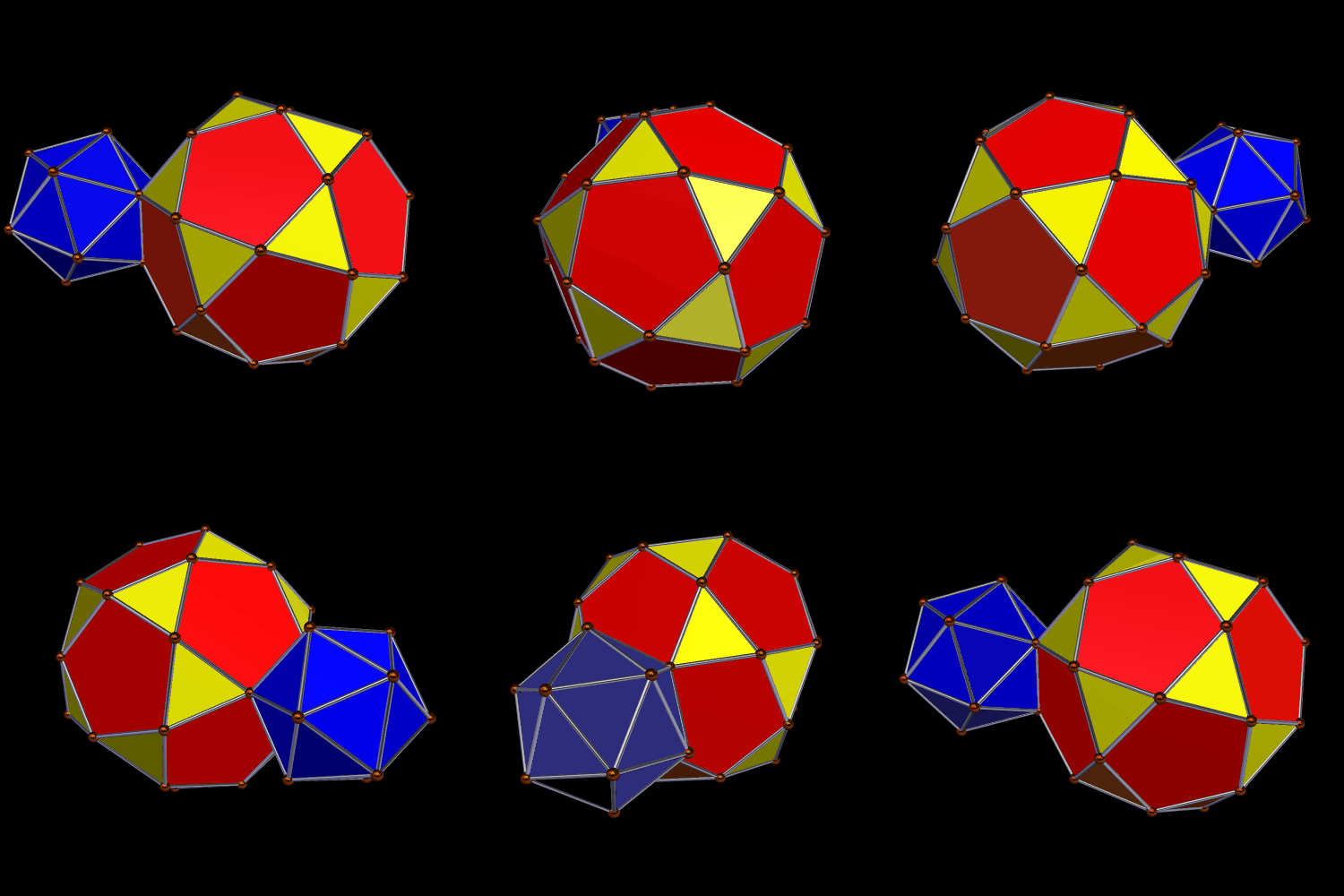
Augmented Icosa Icosidodeca one of each

When augmenting an icosidodecahedron with an icosahedron in this manner, one simply attaches the icosahedron to a triangular face of the icosidodecahedron. The reciprocal process, excavation, involves “digging out” one polyhedral shape from the other. Here is what an icosidodecahedron looks like, after having an icosahedron excavated from it, on a single triangular face.
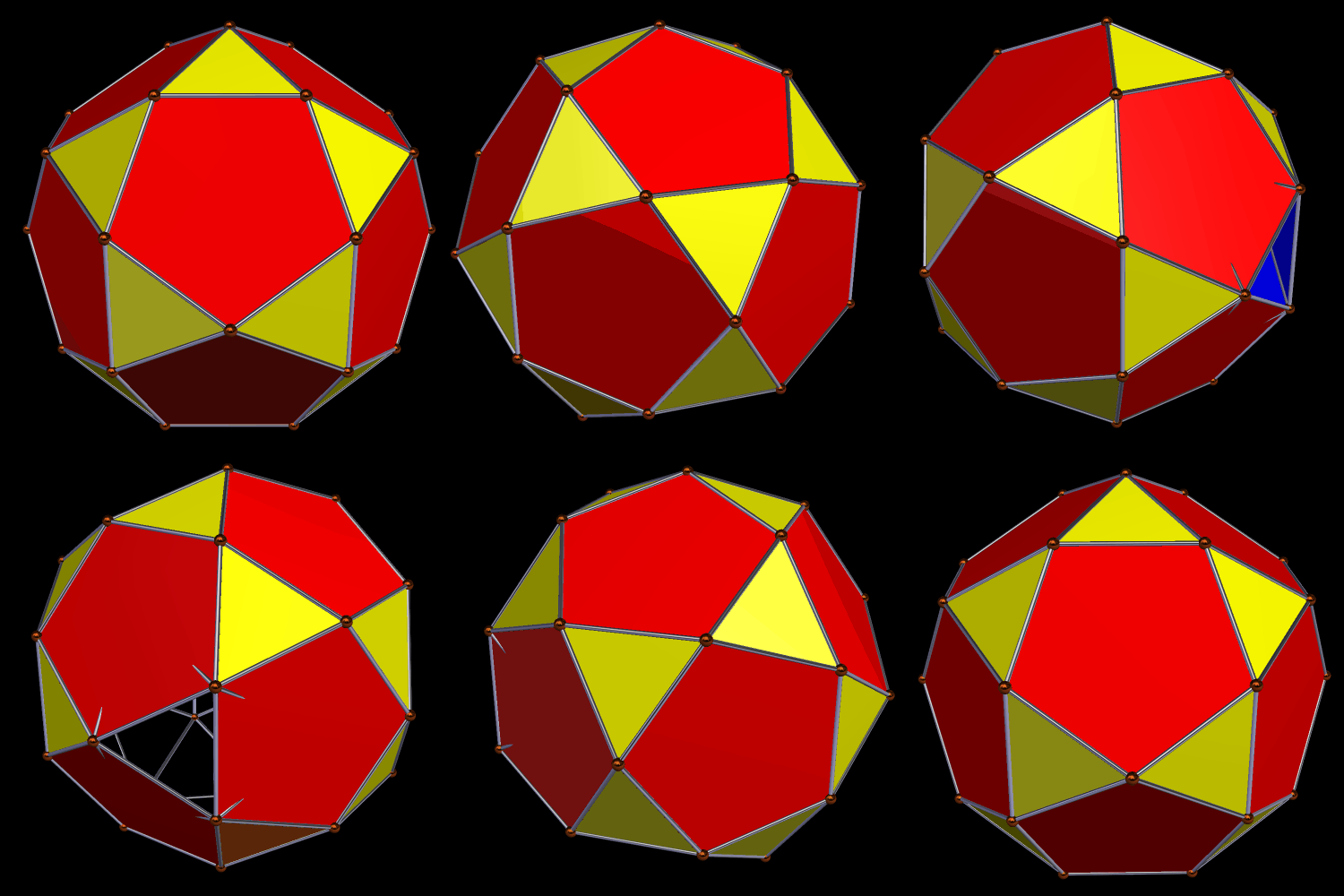
aug Icosidodeca with excavated icosahedron

Excavating the smaller polyhedron from the larger one is easier to picture in advance, just as one can imagine what the Earth would look like, if a Moon-sized sphereoid were excavated from it, with a large, round hole making the excavation visible. (This is mathematics, not science, so we’re ignoring the fact that gravity would instantly cause the collapse of such a compound planetary object, with dire consequences for all inhabitants.) What’s more difficult is picturing what would result if this were turned around, and the Earth was used to excavate the Moon.

This “Earth-excavated Moon” idea is analogous to excavating the larger icosidodecahedron from the smaller icosahedron. If one thinks of subtracting the volume of one solid from that of the other, such a creature should have negative volume — except, of course, that this makes no sense, which is consistent with the fact that it would be impossible to do such a thing with physical objects: there isn’t enough matter in the Moon to remove an Earth’s worth of matter from the Moon. Also, moving back to polyhedra, with excavation only into a single face, it turns out that there is no change in appearance when the excavation-order is reversed:
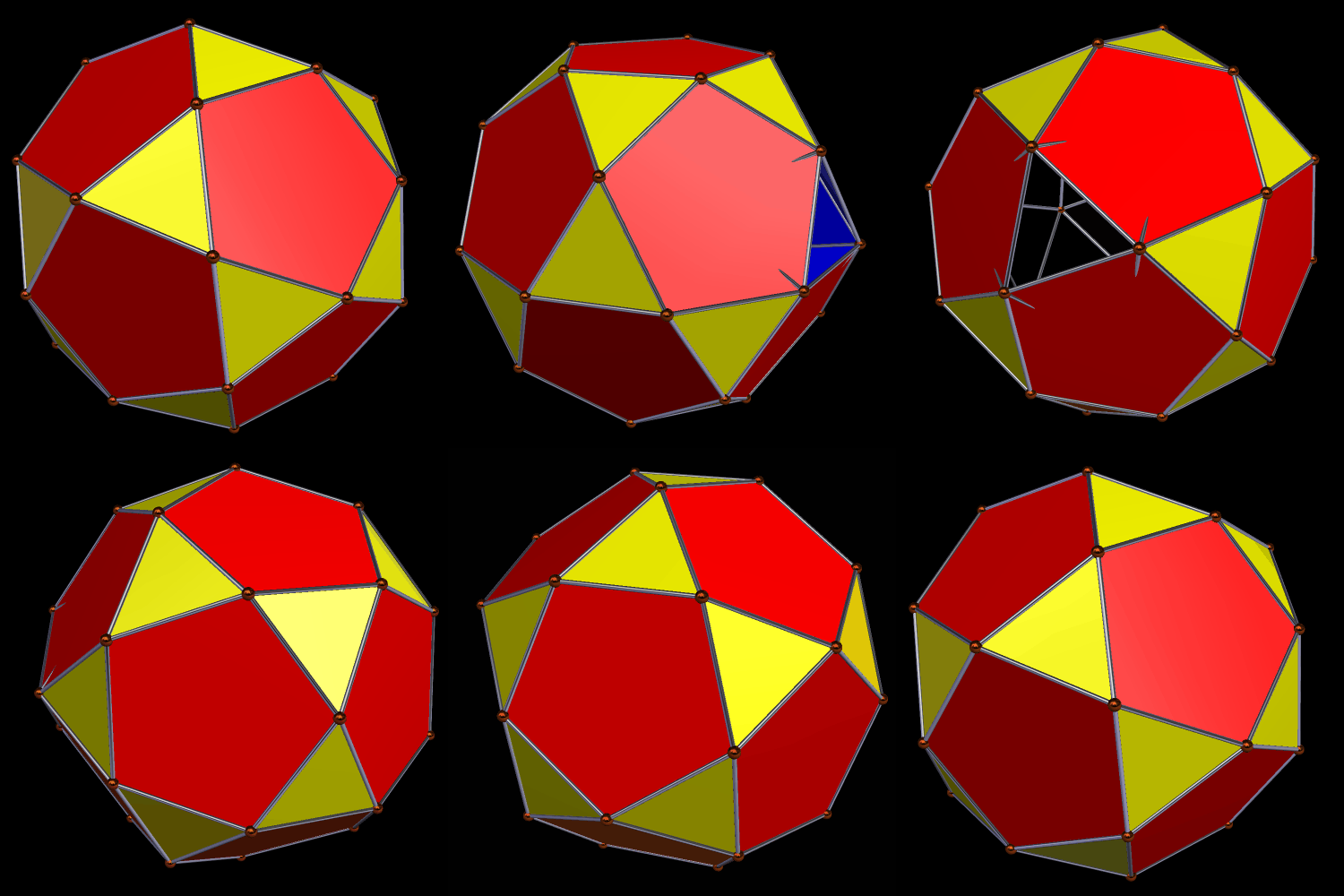
Augmented Icosa with icosidodeca excavated from one face

(Well, OK, there was a small change in appearance between the two images, but that’s only because I changed the viewing angle a bit, to give you a better view of the blue faces.)

Things get different — and the augmentation- and excavation-orders begin to matter a lot more — when these operations are performed on all available faces at once, which, in this case, means on all twenty of each polyhedron’s triangular faces. Here is the easiest case to visualize: an icosidodecahedron, augmented by twenty icosahedra.

Augmented Icosidodec surrounded by icosas

If you use the reciprocal function, excavation, but leave the order of polyhedra the same, you get a central icosidodecahedron, excavated by twenty smaller, intersecting icosahedra:
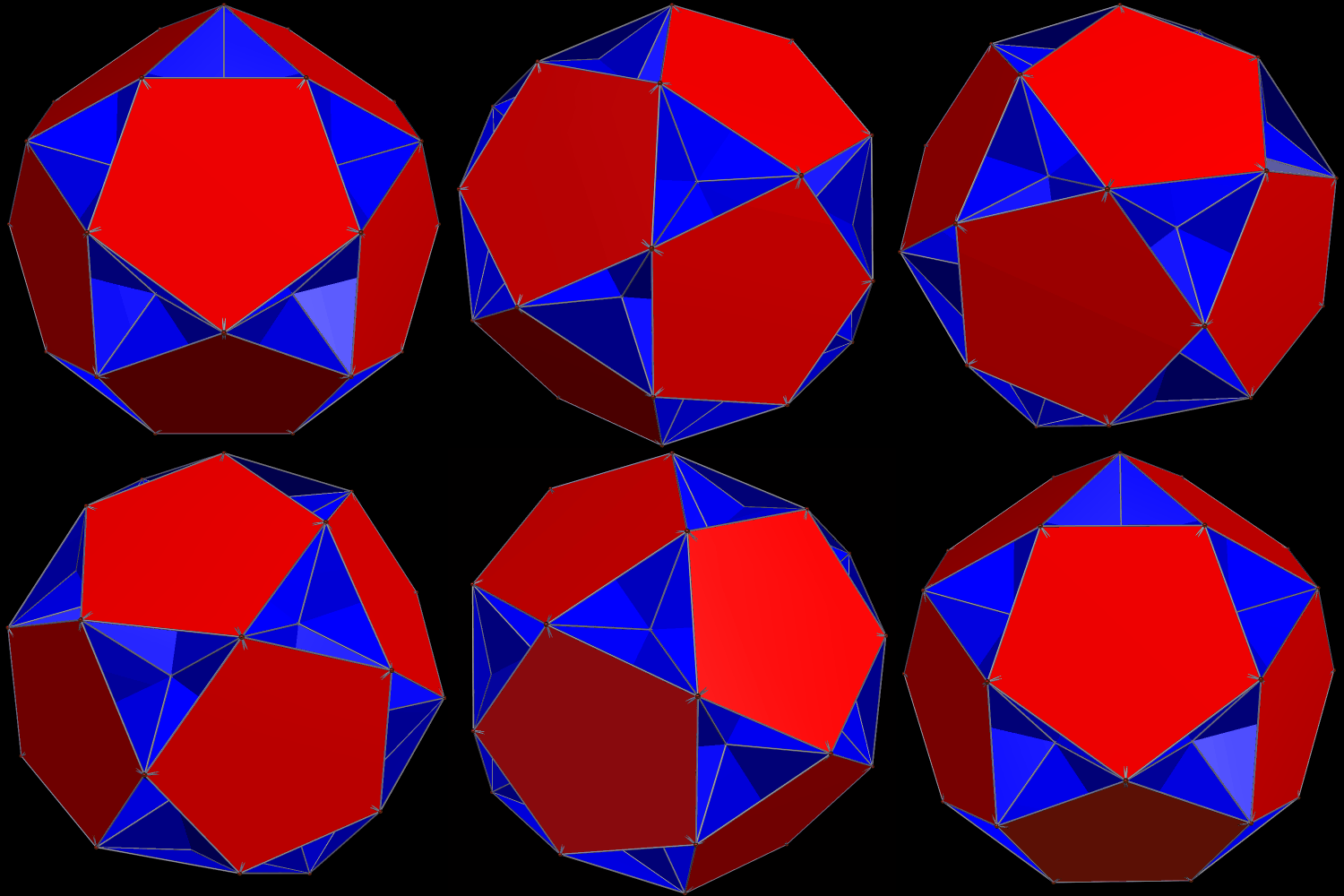
Augmented Icosidodeca excavated by icosas

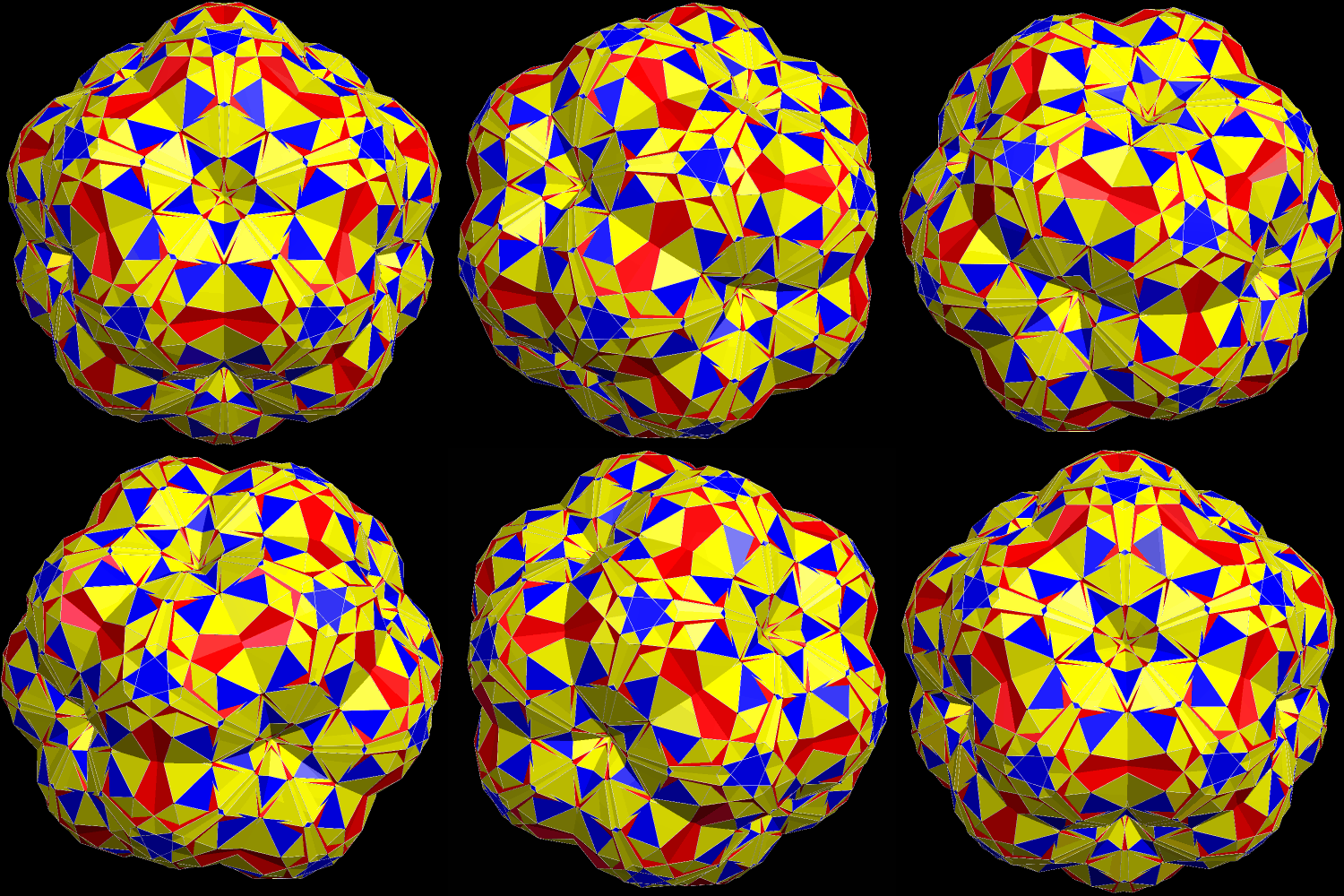
It is, of course, possible to have other combinations. The ones I find most interesting, using these two polyhedra, are “global” augmentation and excavation of the smaller figure, the icosahedron, by twenty of the larger ones, the icosidodecahedra. Why? Simple: putting the icosidodecahedra on the outside allows for maximum visibility of both pentagons and triangles. On the other hand, the central icosahedron is completely hidden from view, whether augmentation or excavation is used. Here is the augmentation case, or what I have called a “cluster” polyhedron, many varieties of which can be seen elsewhere on this blog (just search for “cluster,” or “cluster polyhedron,” to find them):
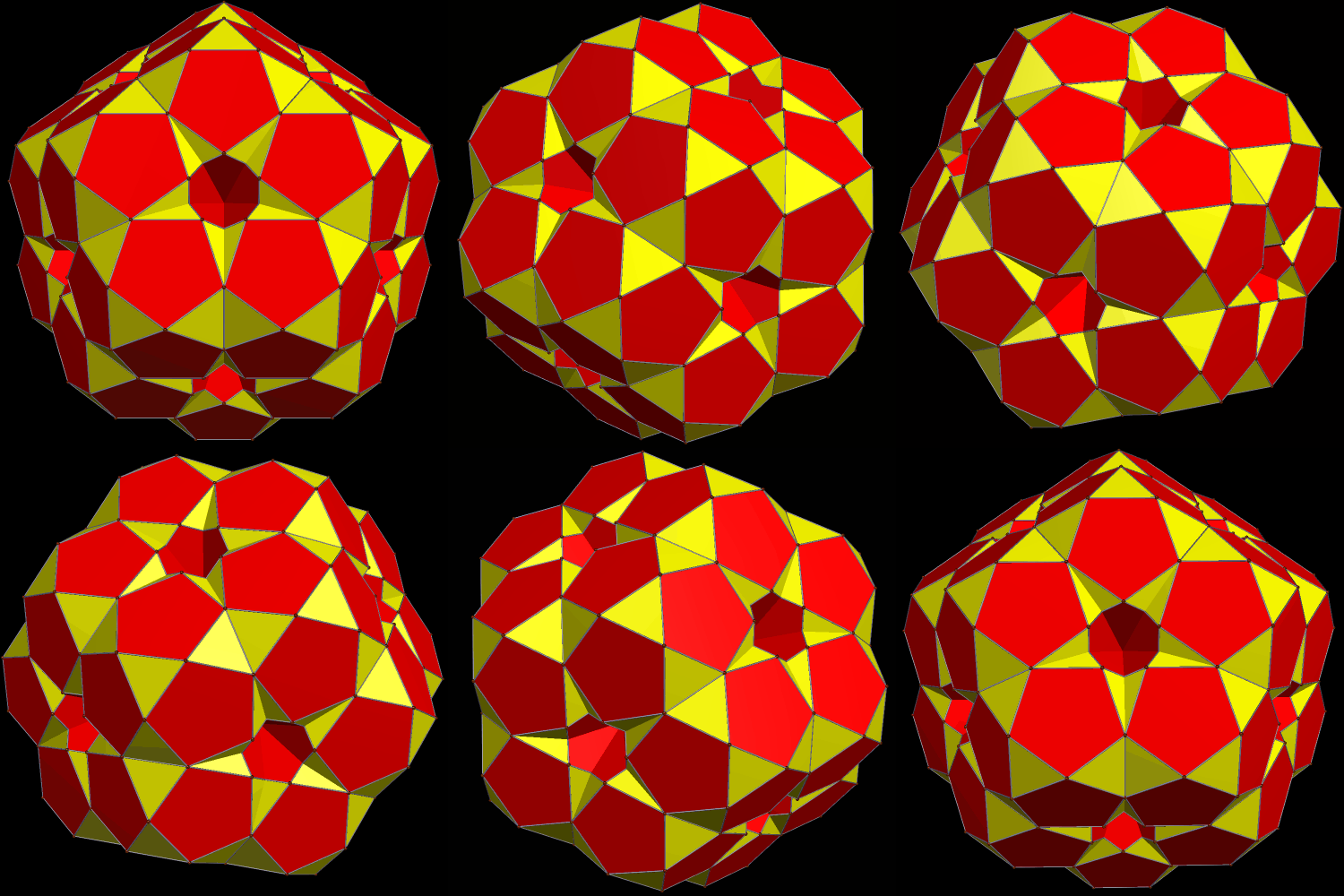
Augmented Icosa

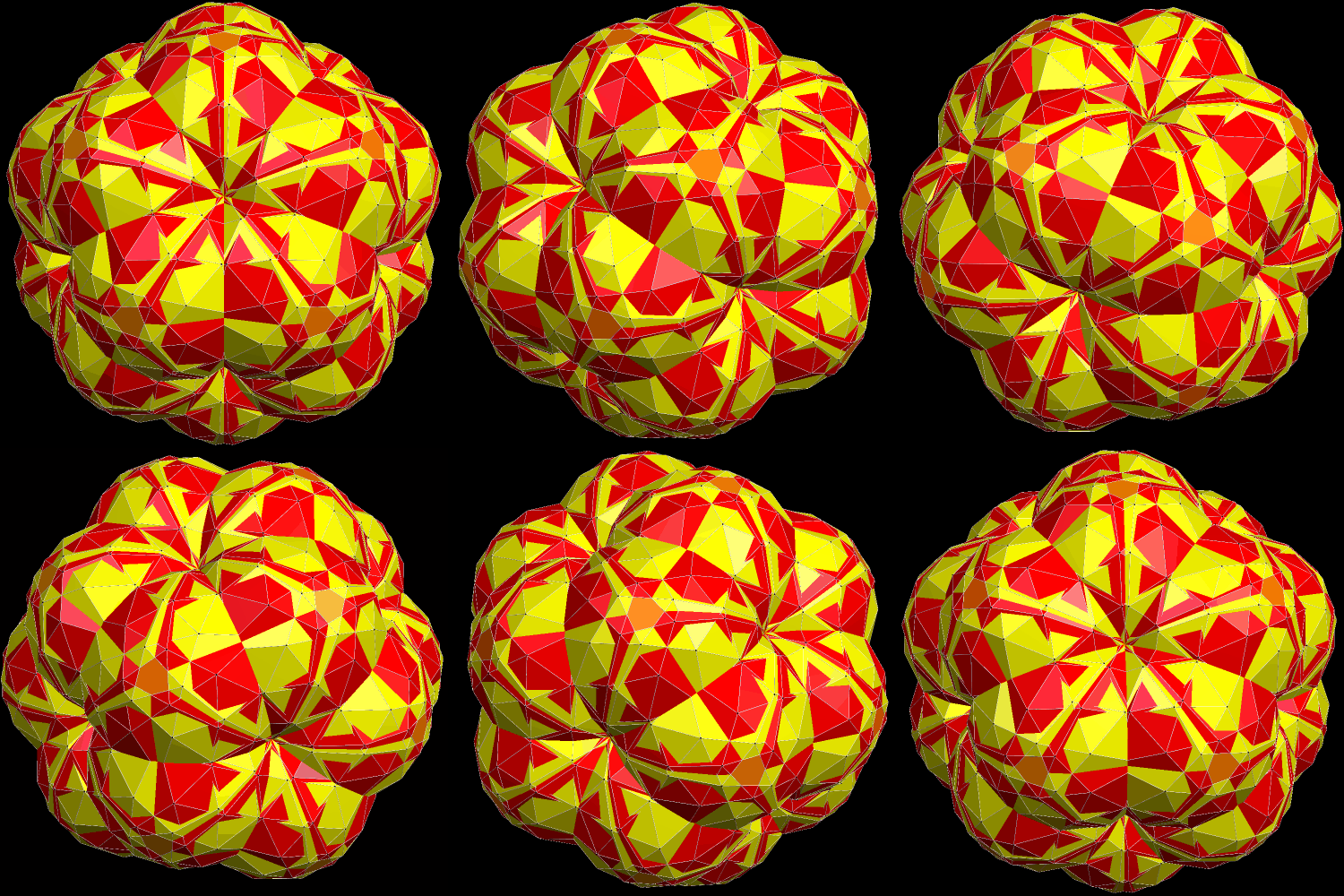
The global-excavation case which has the icosahedron hidden in the middle is similar to the cluster immediately above, in that all that can be seen are twenty intersecting icosidodecahedra. However, it also varies noticeably, because, with excavation, the icosidodecahedra are closer to the center of the entire cluster (the invisible, central icosahedron’s center) than was the case with augmentation. The last image here is of an invisible, central icosahedron, with an icosidodecahedron excavated from all twenty triangular faces. The larger polyhedra “punch through” the smaller one from all sides at once, trapping the central polyhedron — the blue icosahedron — from view. The remaining object looks, to me at least, more like a faceted icosidodecahedron than a cluster-polyhedron. I am of the opinion, but have not verified, that this resemblance to a faceting of the icosidodecahedron is illusory.
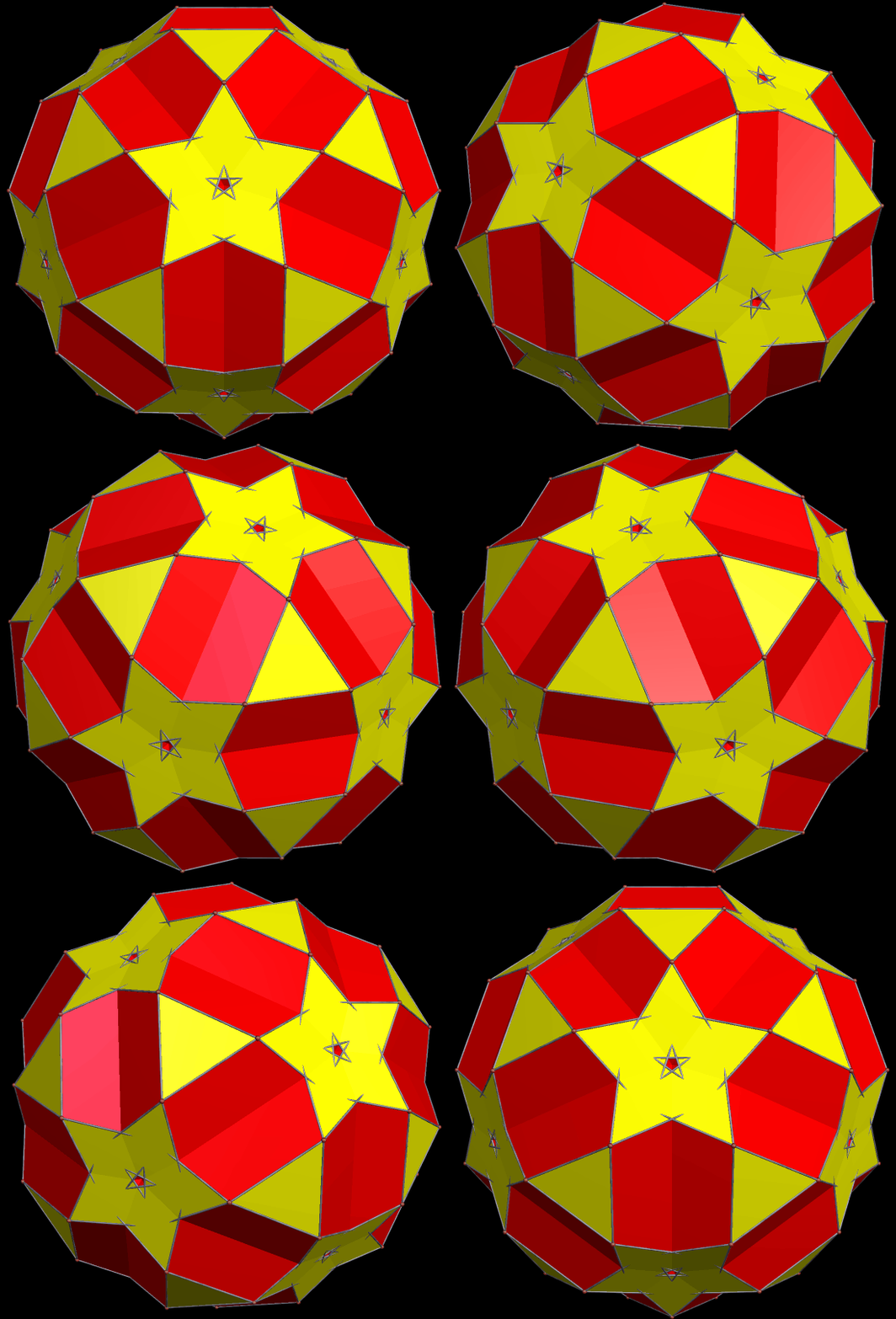
aug tWENTY ICOSIDODECAS EXCAVATED FROM AN ICOSA

[Image credits: all images in this post were made using Stella 4d: Polyhedron Navigator. This program may be purchased, or tried as a free trial download, at http://www.software3d.com/Stella.php.]

A Cluster of 33 Truncated Icosahedra

Augmented Trunc Icosa

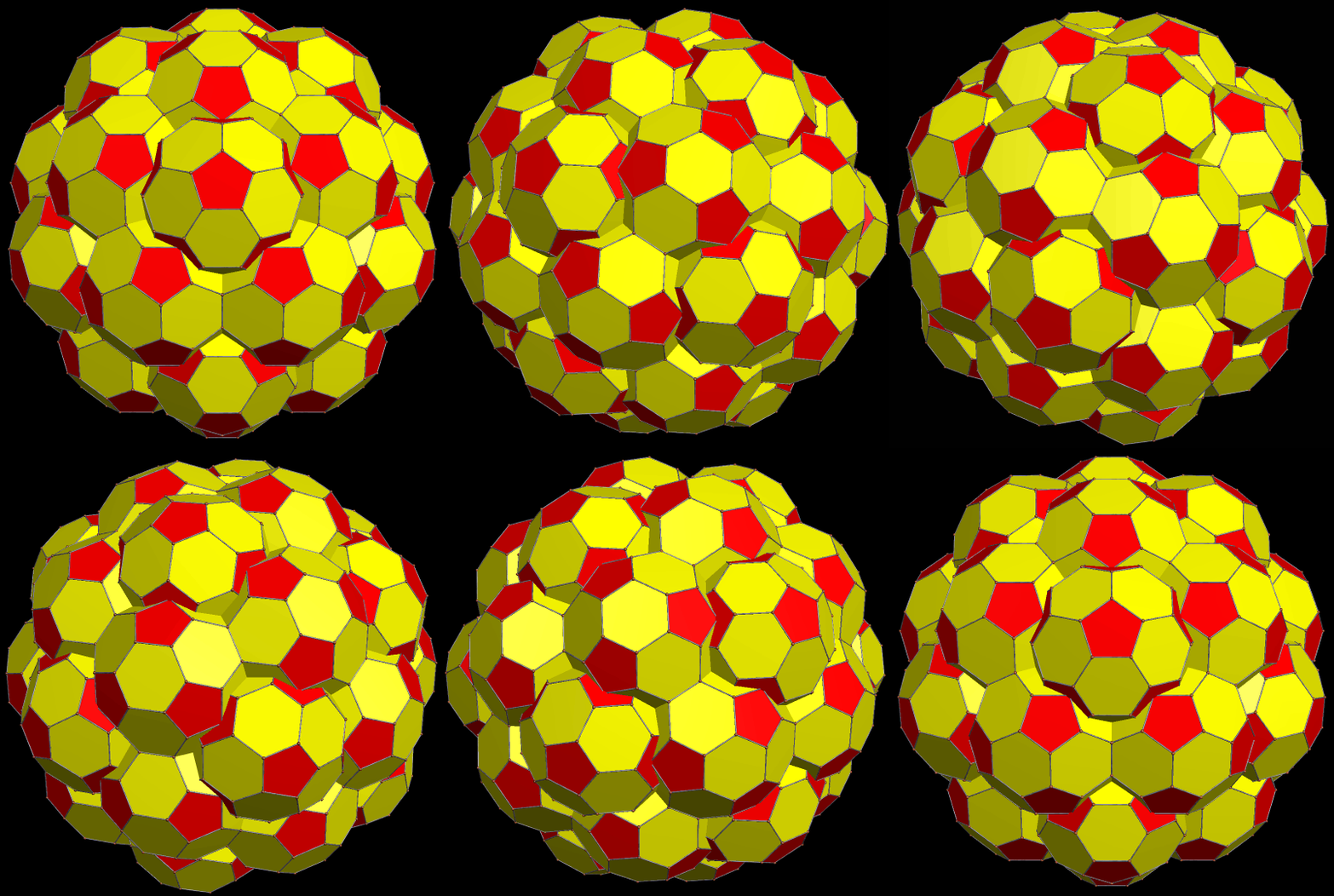
There is one truncated icosahedron at the center of this cluster, and each of its 32 faces is augmented with another truncated icosahedron, for a total of 33. I built this cluster using Stella 4d, software available here.

Some Enantiomorphic-Pair Compounds

In the last post here, three different color-versions of the same cluster-polyhedron were shown. Since this cluster-polyhedron is chiral, it is possible to make a compound of it, and its own enantiomer (or “mirror-image,” if you prefer). This first image shows that, with the face-color chosen by the number of sides of each face.

c5c augmented with snub cubes Compound of enantiomorphic pair

Shown next is the dual of this figure, also colored by the number of sides of each face.

c5c augmented with snub cubes Compound of enantiomorphic pair dual colored by number of sides of each face

Next, another image of the first compound shown here, but with the colors chosen by face-type (referring to each face’s position in the overall polyhedron).

c5c augmented with snub cubes Compound of enantiomorphic pair colored by face type

Finally, here is the dual, again, also with colors chosen by face-type.

c5c augmented with snub cubes Compound of enantiomorphic pair dual colored by face type

All four of these images were generated with Stella 4d, a computer program available at http://www.software3d.com/Stella.php.

The Compound of Five Cubes, Augmented with Thirty Snub Cubes: Three Versions

Cubes 5 augmented by 30 snub cubes

This cluster-polyhedron was made with Stella 4d, software you can try at this website. Above, it is colored by face-type, referring to each face’s position within the overall cluster. In the image below, the original compound of five cubes contained one cube each, of five colors, and then each snub cube “inherited” its color from the cube to which it was attached.

Cubes 5

In the next version, the colors are chosen by the number of sides of each face.

Cubes 5

A Cluster of Thirty-One Rhombic Enneacontahedra

31 RECs

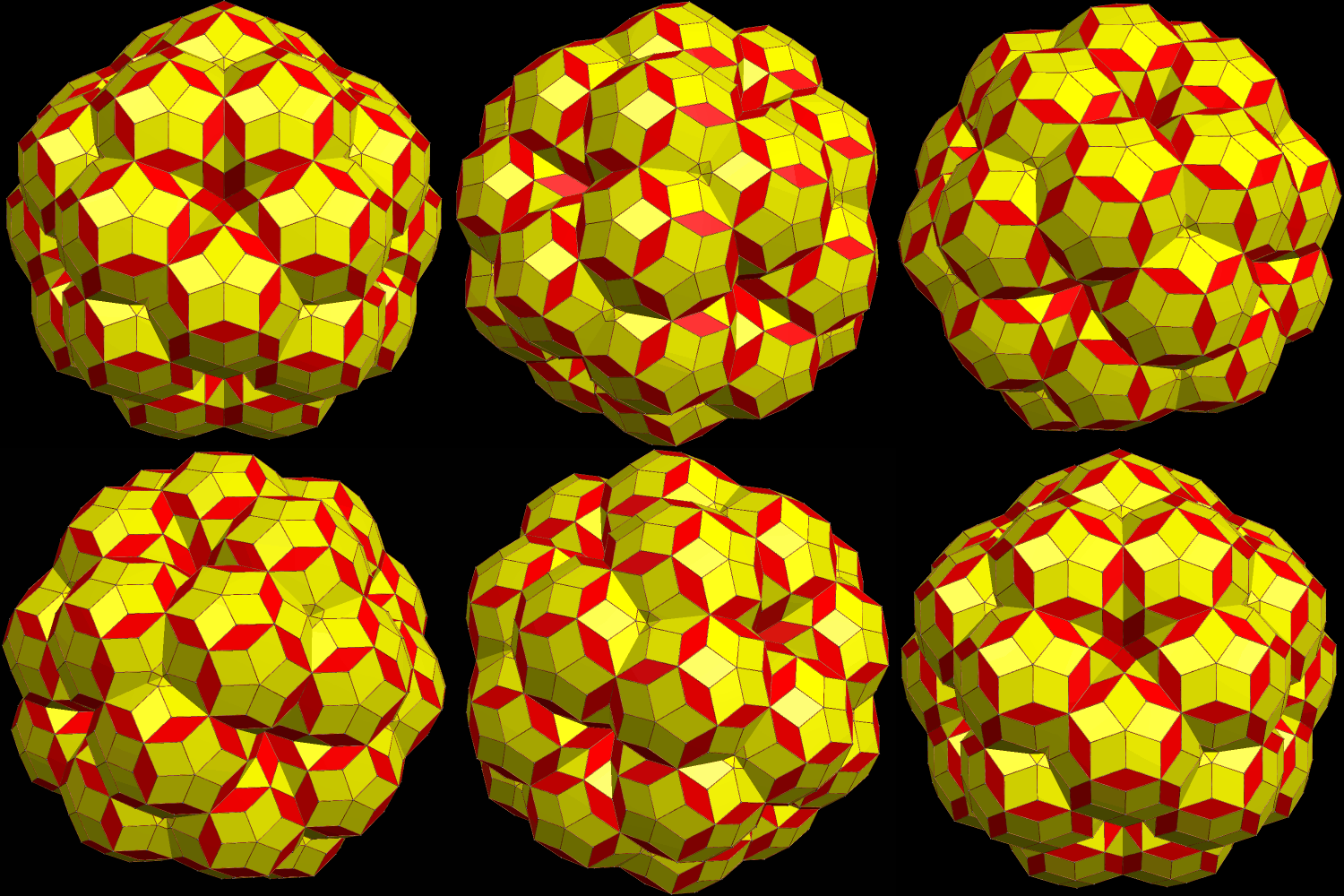
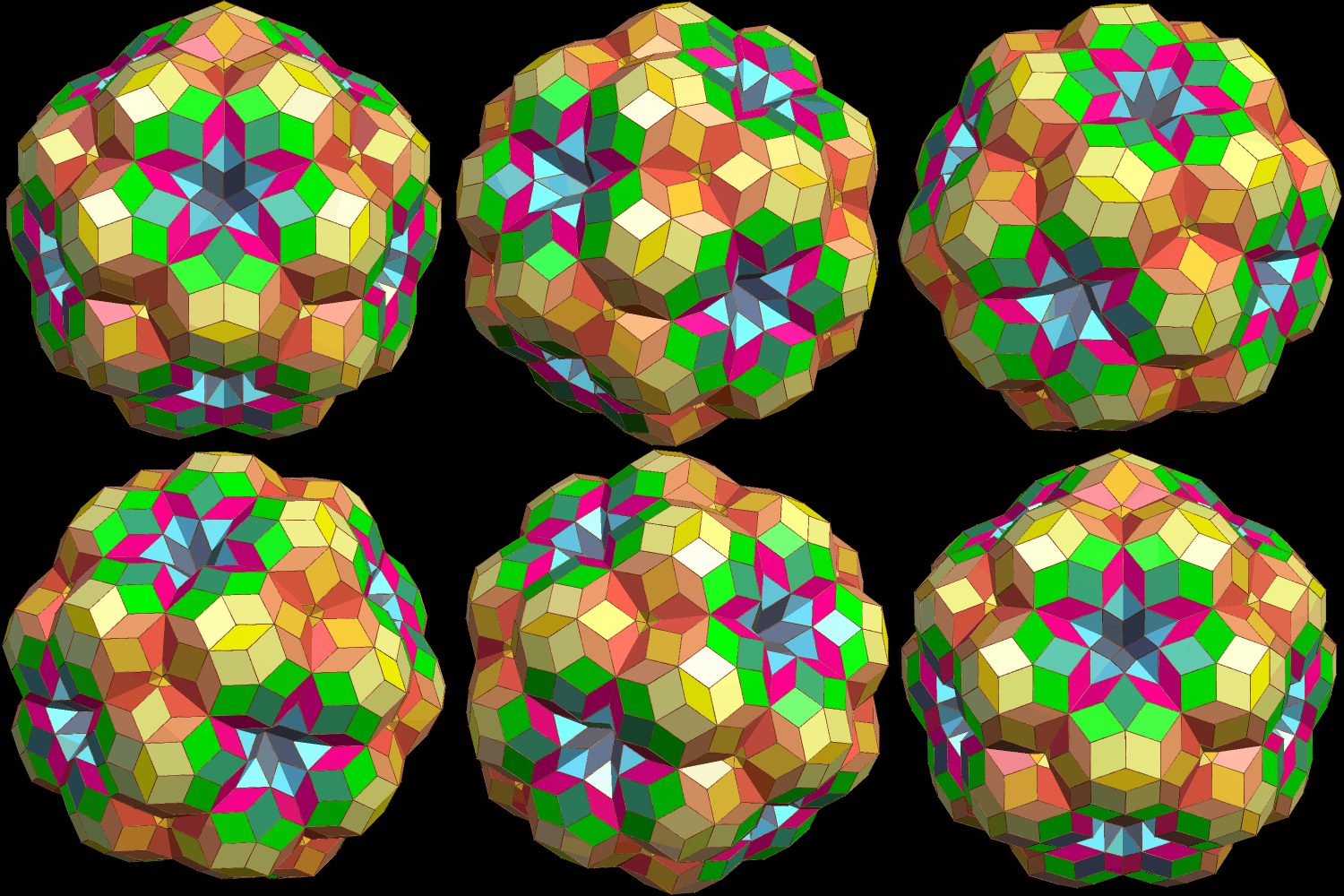
The rhombic enneacontahedron has thirty faces which are narrow rhombi, and sixty faces which are wider rhombi. It is also known as a vertex-based zonohedrified dodecahedron. To create this cluster-polyhedron, I started with one rhombic enneacontahedron in the center, and then augmented its thirty red faces (the narrow rhombi) with additional rhombic enneacontahedra. In the image above, I kept the yellow color for all the wide rhombi, and red for all the narrow ones. In the next image, however, the rhombi are colored by face type, referring to their position in the entire cluster-polyhedron.

31 RECs 2

Software credit: I created this using Stella 4d, software you can buy, or try for free, at this website.

An Icosahedron, Augmented by Snub Dodecahedra, Plus Two Versions of a Related Polyhedral Cluster

Icosa augmented by snub dodecahedra

Because the snub dodecahedron is chiral, the polyhedral cluster, above, is also chiral, as only one enantiomer of the snub dodecahedron was used when augmenting the single icosahedron, which is hidden at the center of the cluster.

As is the case with all chiral polyhedra, this cluster can be used to make a compound of itself, and its own enantiomer (or “mirror-image”):

Compound of enantiomorphic pair of snub-dodeca-augemented icosahedra

The image above uses the same coloring-scheme as the first image shown in this post. If, however, the two enantiomorphic components are each given a different overall color, this second cluster looks quite different:

Compound of enantiomorphic pair of snub-dodeca-augemented icosahedra colored by chirality

All three of these virtual models were created using Stella 4d, software available at this website.