A Tessellation Featuring Regular Octagons, Regular Hexagons, Squares, and Isosceles Trapezoids

Image

A Tessellation Featuring Regular Octagons, Regular Hexagons, and Convex Pentagons

Image

Eights

This began with an {8/3} star octagon. It then started spreading.

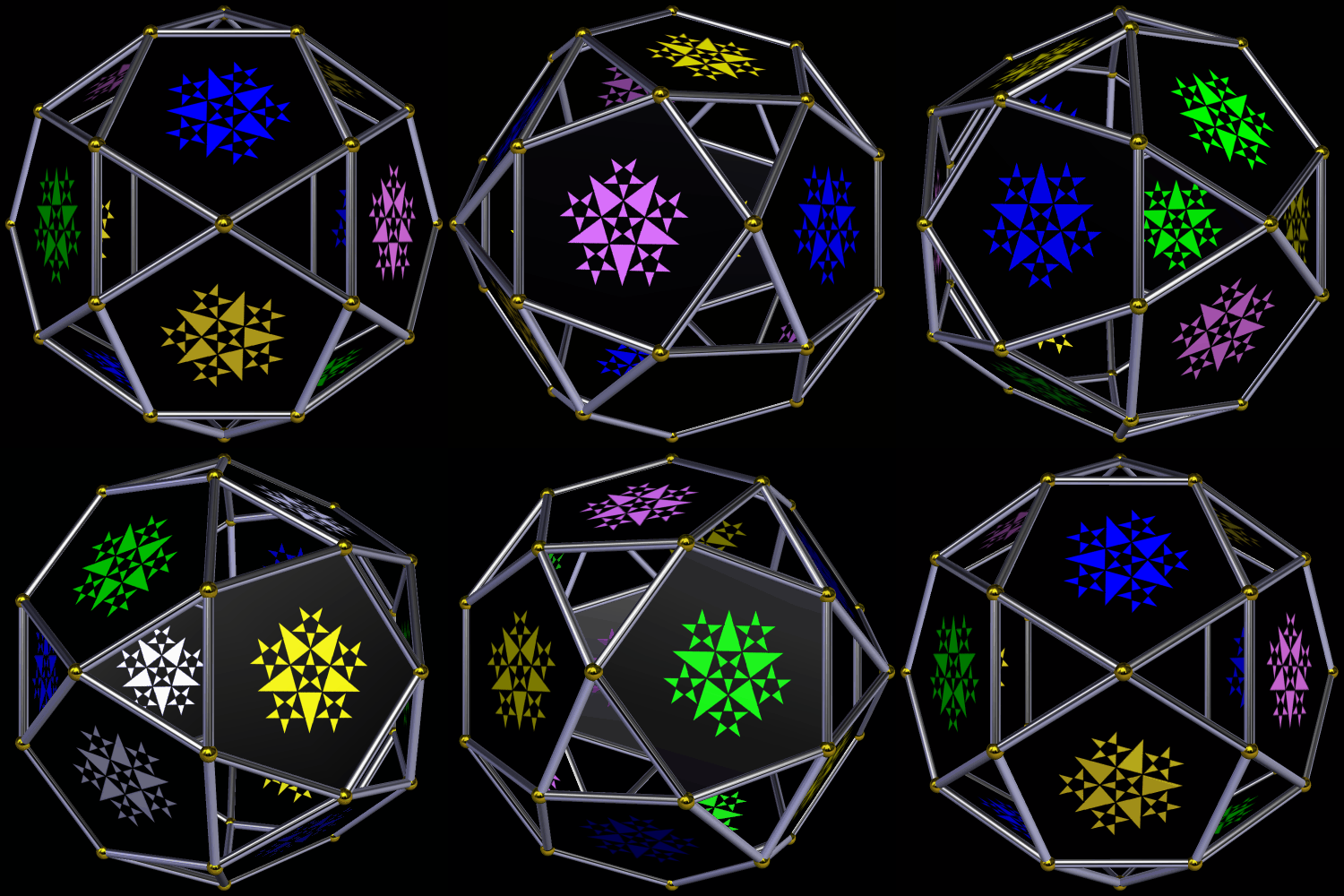
A Starry Icosidodecahedron

The stars on the pentagonal faces were drawn using Geometer’s Sketchpad and MS-Paint. The icosidodecahedron itself was created using Stella 4d: Polyhedron Navigator, which you can try for free at http://www.software3d.com/Stella.php.

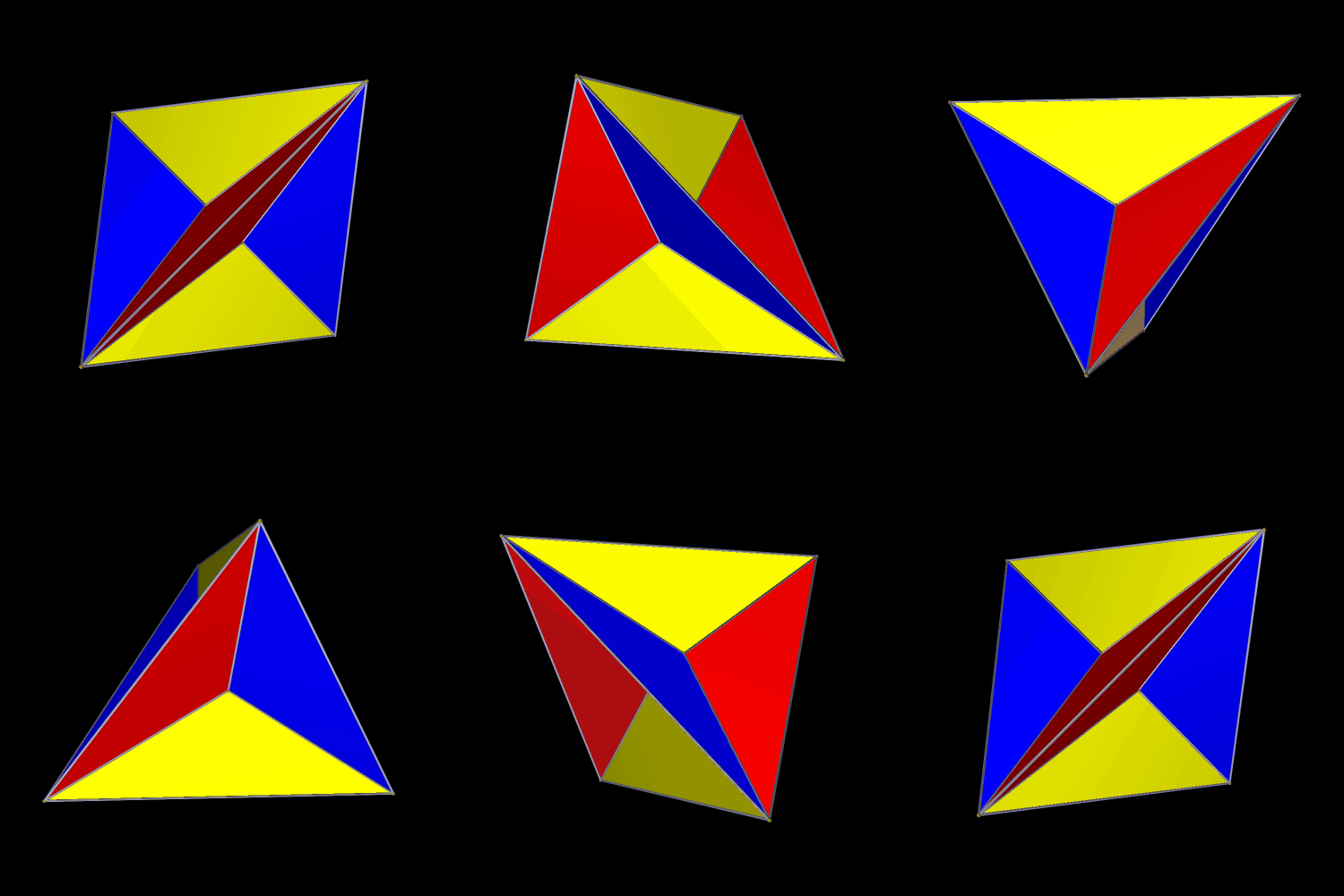
An Excavated Tetrahedron

Polyhedral excavation is the opposite of augmentation. In this excavated tetrahedron, short pyramids have been removed from each face. I made this using Stella 4d, which can be tried for free at this website.

A Compound of Three Elongated Tetrahedra

I made this using Stella 4d, a program you can try for free at http://www.software3d.com/Stella.php.

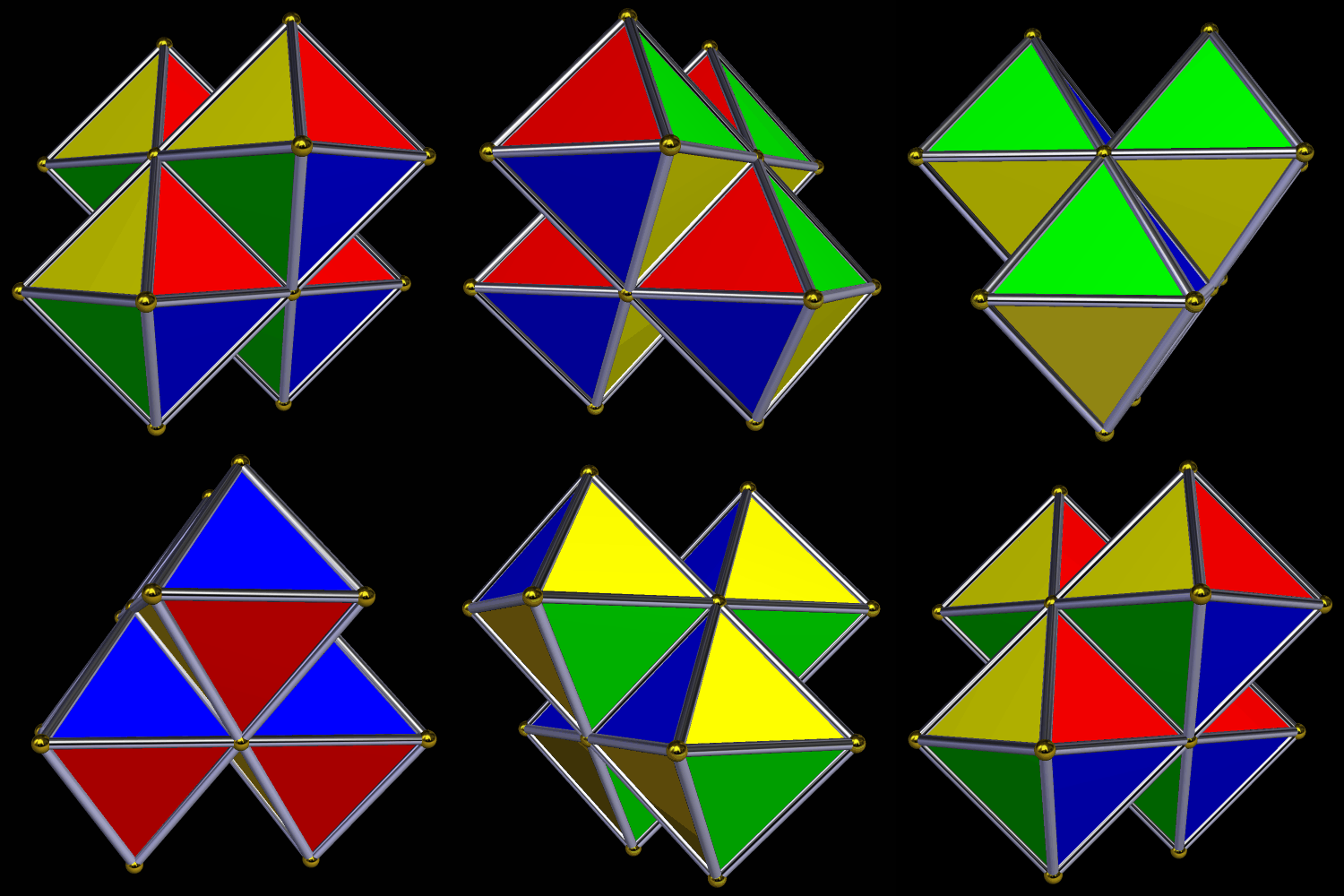
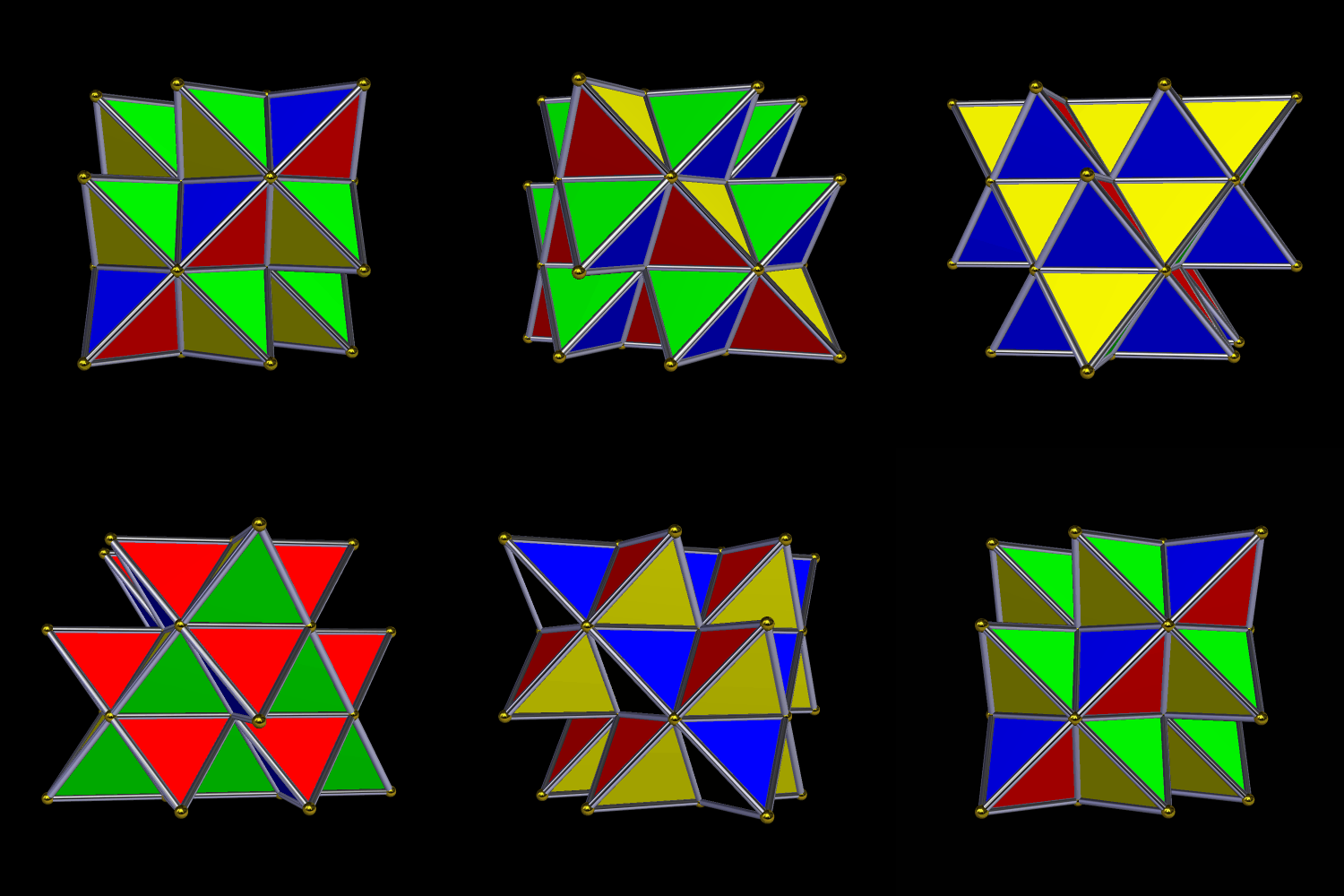
Four Octahedra

There’s a tetrahedron in the center of this figure, but you can’t see it because it is covered on all sides by octahedra. I made this using Stella 4d, which you can try for free at this website.

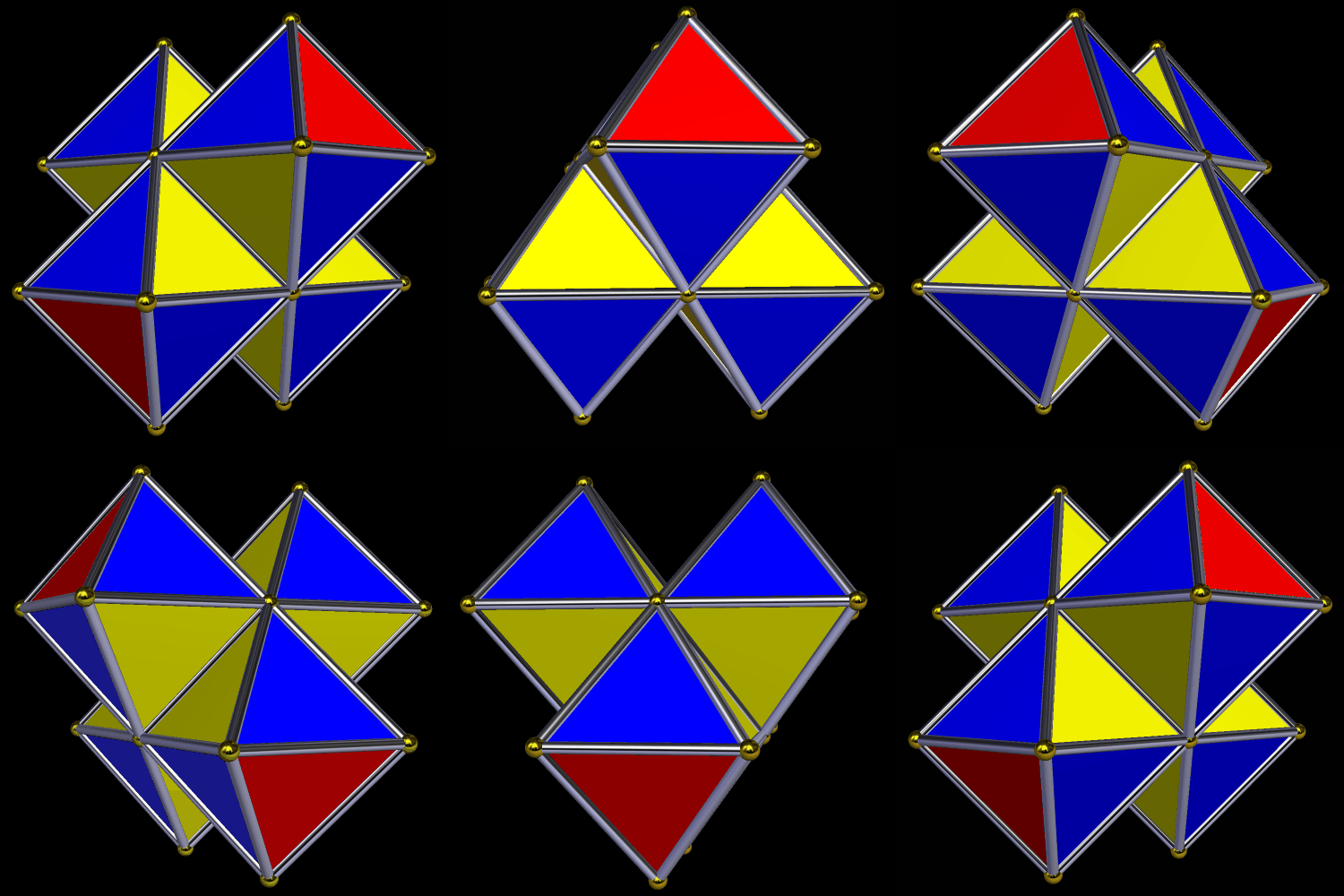
Here’s another version, with a different coloring-scheme.

Five Tetrahedra

I made this variation of Kepler’s Stella Octangula, using Stella 4d, software you can try for free at this website.

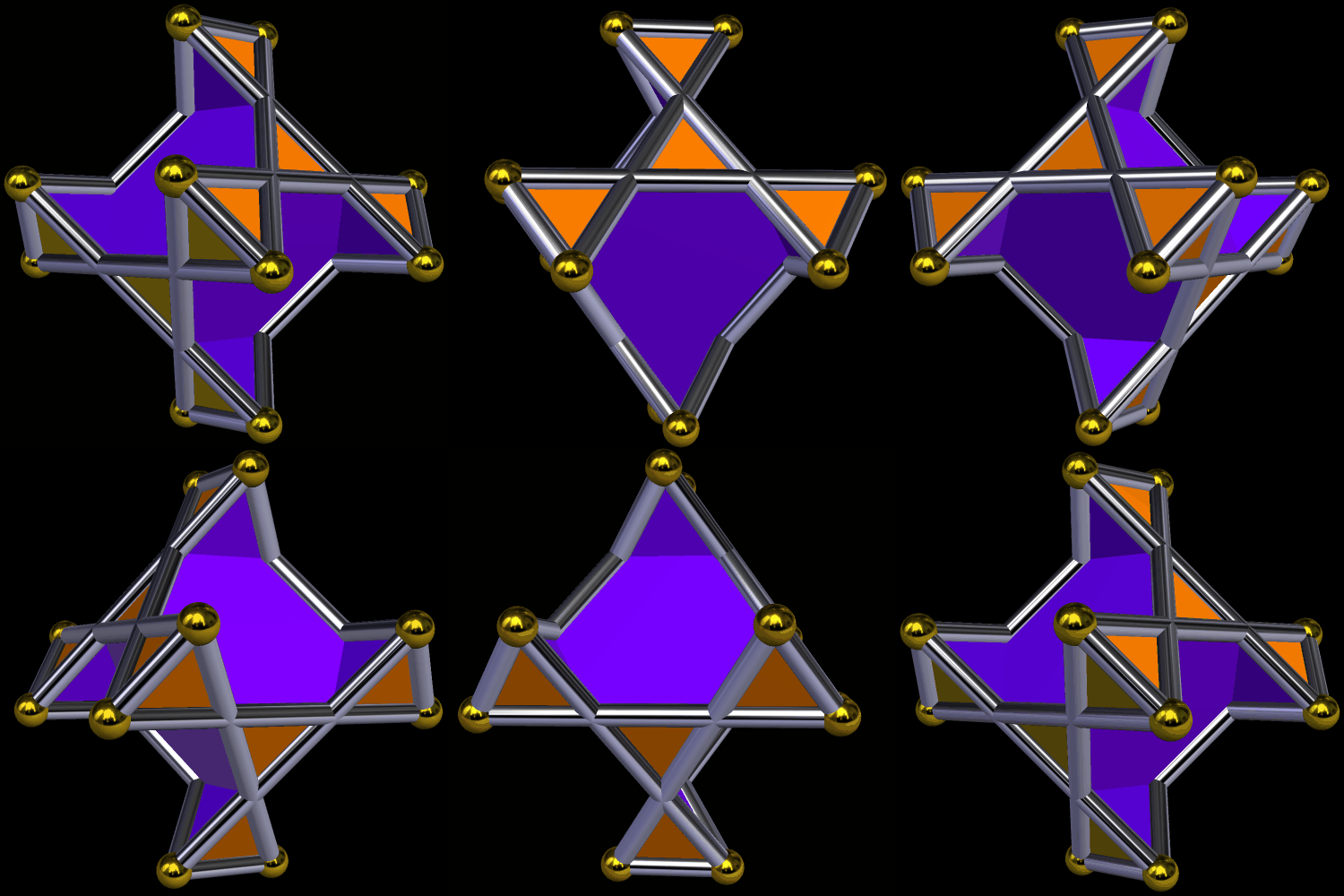
The Dual of an Augmented Tetrahedron

If someone had showed me the polyhedron above, a week ago, and asked me to explain how it was constructed, I would have had a hard time coming up with the answer. I made it using Stella 4d (which you can try for free here). It’s the dual of the polyhedron shown below, which was made by augmenting the four faces of a tetrahedron with identical tetrahedra.

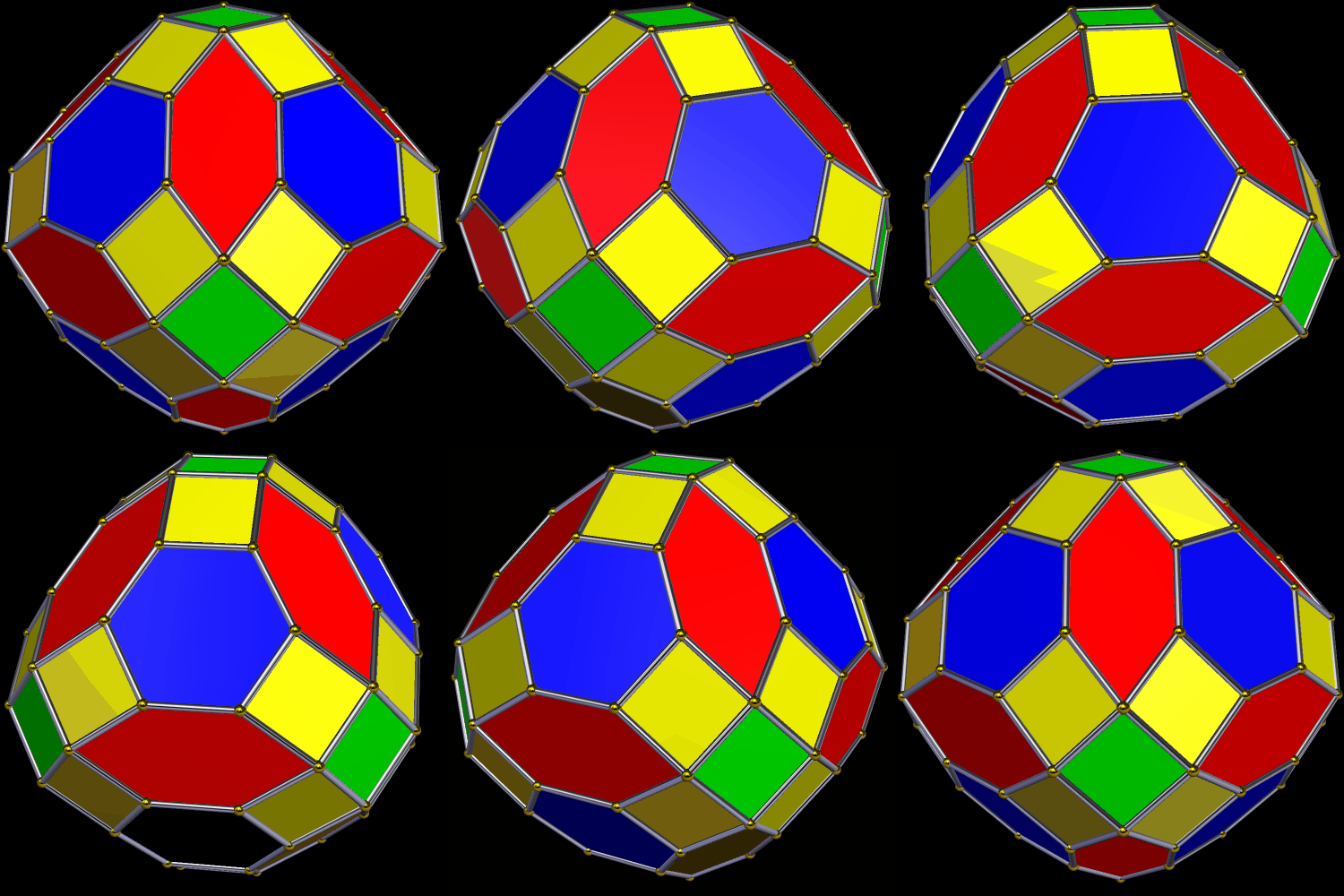
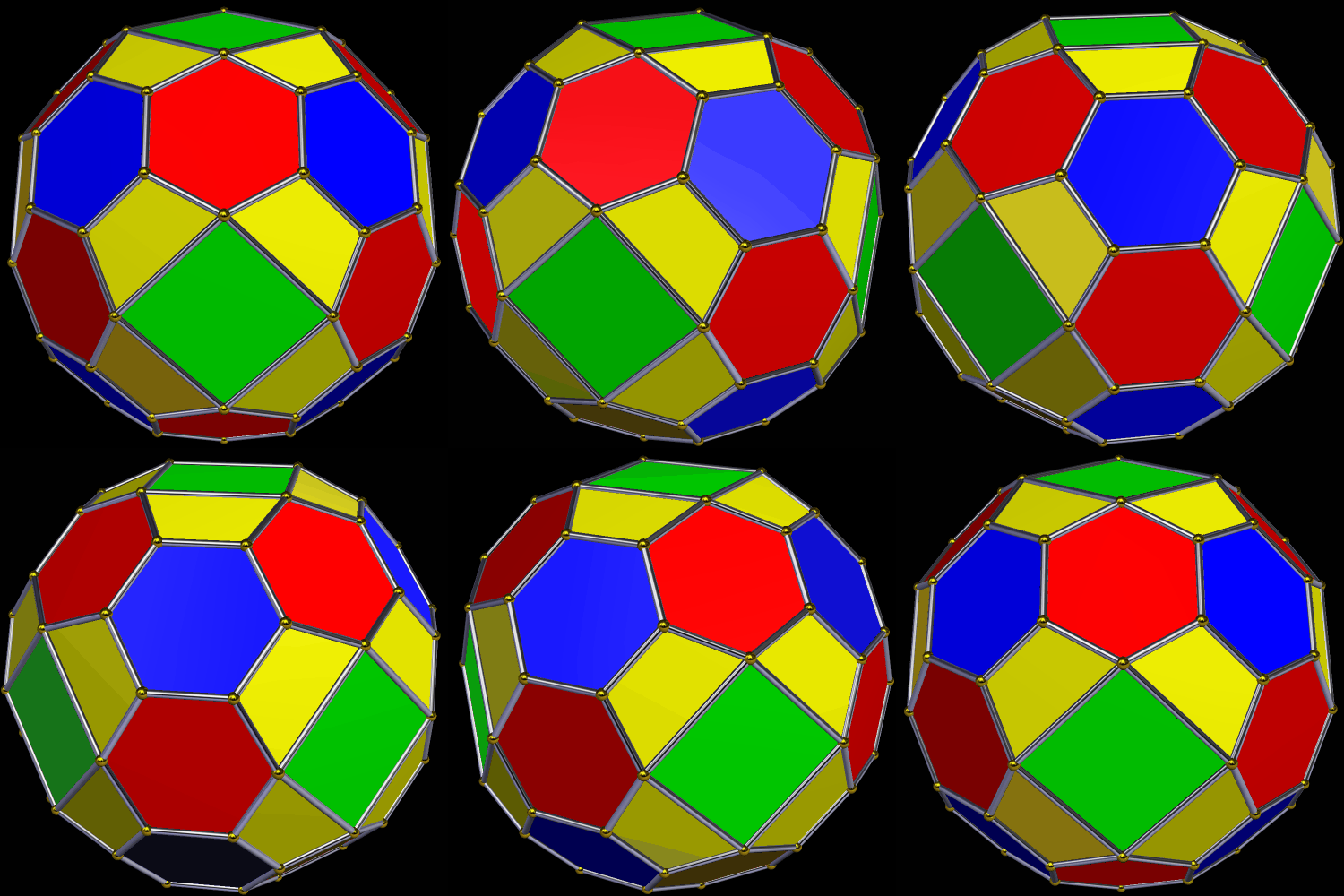
Two Versions of a Fifty-Faced Symmetrohedron

The first version of this polyhedron was created by zonohedrification of a tetrahedron, based on that solid’s faces, edges, and vertices. All of its faces are regular polygons, except for the red hexagons.

I used Stella 4d: Polyhedron Navigator to make these (and you can try that program for free at this website). The next thing I did was to apply Stella‘s “try to make faces regular” function to the solid above, producing the one shown below. In this second version, the only irregular faces are the yellow isosceles trapezoids.