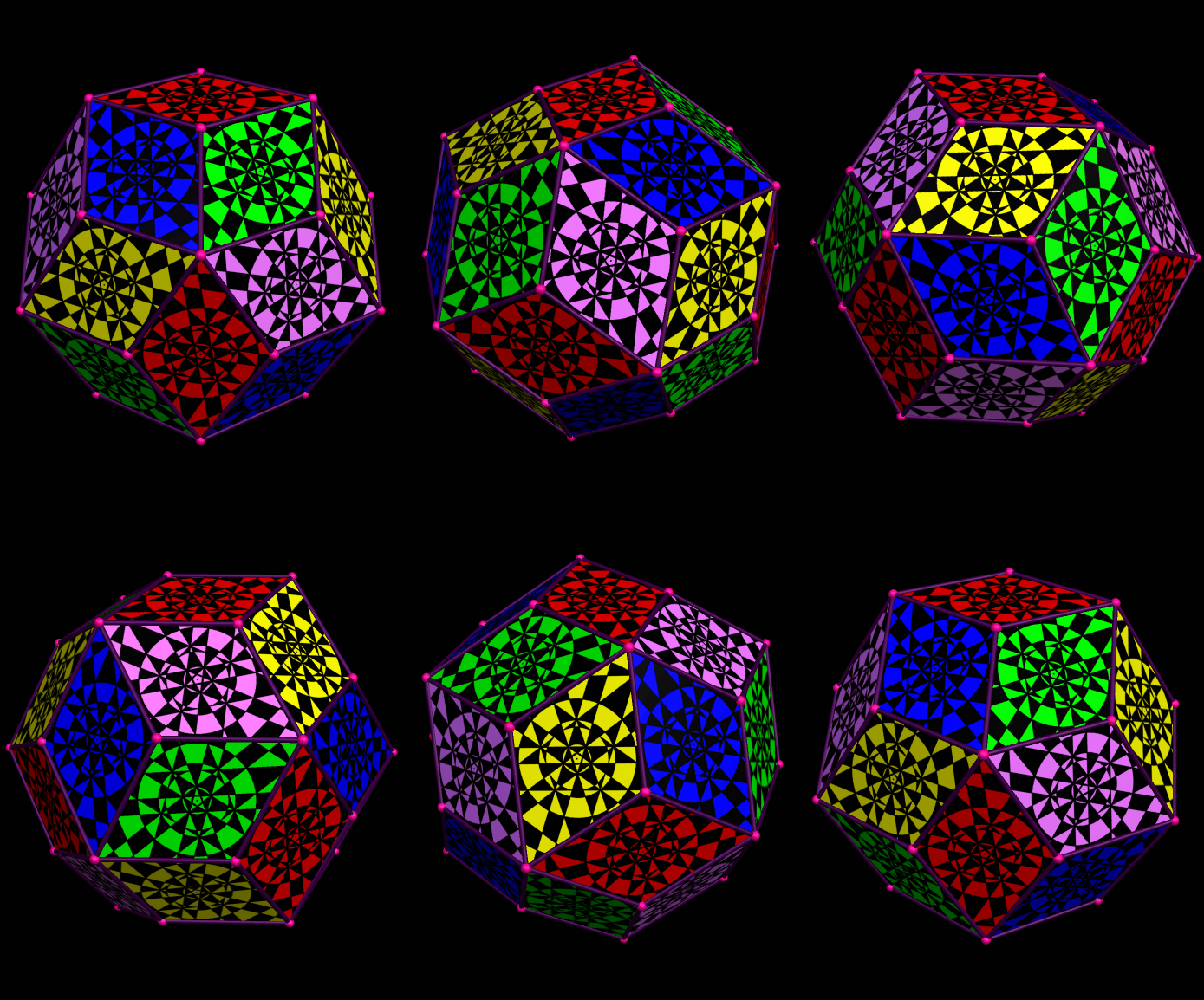
Rainbow Pentagonal Hexacontahedron

Image

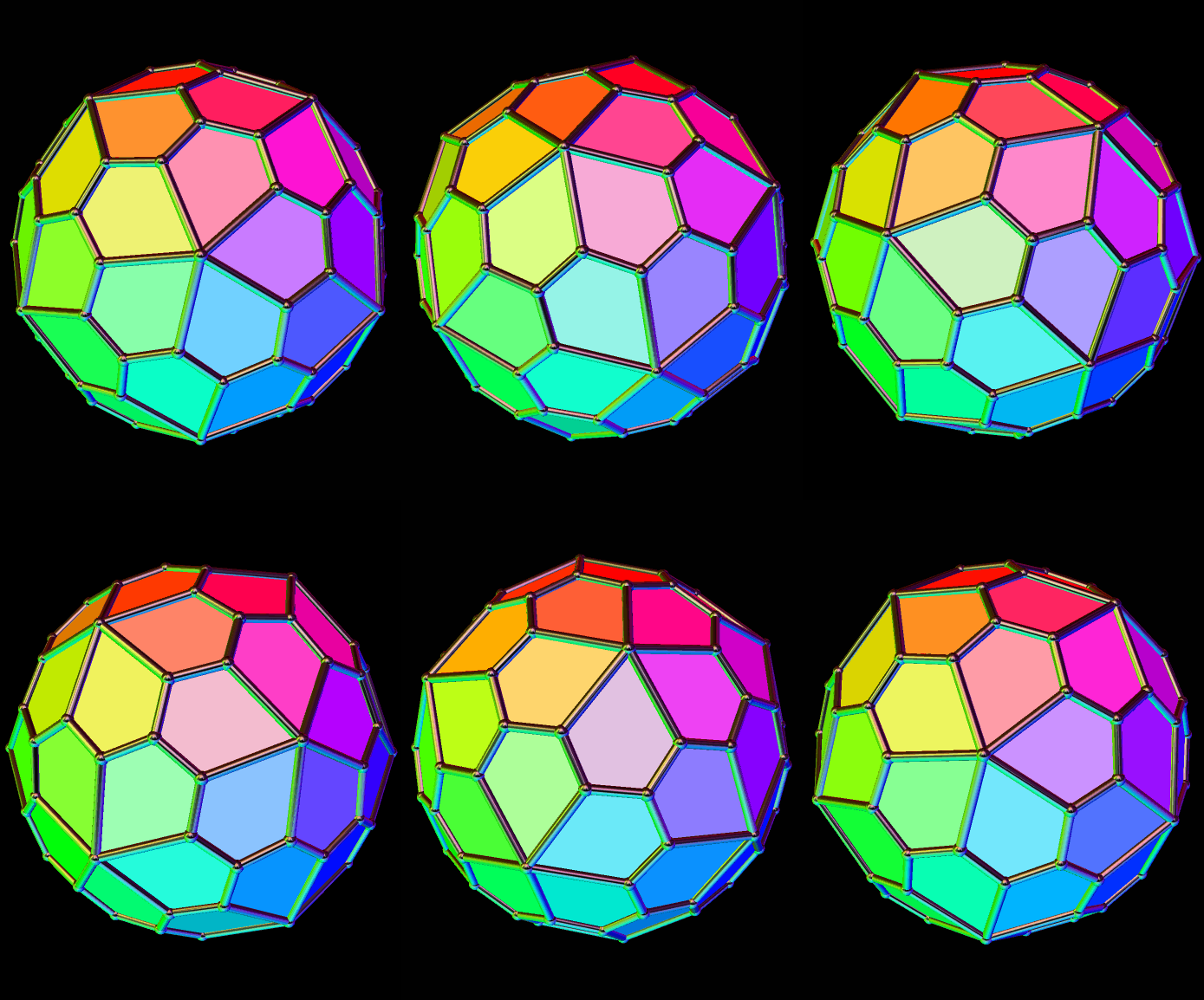
The Pentagonal Hexacontahedron

This is a Catalan solid. Its dual among the Archimedean solid is the snub dodecahedron, which is chiral, causing this polyhedron to be chiral as well. This simply means that these polyhedra each exist in two forms, which are mirror-images of each other.

This virtual model was made using Stella 4d, which you can find at www.software3d.com/stella.php.

The Ninth Stellation of the Rhombic Triacontahedron

Image

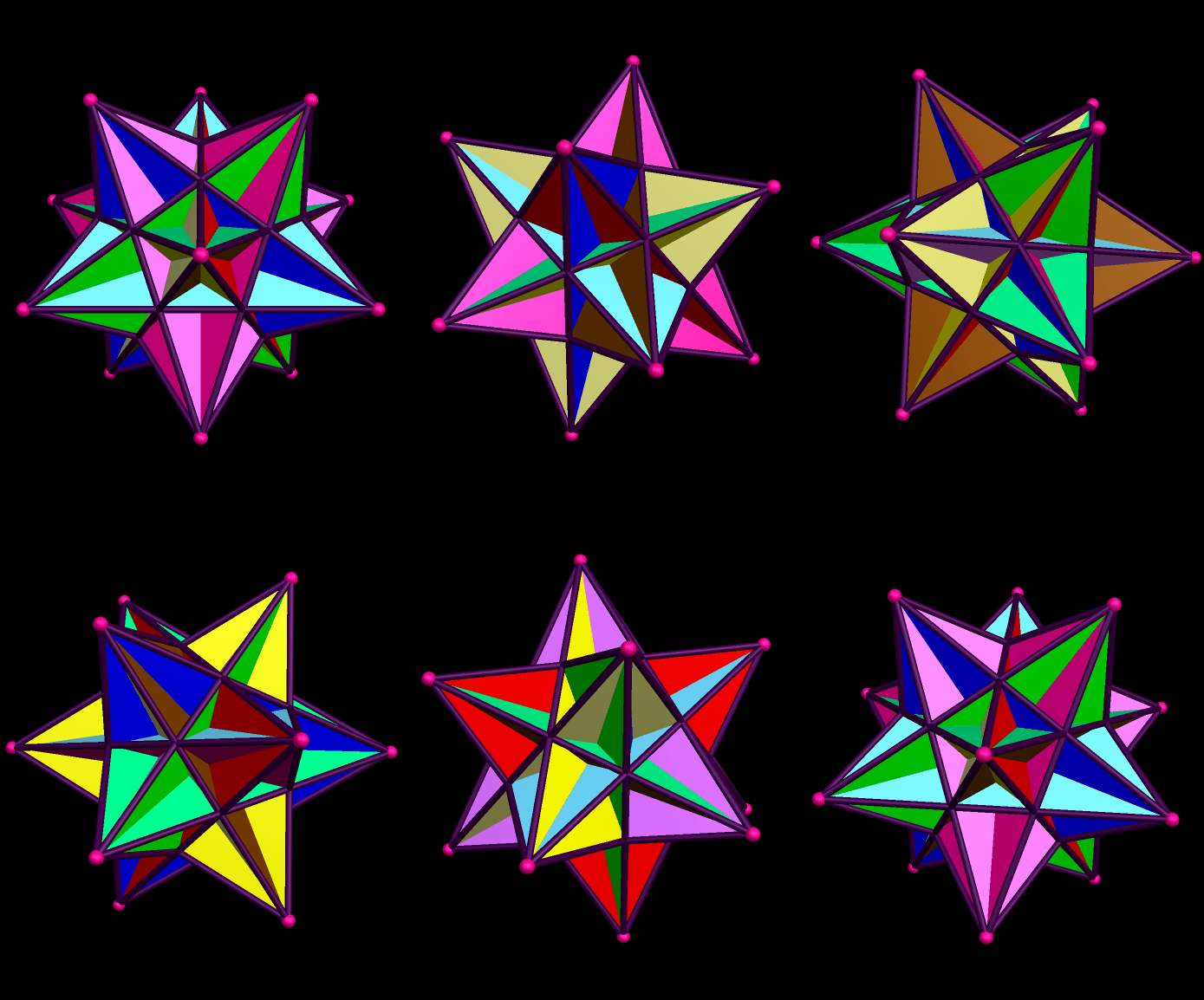
The Ninth Stellation of the Rhombic Triacontahedron

Created using Stella 4d, which you may try at http://www.software3d.com/Stella.php.

Decorated Rhombic Triacontahedron II

Image

Decorated Rhombic Triacontahedron

Created using Geometer’s Sketchpad, MS-Paint, and Stella 4d. The last of these programs may be tried for free at http://www.software3d.com/stella.php.

My Polyhedral Nemesis: The Great Icosahedron

Image

My Polyhedral Nemesis:  The Great Icosahedron

I used Stella 4d, a program you can find at http://www.software3d.com/stella.php, to make the rotating .gif file you see here. You can many such rotating pictures of other polyhedra elsewhere on this blog.

Older versions of this program would only create still images. In those days, I would also make actual physical models out of paper (usually posterboard or card stock). However, I’ve stopped doing that, now that I can make these rotating pictures.

There is one polyhedron for which I never could construct a physical model, although I tried on three separate occasions. It’s this one, the great icosahedron, discovered, to the best of my knowledge, by Johannes Kepler. Although it only has twenty faces (equilateral triangles), they interpenetrate — and each triangle has nine regions visible (called “facelets”), with the rest of each face hidden inside the polyhedron.

To create a physical model, 180 of these facelets must be individually cut out, and then glued or taped together, and there’s very little margin for error. On my three construction-attempts, I did make mistakes — but did not discover them until I had already built much more of the model. When making paper models, if errors are made, there is a certain point beyond which repair is impossible, or nearly so.

Although I never succeeded in making a physical model of the great icosahedron myself, and likely never will, I did once have a team of three students in a geometry class successfully build one. One of the students kept the model, and all three received “A” grades.
Rhombic Triacontahedron Featuring Octadecagonal Designs On Its Faces

Image

Rhombic Triacontahedron Featuring Octadecagonal Designs On Its Faces

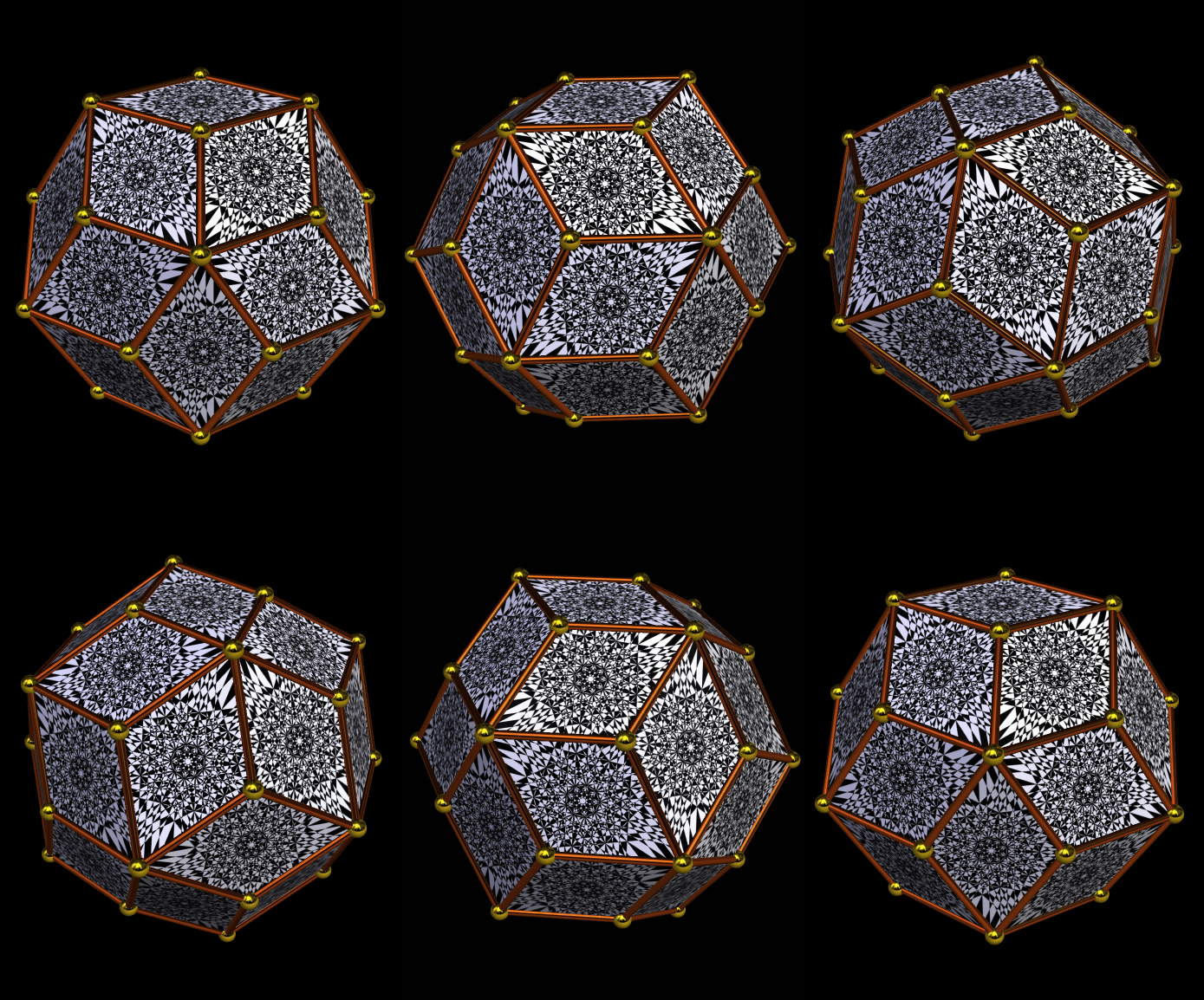
The octagonal design on each face appears in the last post here, and was made using both Geometer’s Sketchpad and MS-Paint. After cropping this image, I projected it onto the faces of this polyhedron, the rhombic triacontahedron, using Stella 4d, a program you can try for yourself at http://www.software3d.com/php.

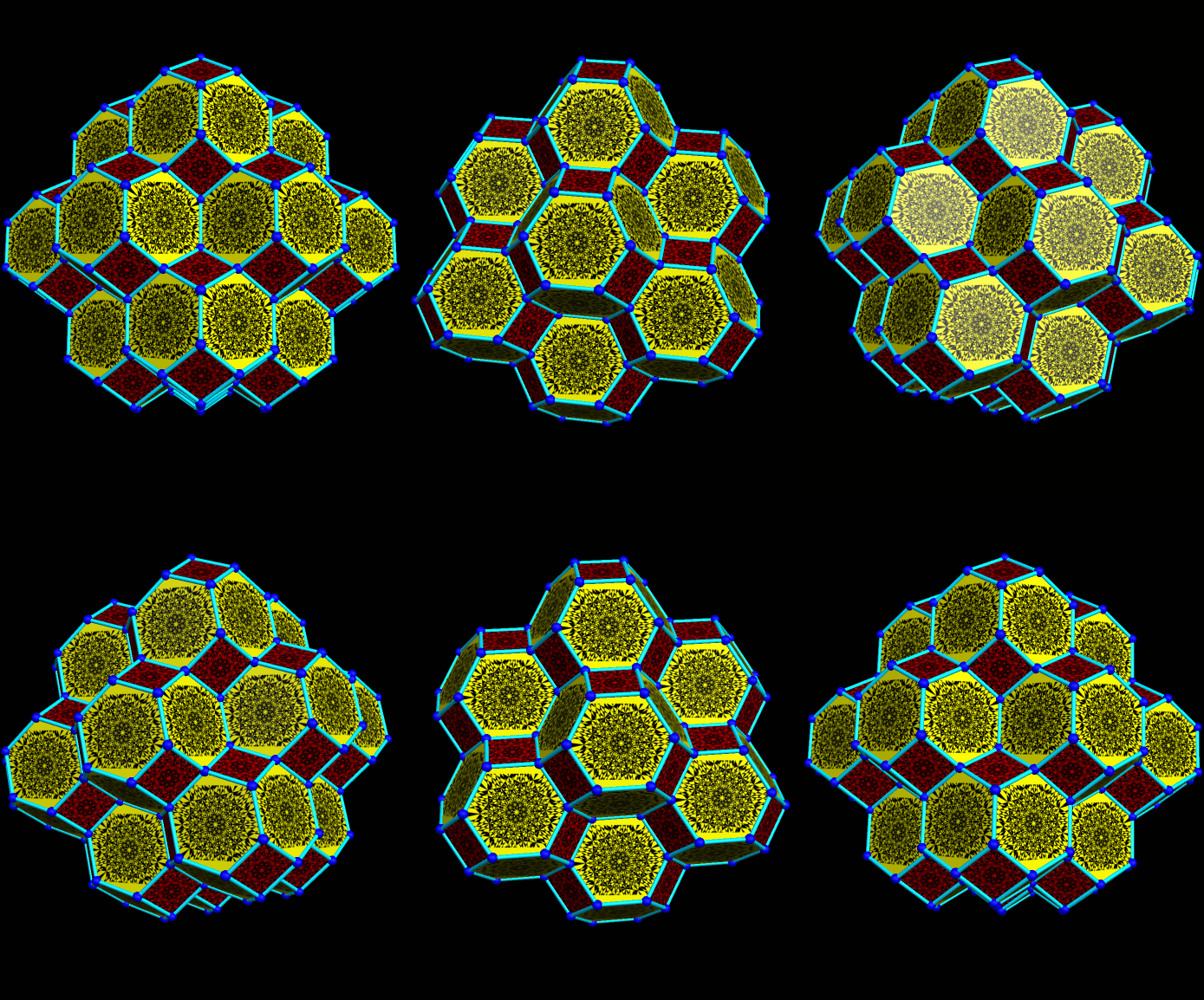
Cluster of Fifteen Decorated and Tightly-packed Truncated Octahedra

Image

Cluster of Fifteen Decorated and Tightly-packed Truncated Octahedra

This cluster was made of the same polyhedron from the previous post, repeated in a space-filling pattern, similar to a tessellation, but in three dimensions. The truncated octahedron has the property, unusual among polyhedra, that it can fill space without leaving any gaps. One of the fifteen truncated octahedra is i the center of the cluster, while another is attached to each of the central polyhedron’s fourteen faces.

Software used to create this includes three separate programs: Geometer’s Sketchpad, MS-Paint, and Stella 4d. This third program may tried for free, and/or purchased, at http://www.software3d.com/stella.php.

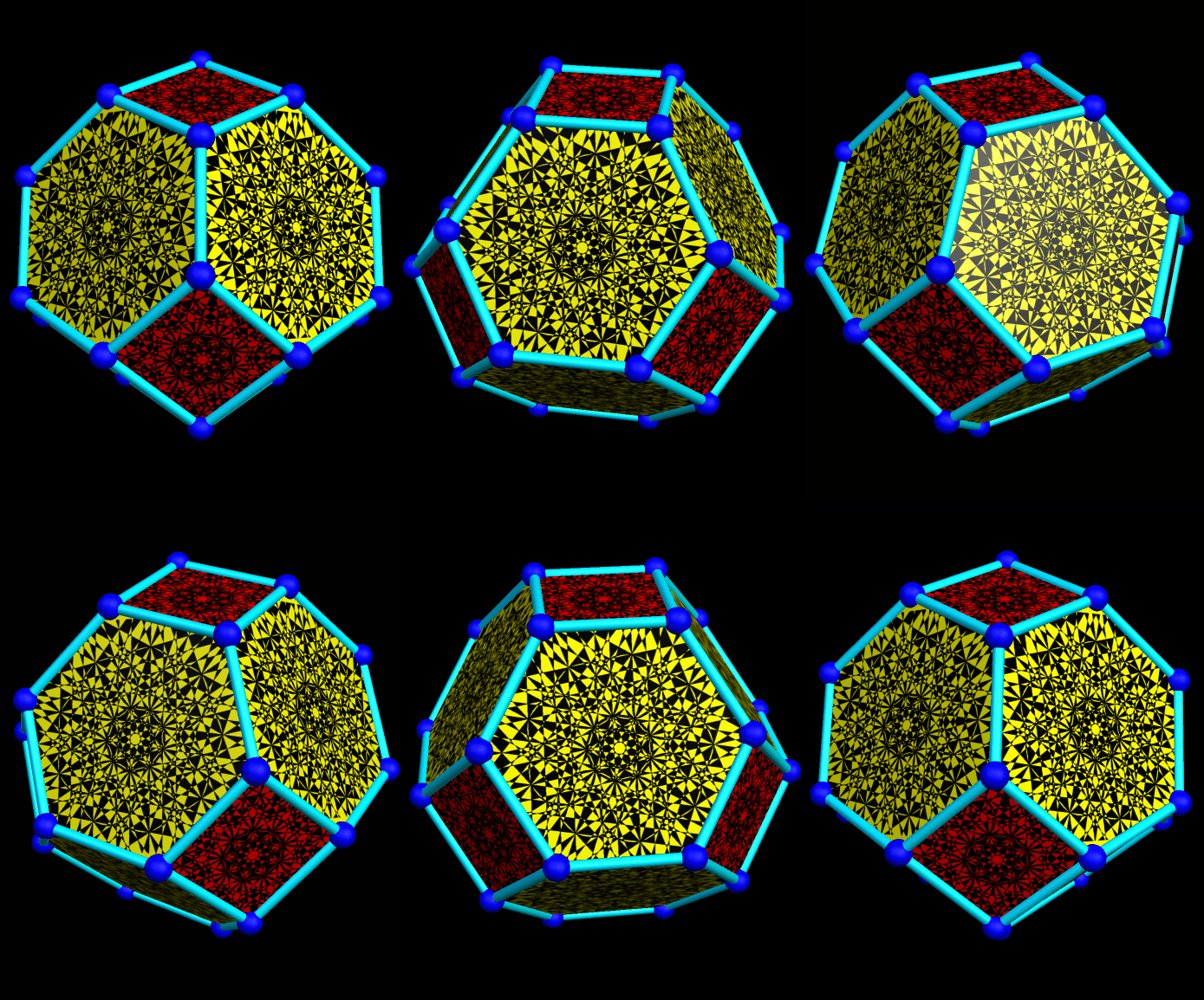
Truncated Octahedron Carousel

Image

Truncated Octahedron Carousel

The image on each face of this truncated octahedron is the one found in a previous post here, named Ten Circles, and was created with the use of two programs, Geometer’s Sketchpad and MS-Paint. As you’ll notice if you view other posts made today, though, the color scheme has been altered for this polyhedron.

Placing this image on each face of this polyhedron, as well as creating this rotating .gif file, required use of a third program, Stella 4d. This program may tried and/or purchased at http://www.software3d.com/stella.php. Unlike in the previous post, the images were “told” to stay upright while the polyhedron its rotates, creating a rotational effect in the yellow hexagonal faces, but a different effect in the red square faces. As far as I can tell, this is due to their different orientation in space, relative to the axis of rotation.

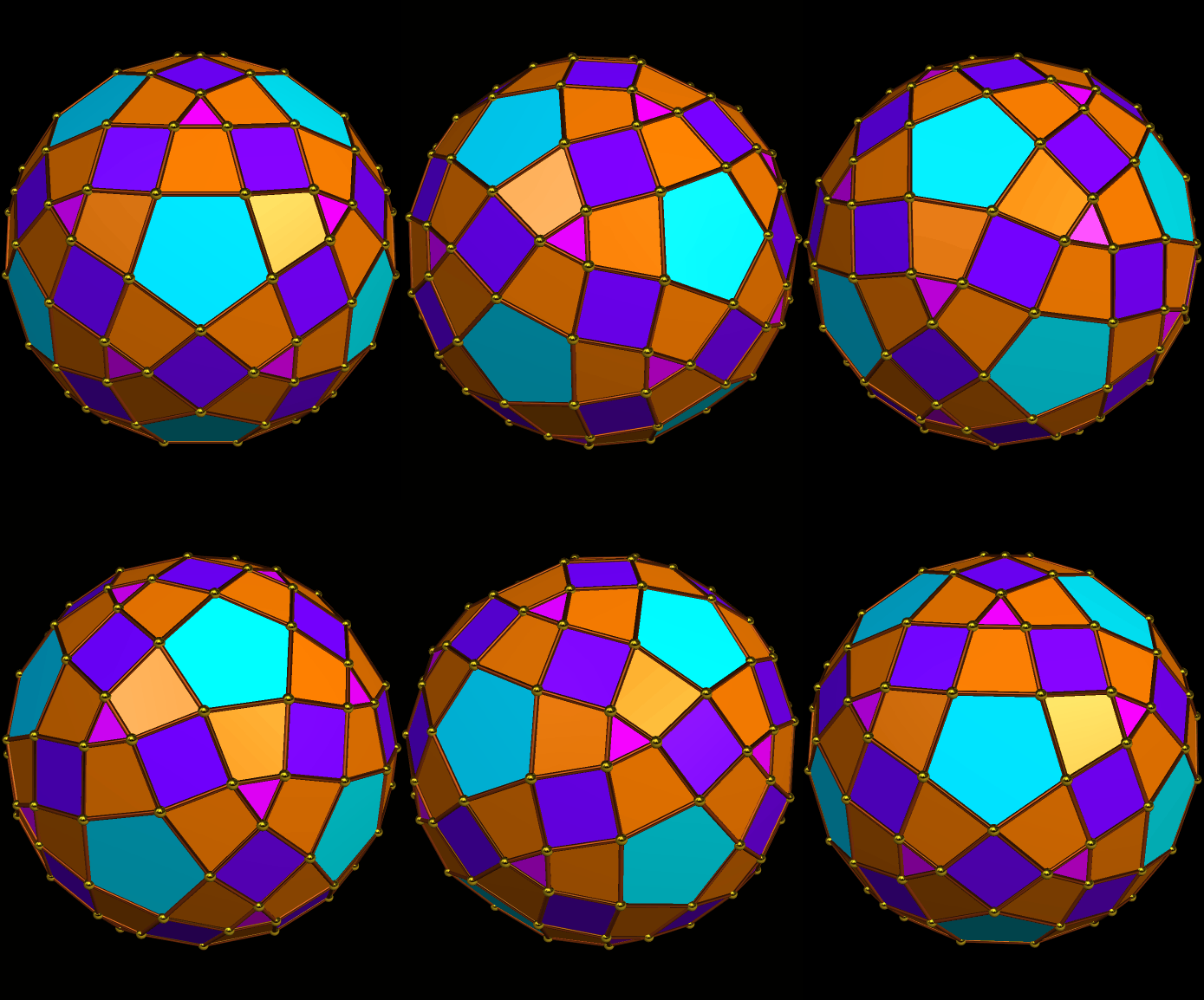
An Expansion of the Rhombicosidodecahedron, Using Trapezoids

Image

An Expansion of the Rhombicosidodecahedron, Using Trapezoids

Software credit: see http://www.software3d.com/stella.php

Op Art On a Rhombic Triacontahedron

Image

Op Art On a Rhombic Triacontahedron

The image on each face of this rhombic triacontahedron is the one found in the previous post here, named Ten Circles, and was created with the use of two programs, Geometer’s Sketchpad and MS-Paint.

Placing this image on each face of this polyhedron, as well as creating this rotating .gif file, required use of a third program, Stella 4d. This program may tried and/or purchased at http://www.software3d.com/stella.php.

Link

Spinning Truncated Icosahedron

I don’t reblog things here, but I do appreciate getting e-mail from my followers, and I don’t mind posting an occasional link. One of them, a gentleman named Donald, sent me this link to an interesting video of a spinning truncated icosahedron, viewed from both the inside and outside, and set to music. To see it, simply follow the link above. Thanks for the tip, Donald — this is a really cool video!