Unknown's avatar

About RobertLovesPi

I go by RobertLovesPi on-line, and am interested in many things, a large portion of which are geometrical. Welcome to my own little slice of the Internet. The viewpoints and opinions expressed on this website are my own. They should not be confused with those of my employer, nor any other organization, nor institution, of any kind.

Seven Stars

Image

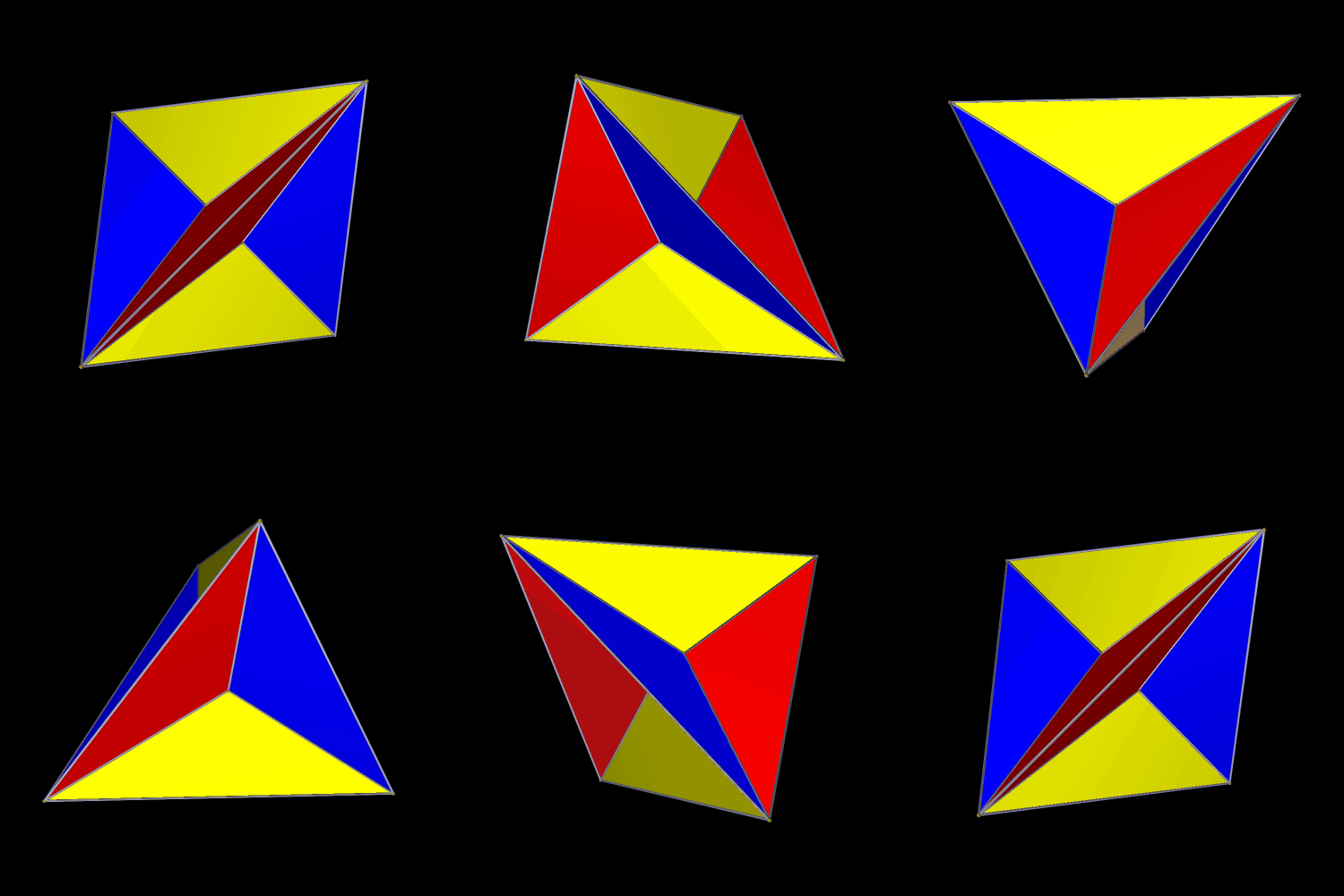
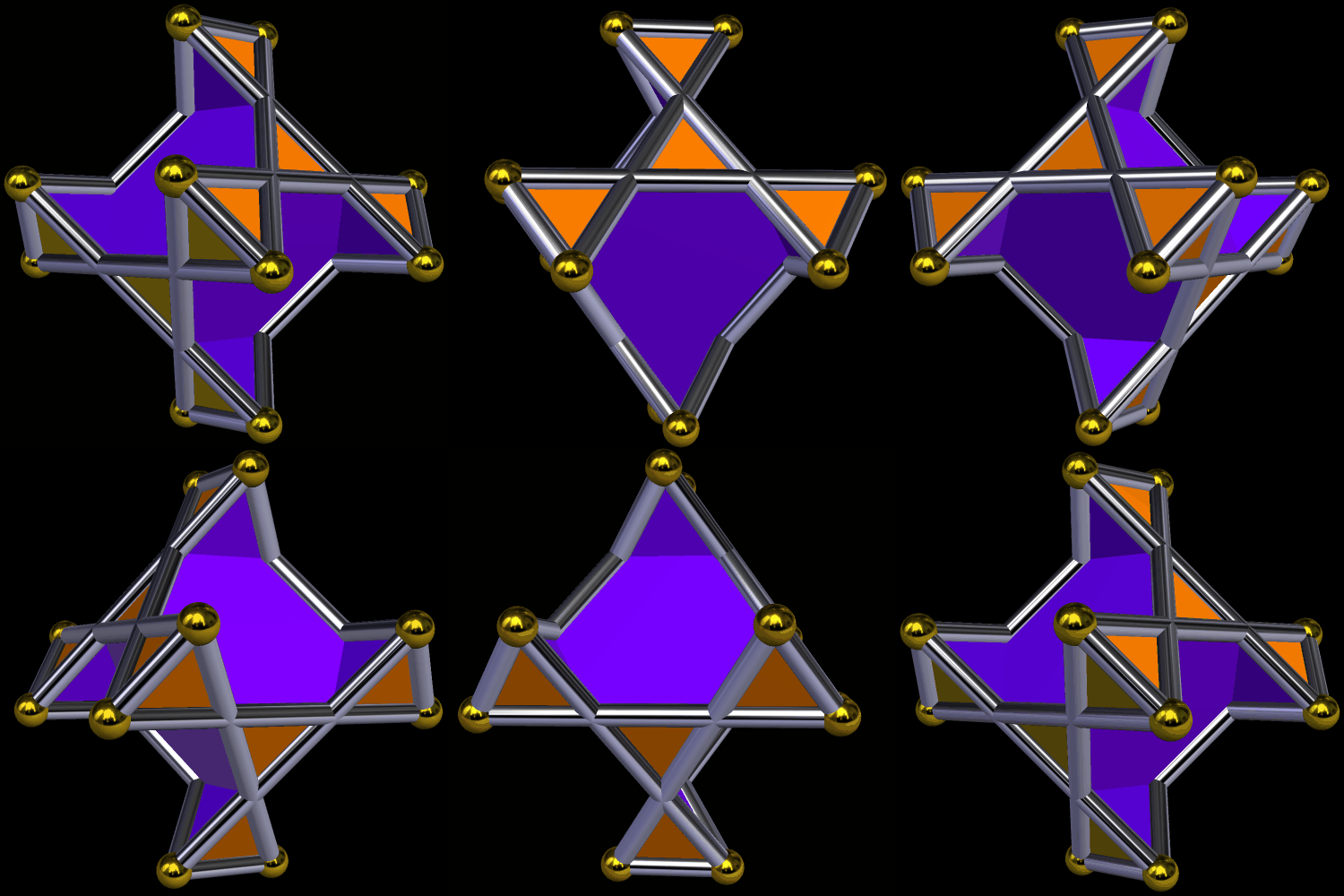
An Excavated Tetrahedron

Polyhedral excavation is the opposite of augmentation. In this excavated tetrahedron, short pyramids have been removed from each face. I made this using Stella 4d, which can be tried for free at this website.

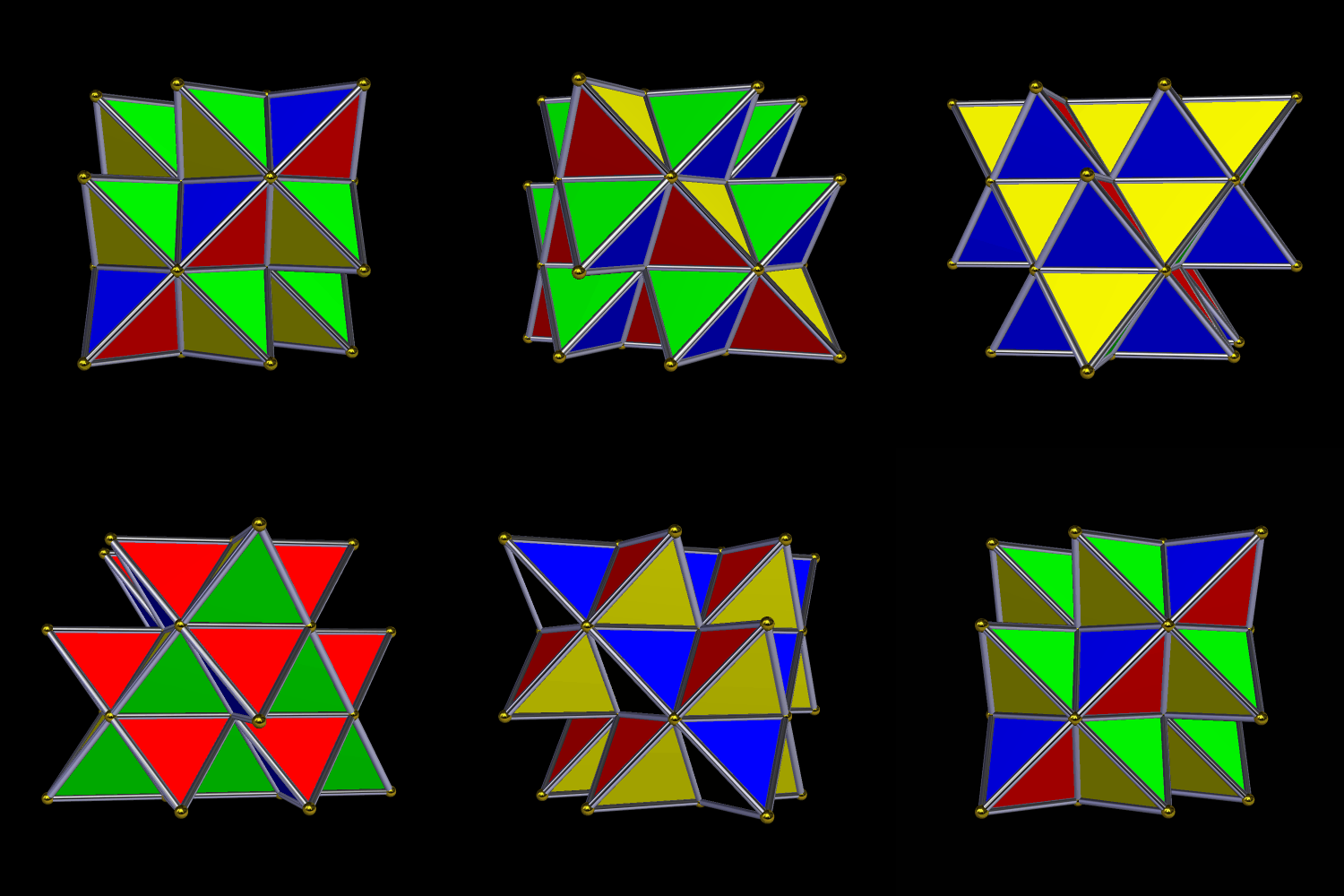
A Compound of Three Elongated Tetrahedra

I made this using Stella 4d, a program you can try for free at http://www.software3d.com/Stella.php.

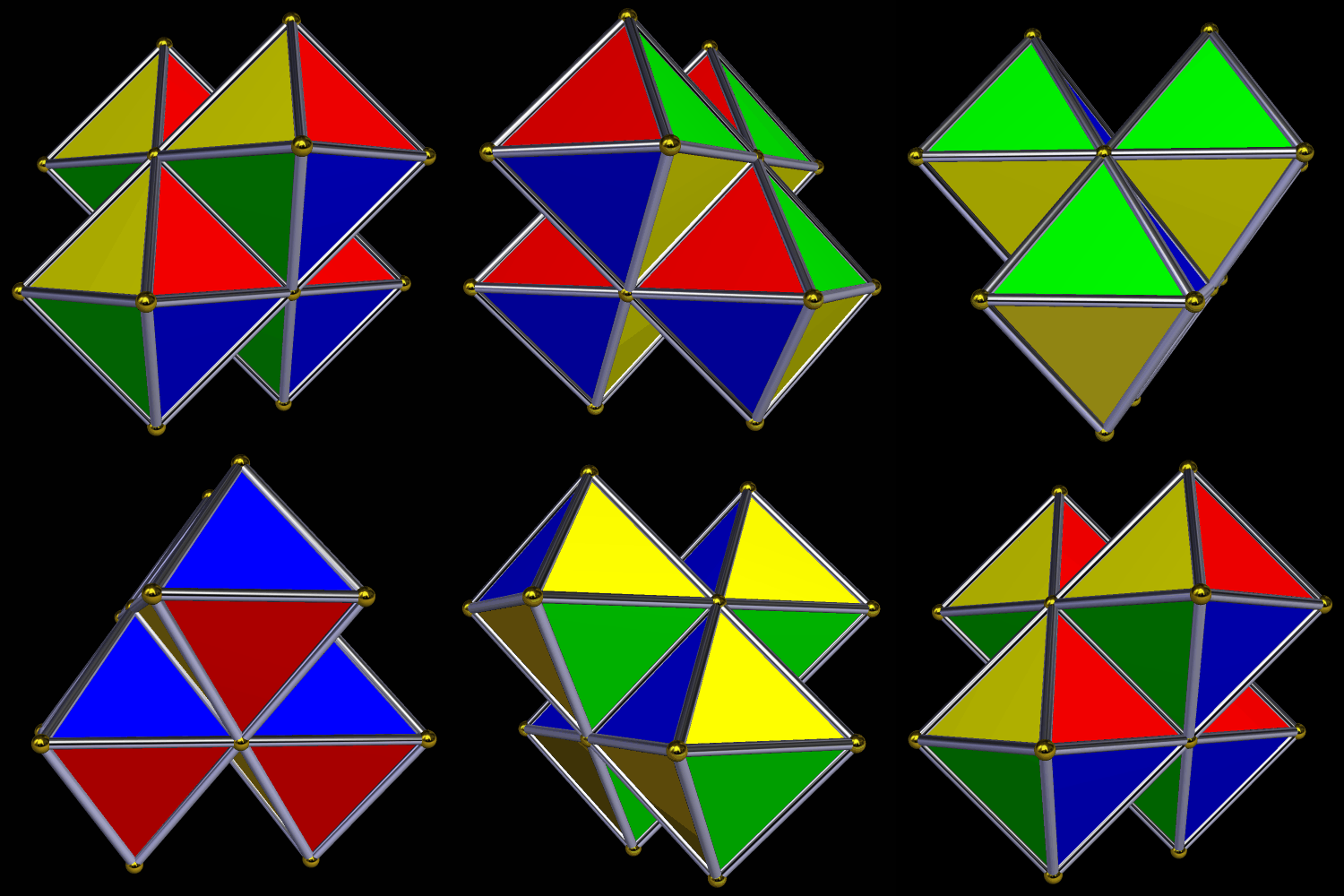
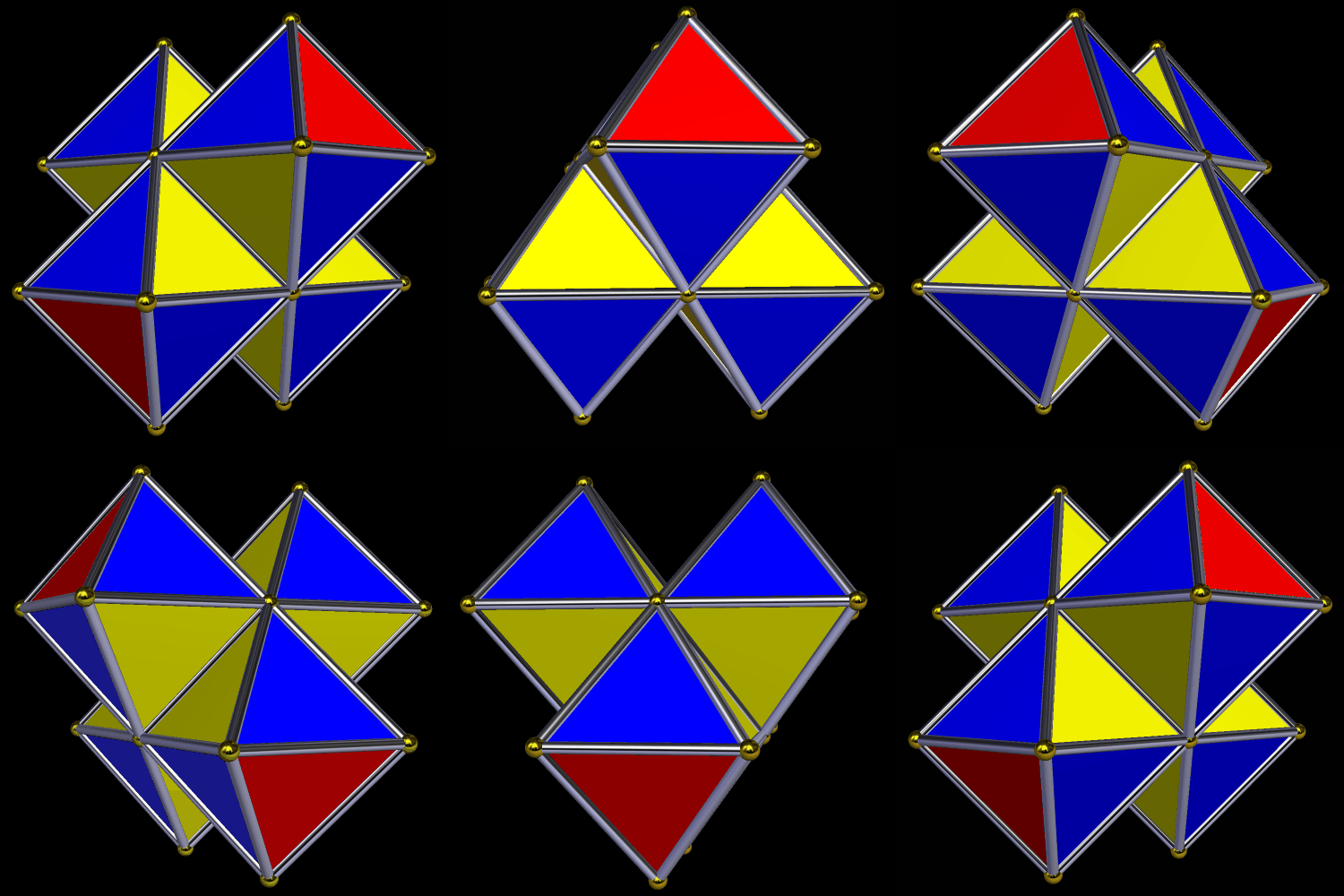
Four Octahedra

There’s a tetrahedron in the center of this figure, but you can’t see it because it is covered on all sides by octahedra. I made this using Stella 4d, which you can try for free at this website.

Here’s another version, with a different coloring-scheme.

Five Tetrahedra

I made this variation of Kepler’s Stella Octangula, using Stella 4d, software you can try for free at this website.

The Dual of an Augmented Tetrahedron

If someone had showed me the polyhedron above, a week ago, and asked me to explain how it was constructed, I would have had a hard time coming up with the answer. I made it using Stella 4d (which you can try for free here). It’s the dual of the polyhedron shown below, which was made by augmenting the four faces of a tetrahedron with identical tetrahedra.

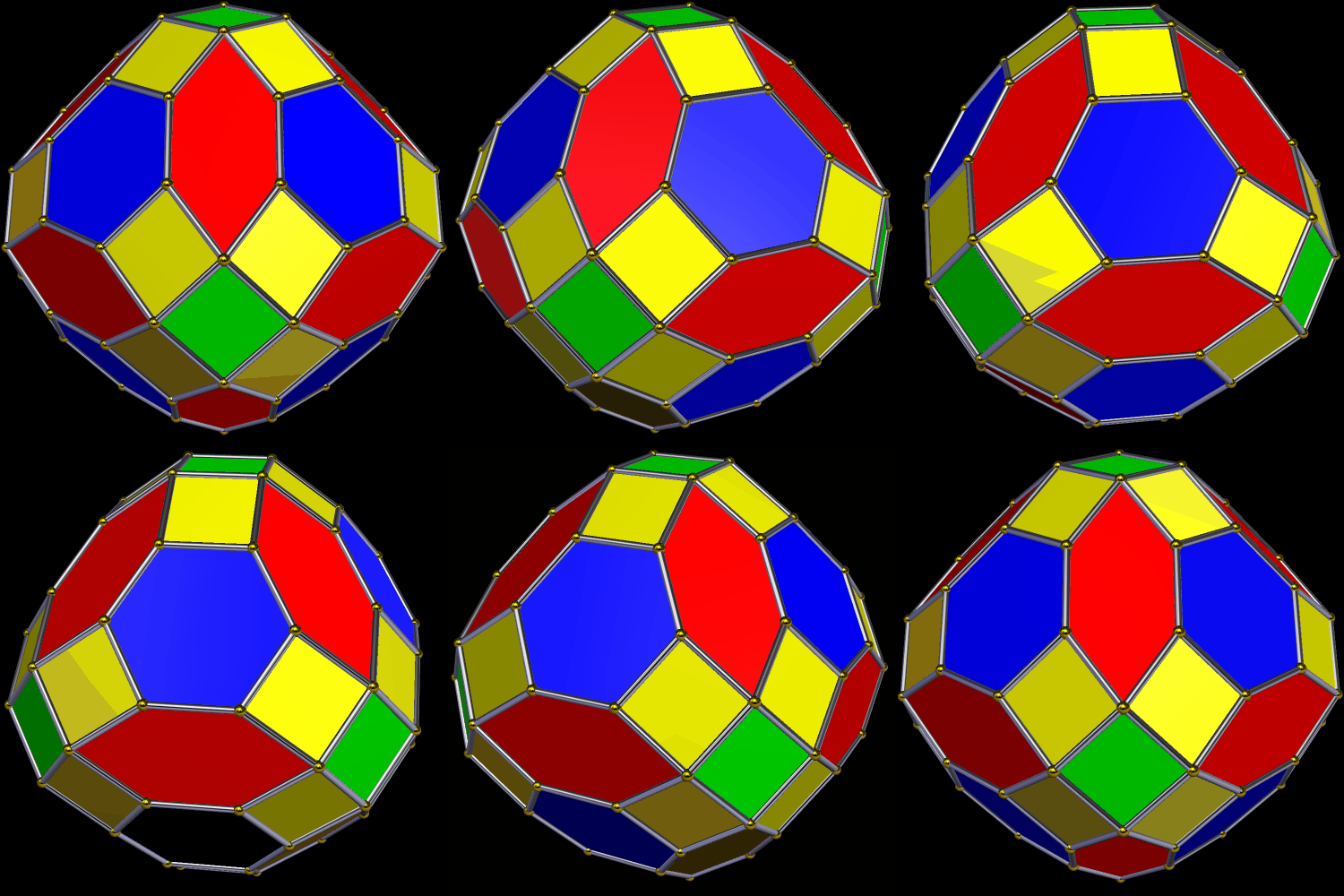
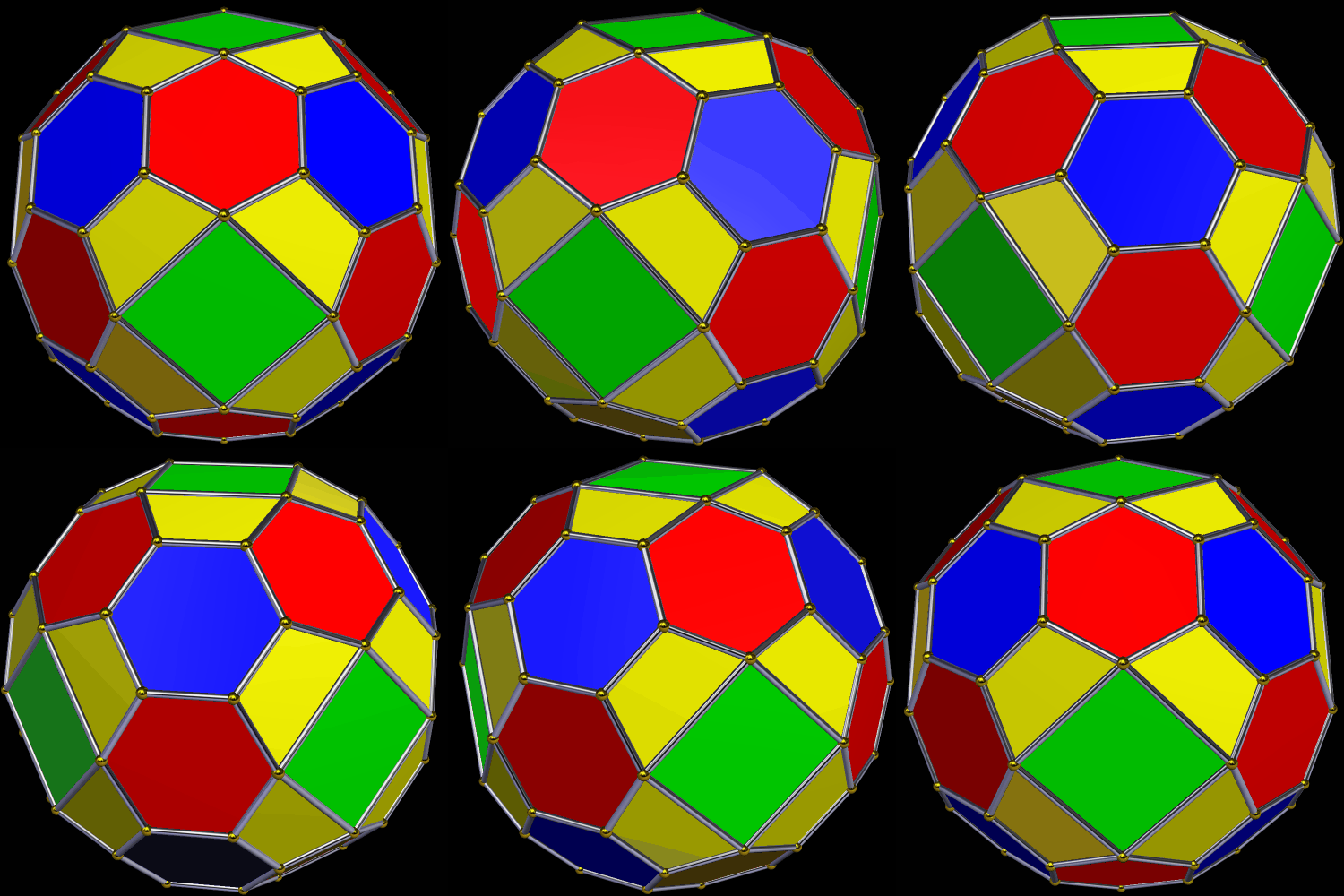
Two Versions of a Fifty-Faced Symmetrohedron

The first version of this polyhedron was created by zonohedrification of a tetrahedron, based on that solid’s faces, edges, and vertices. All of its faces are regular polygons, except for the red hexagons.

I used Stella 4d: Polyhedron Navigator to make these (and you can try that program for free at this website). The next thing I did was to apply Stella‘s “try to make faces regular” function to the solid above, producing the one shown below. In this second version, the only irregular faces are the yellow isosceles trapezoids.

Augmenting, then Reaugmenting, the Octahedron

The blue figure above is an octahedron. The next image shows what happens if red octahedra are used to augment each of the blue octahedron’s faces.

The third image shows what happens if yellow octahedra are used to augment each red face in the second figure.

These polyhedral images were created using Stella 4d: Polyhedron Navigator, which you can try for free at http://www.software3d.com/Stella.php.

Eight Golden Rectangles

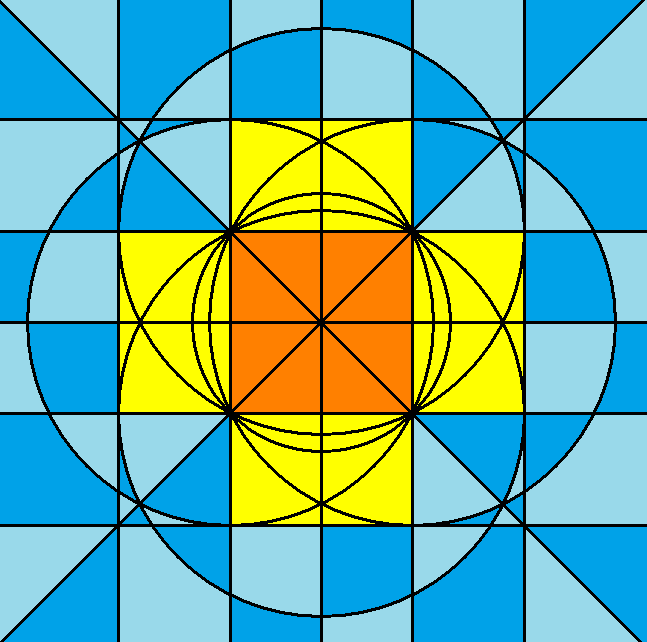
This Euclidean construction was made using Geometer’s Sketchpad, and colored using that program, as well as MS-Paint.

A Euclidean Construction of the Golden Rectangle

Start with points A and B. Construct a circle, centered on A, with radius AB. Draw line AB, which intersects this circle at B and C. Construct a second line which is perpendicular to the first line, intersecting it at A. Let the two intersections of the circle and this second be named points D and E.

Bisect segment AB, and call its midpoint F. Construct a line containing D and F. If the circle’s radius is two, then AF = FB = 1, while AD = 2. By the Pythagorean Theorem applied to right triangle DAF, then, DF = sqrt(5). Construct a second circle centered on F, with radius DF. Construct point G where this circle intersects segment AC. It follows that FG, being another radius of this second circle, has a length of sqrt(5). This makes BG = FB + FG = 1 + sqrt(5).

Construct the line which is perpendicular to line AE and passes through point E. Next, construct the two lines perpendicular to line AB and passing through points G and B. These two lines intersect the first line described in this paragraph at two points: H (below G) and I (below B). ABIE is a square with edge length two, and both GBIH and AEHG are golden rectangles.