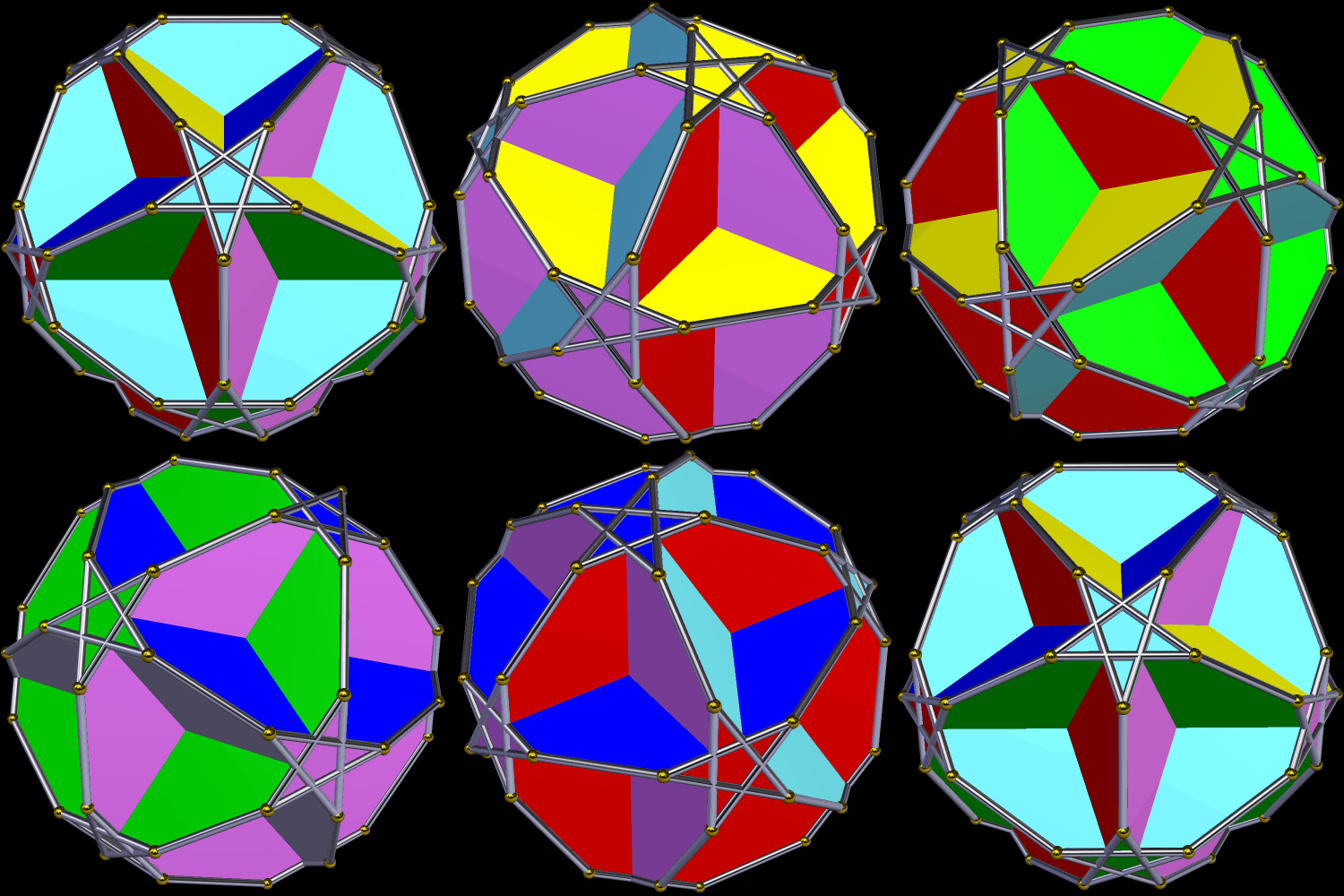
To get from the last image posted to this one, I used Stella 4d‘s “try to make faces regular” function. (You can get a free trial download of this program right here.)

To get from the last image posted to this one, I used Stella 4d‘s “try to make faces regular” function. (You can get a free trial download of this program right here.)
This first version shows this polyhedron colored by face type.

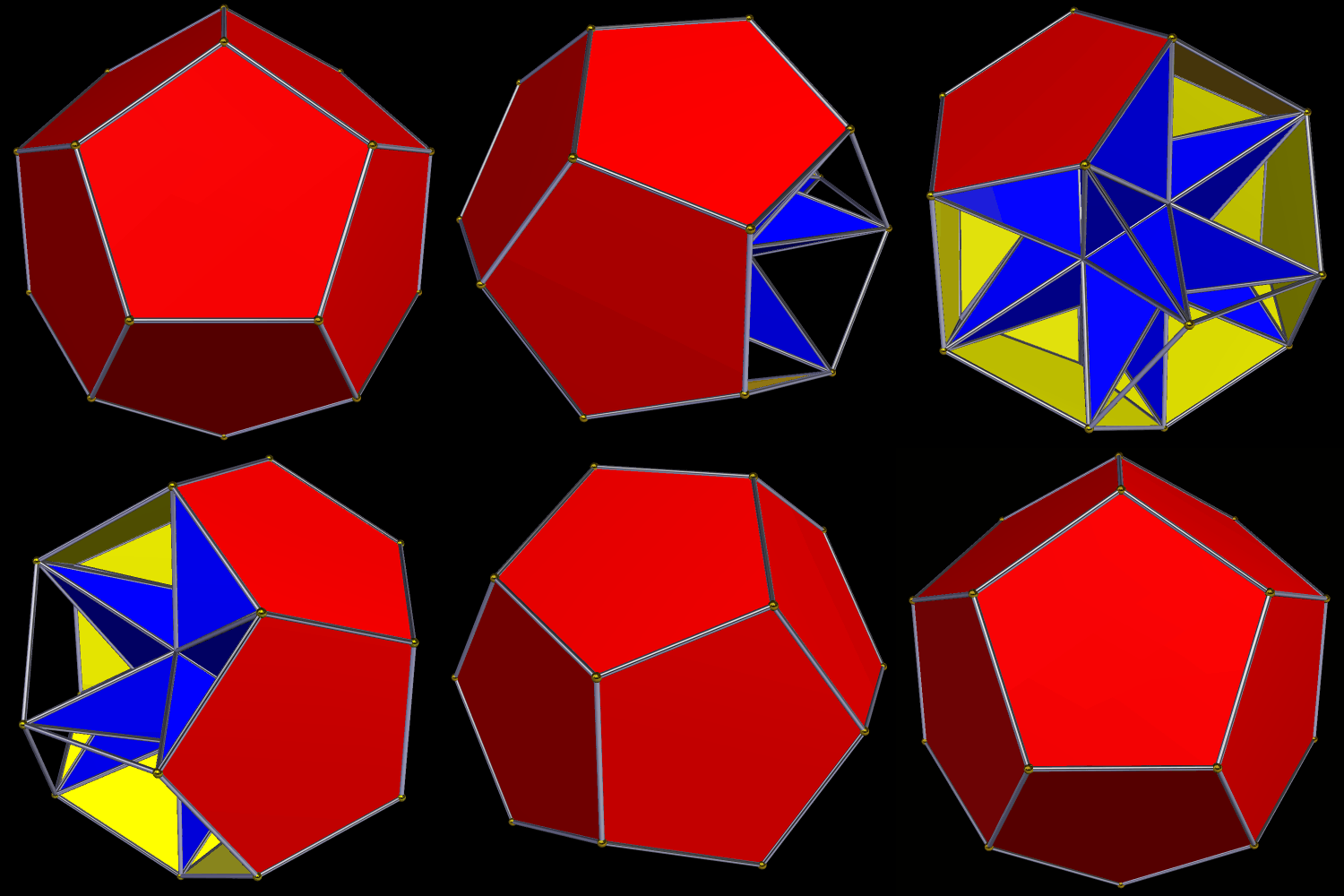
In the next image, only parallel faces share a color. This is the traditional coloring-scheme for the great dodecahedron.

Both images were created with Stella 4d, which is available as a free trial download at this website. Also, the obvious change needed with this polyhedron — making its faces regular — is in the next post.
I made this using Stella 4d, which you can try right here.

This is a continuation of the process shown in the last post here, but with a different coloring-scheme.

I made this using Stella 4d, which you can try for free at this website.




…And so on….
[Software credit: I made these images using Stella 4d, which you can try for free right here.]
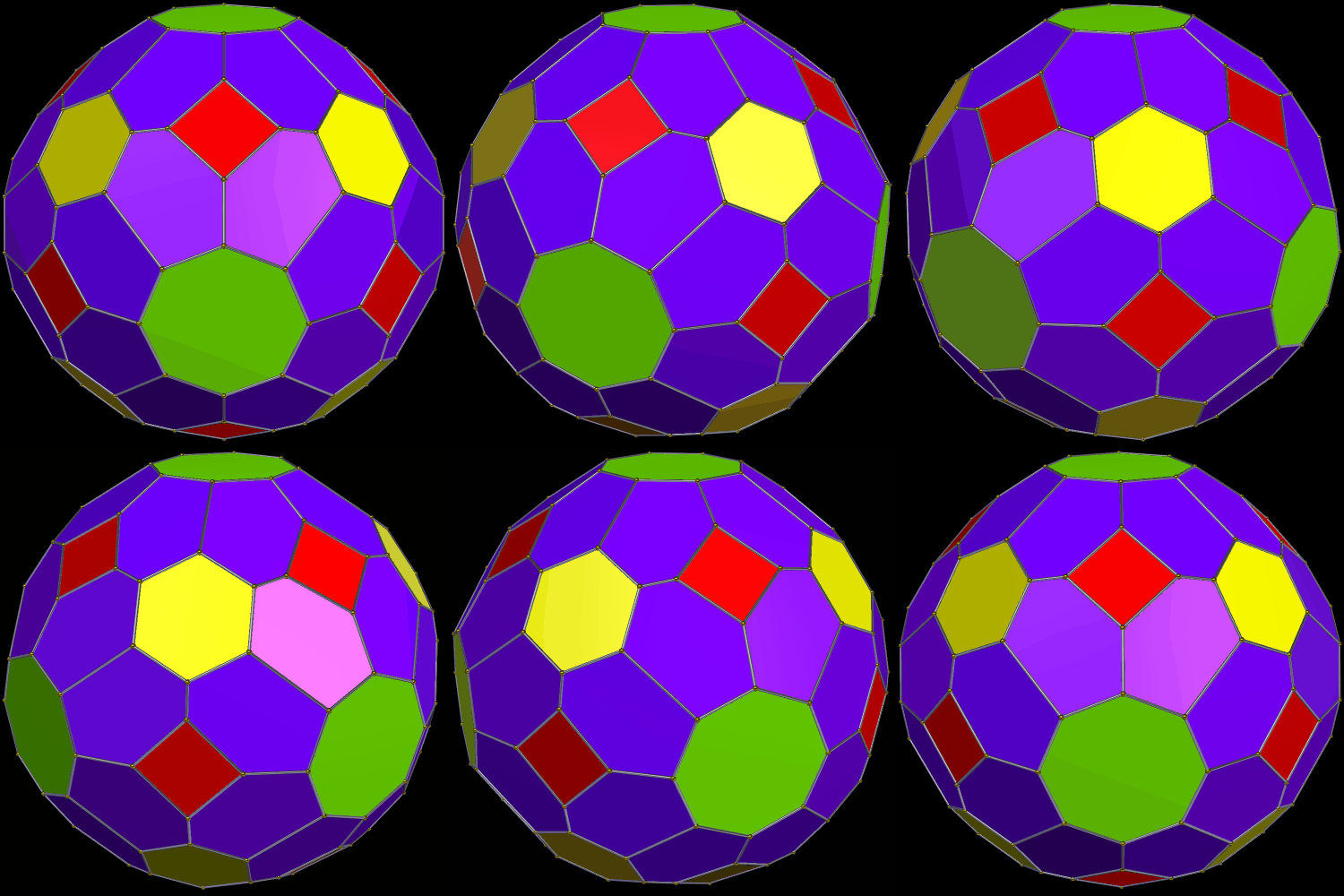
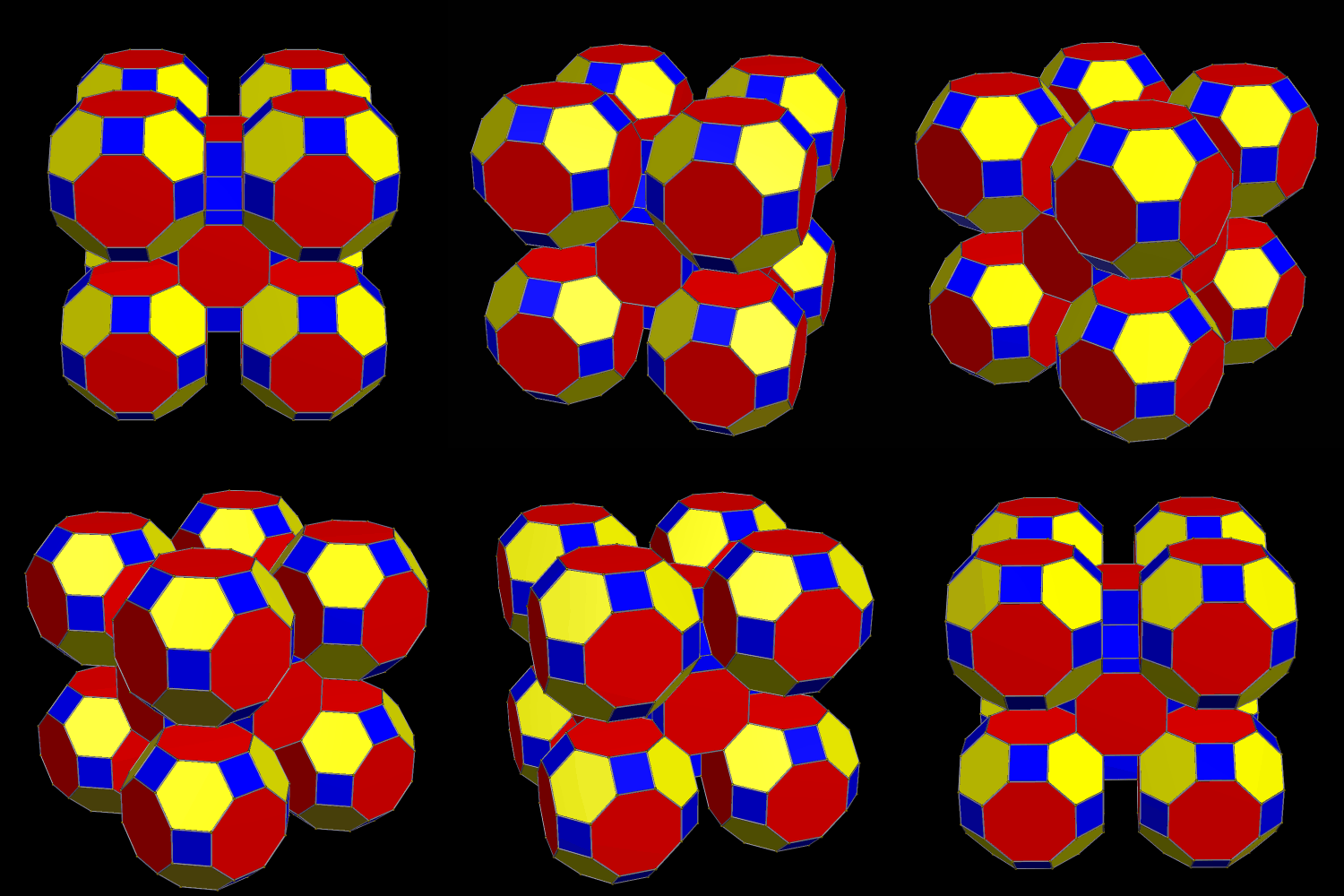
The faces of this solid include twelve squares, six regular octagons, eight regular hexagons, and 48 irregular hexagons. I made it using Stella 4d, a program you can try for free at http://www.software3d.com/Stella.php.
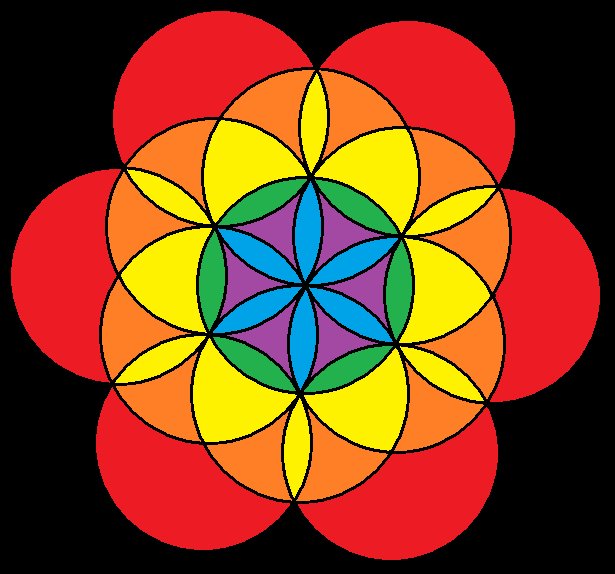

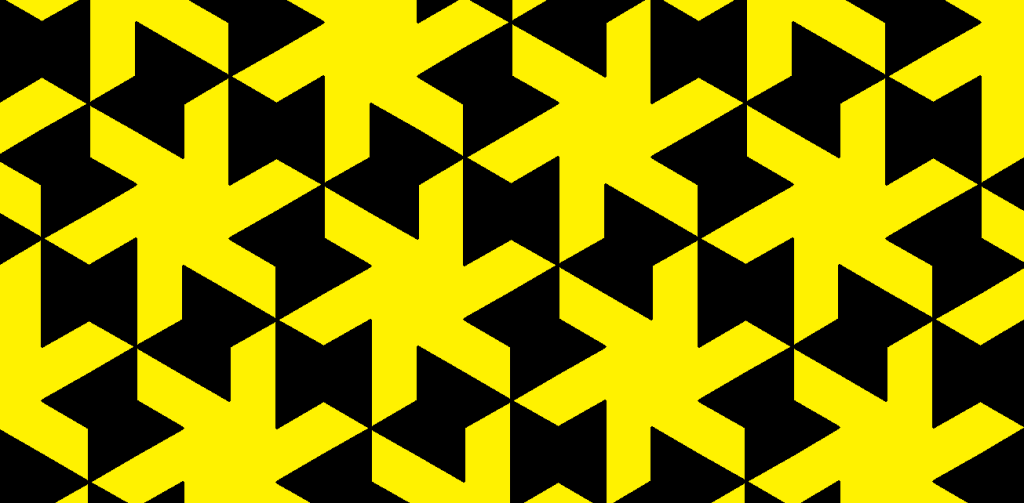
This is based on the well-known tessellation of squares and regular octagons, but with each line segment replaced by two semicircles.
 RobertLovesPi.net