
This is the three-dimensional version of what is called a tessellation in two dimensions. It fills space, and can be continued in all directions.
Software used: Stella 4d, available here.
This is the three-dimensional version of what is called a tessellation in two dimensions. It fills space, and can be continued in all directions.
Software used: Stella 4d, available here.
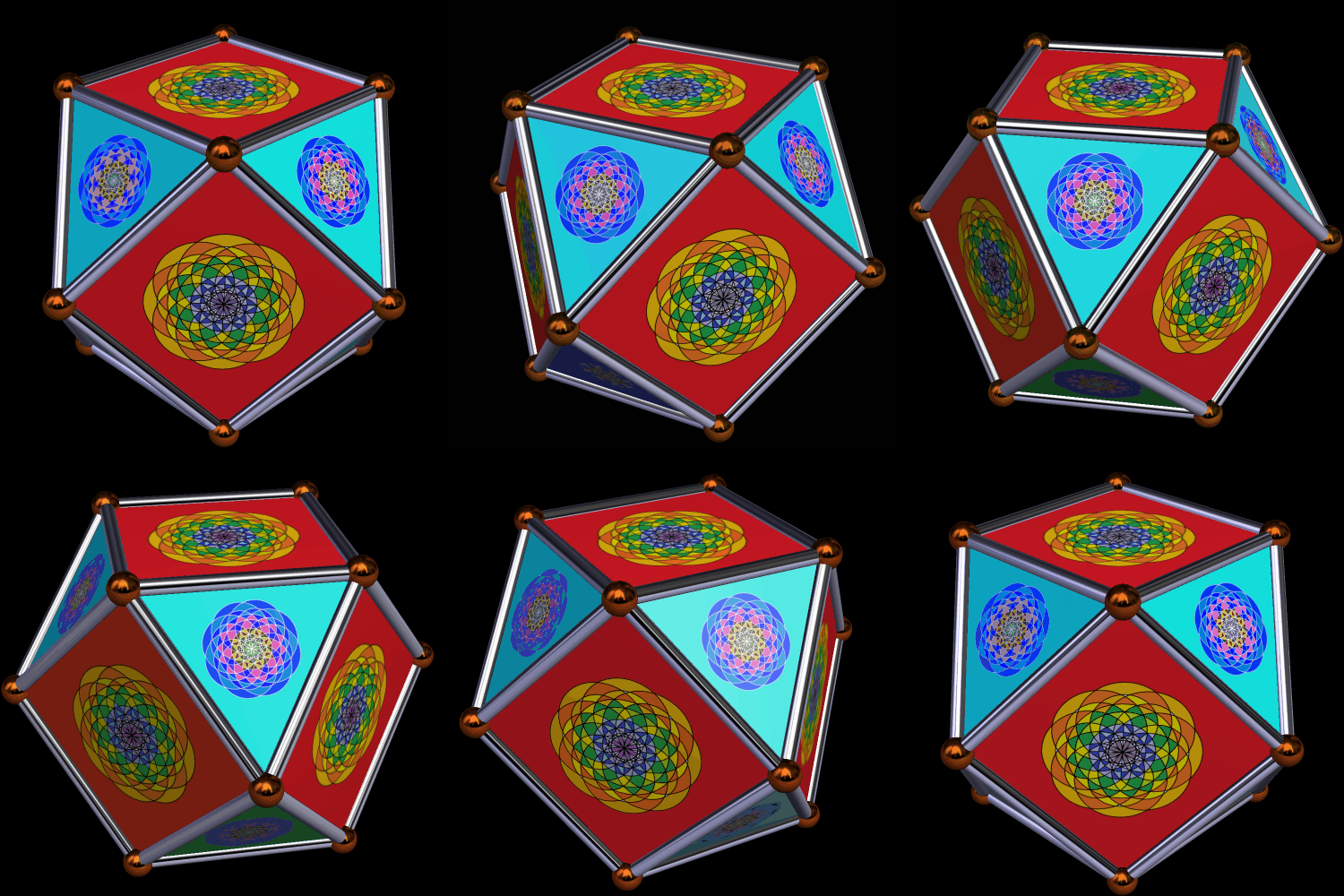
I used three programs to make this: Geometer’s Sketchpad, MS-Paint, and Stella 4d. The third of these may be tried for free at http://www.software3d.com/Stella.php.

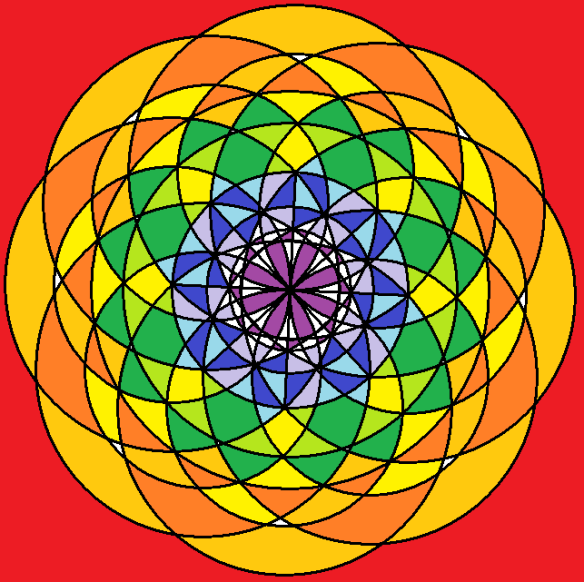
I used MS-Paint and Geometer’s Sketchpad to make the designs on the faces, and then used Stella 4d (here) to put the whole thing together.

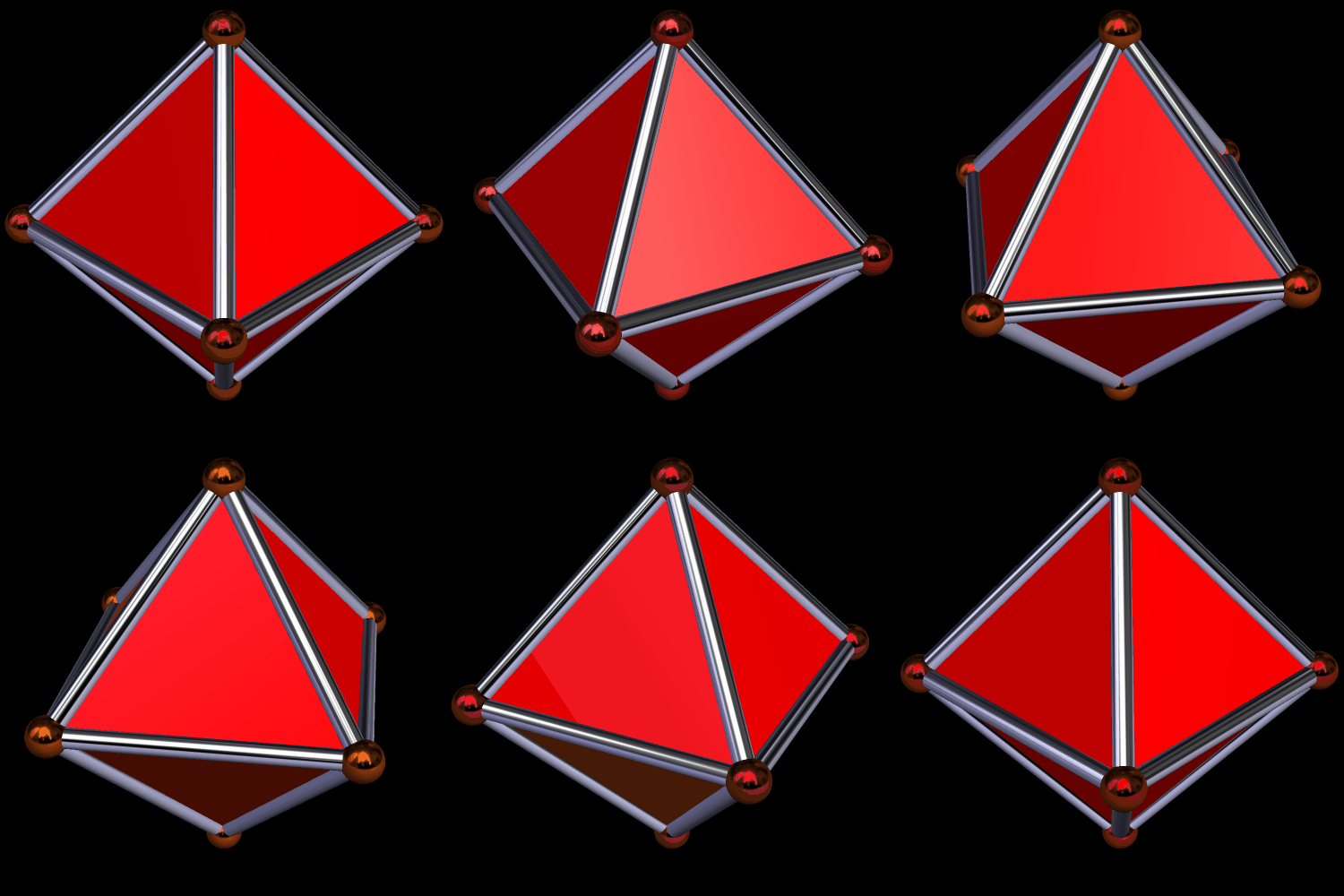
This is an octahedron.
If you augment each face of an octahedron with more octahedra, you end up with this.

One can then augment each triangular face of this with yet more octahedra.
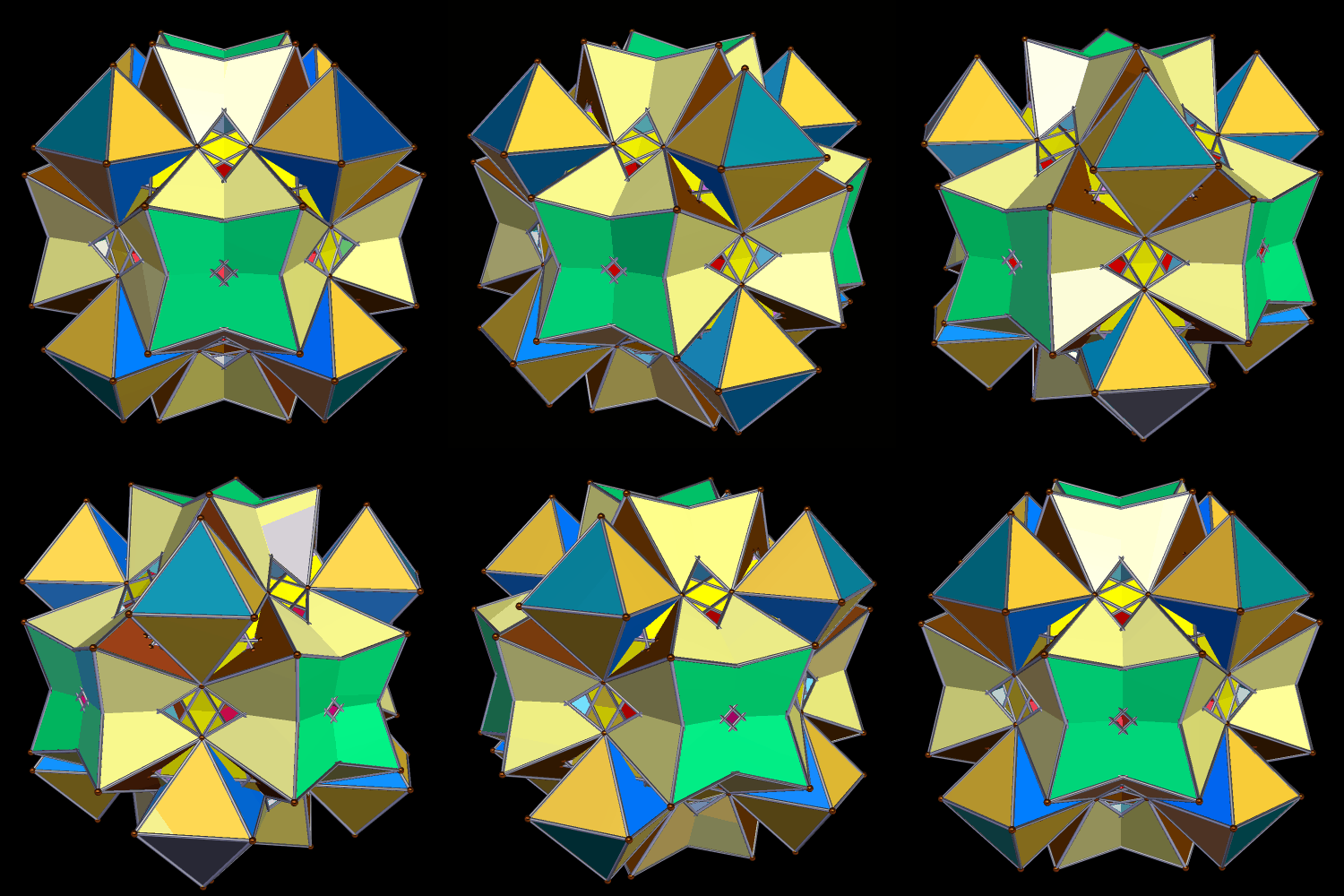
Here’s the next iteration:

This could, of course, go on forever, but one more step in the series is all you will see here. I don’t want to get caught in an infinite loop.
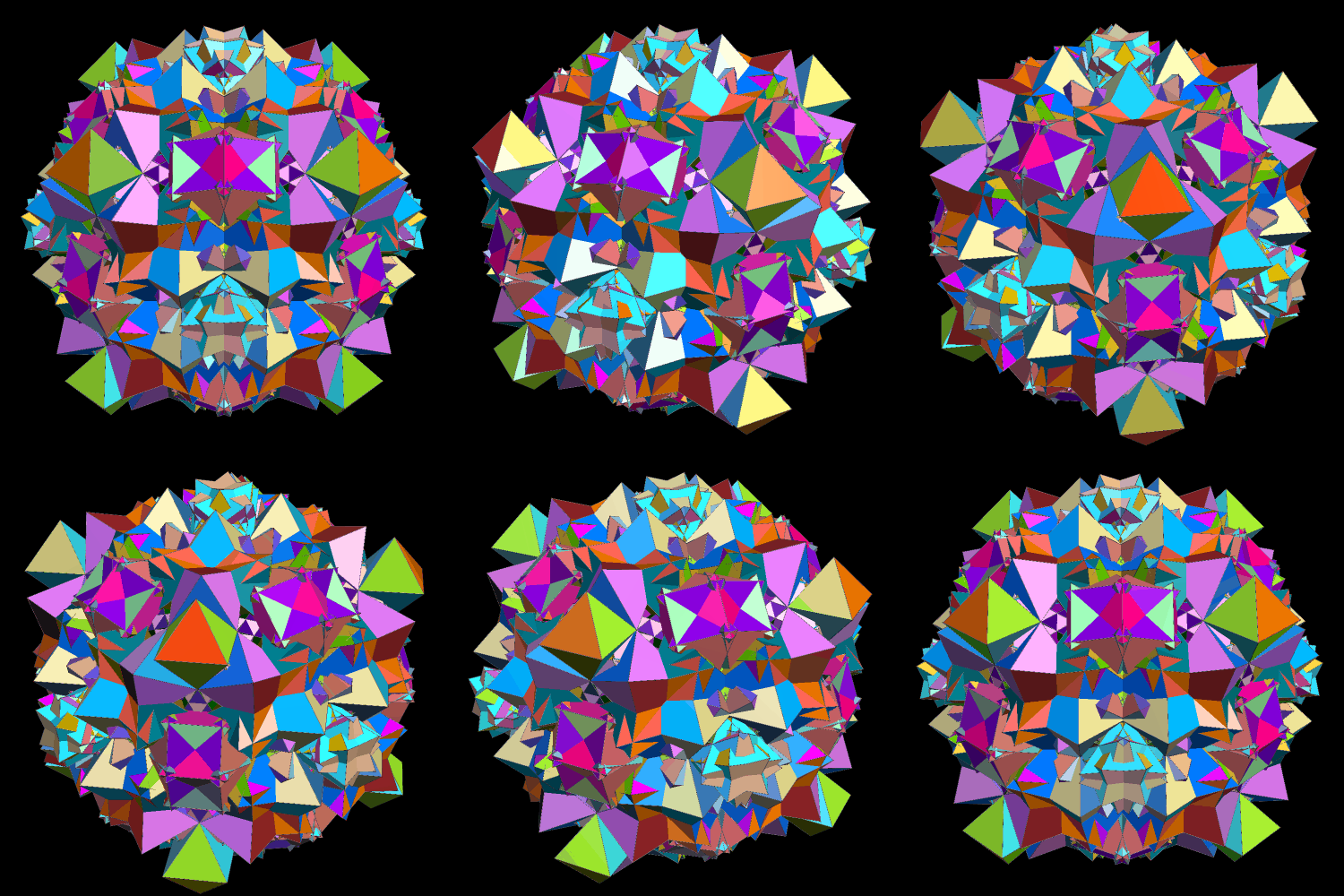
Performing various manipulations of polyhedra is easy with Stella 4d: Polyhedron Navigator, which I used to make all five of these rotating images. If you’d like to try this program for yourself, just check out http://www.software3d.com/Stella.php.

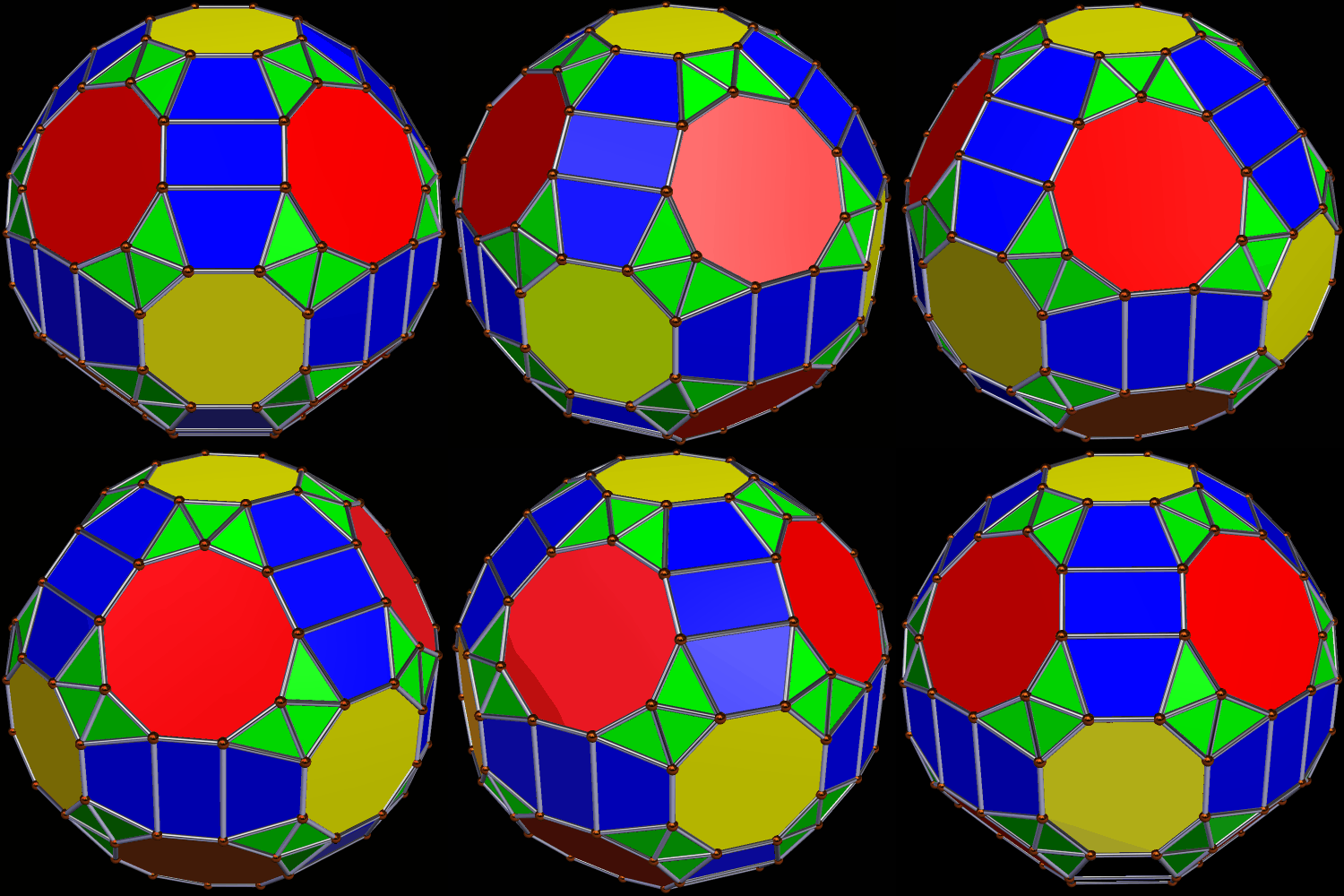
I used Stella 4d: Polyhedron Navigator to make these. You can try it for yourself at http://www.software3d.com/Stella.php.

Software used: Stella 4d, available at http://www.software3d.com/Stella.php.
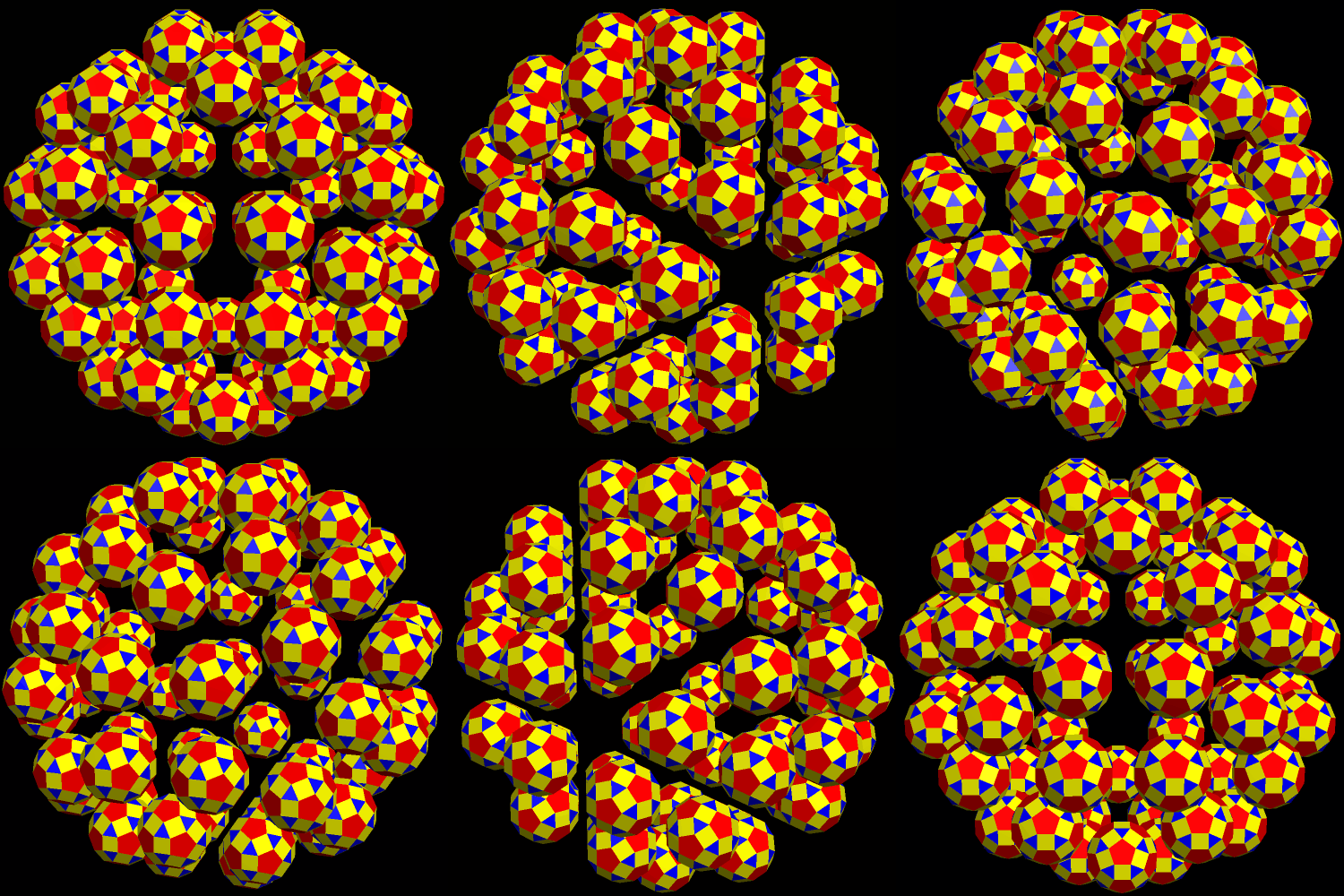
It’s a little-known fact that rhombicosidodecahedra prefer to fly in flocks of sixty, as seen here. I made this using Stella 4d, available at this website.

I used Geometer’s Sketchpad and MS-Paint to make the designs on the faces, and then assembled the dodecahedron with Stella 4d, a program you may try here.
 RobertLovesPi.net