
I made this using Stella 4d: Polyhedron Navigator, software you may try for yourself at http://www.software3d.com/Stella.php.
I made this using Stella 4d: Polyhedron Navigator, software you may try for yourself at http://www.software3d.com/Stella.php.
Crystals and crystalline growth have been studied for centuries because of, at least in part, their symmetry. Crystals are cut in such a way as to increase this symmetry even more, because most people find symmetry attractive. However, where does the original symmetry in a crystal come from? Without it, jewelers who cut gemstones would not exist, for the symmetry of crystalline minerals themselves is what gives such professionals the raw materials with which to work.
To understand anything about how crystals grow, one must look at a bit of chemistry. The growth of crystals:
Why small pieces? That’s easy: we live in a universe where atoms are tiny, compared to anything we can see. Why is the number of rules for combining parts small, though? Well, in some materials, there are, instead, large numbers of ways that atoms, etc., arrange themselves — and when that happens, the result, on the scale we can see, is simply a mess. Keep the number of ways parts can combine extremely limited, though, and it is more likely that the result will possess the symmetry which is the source of the aesthetic appeal of crystals.
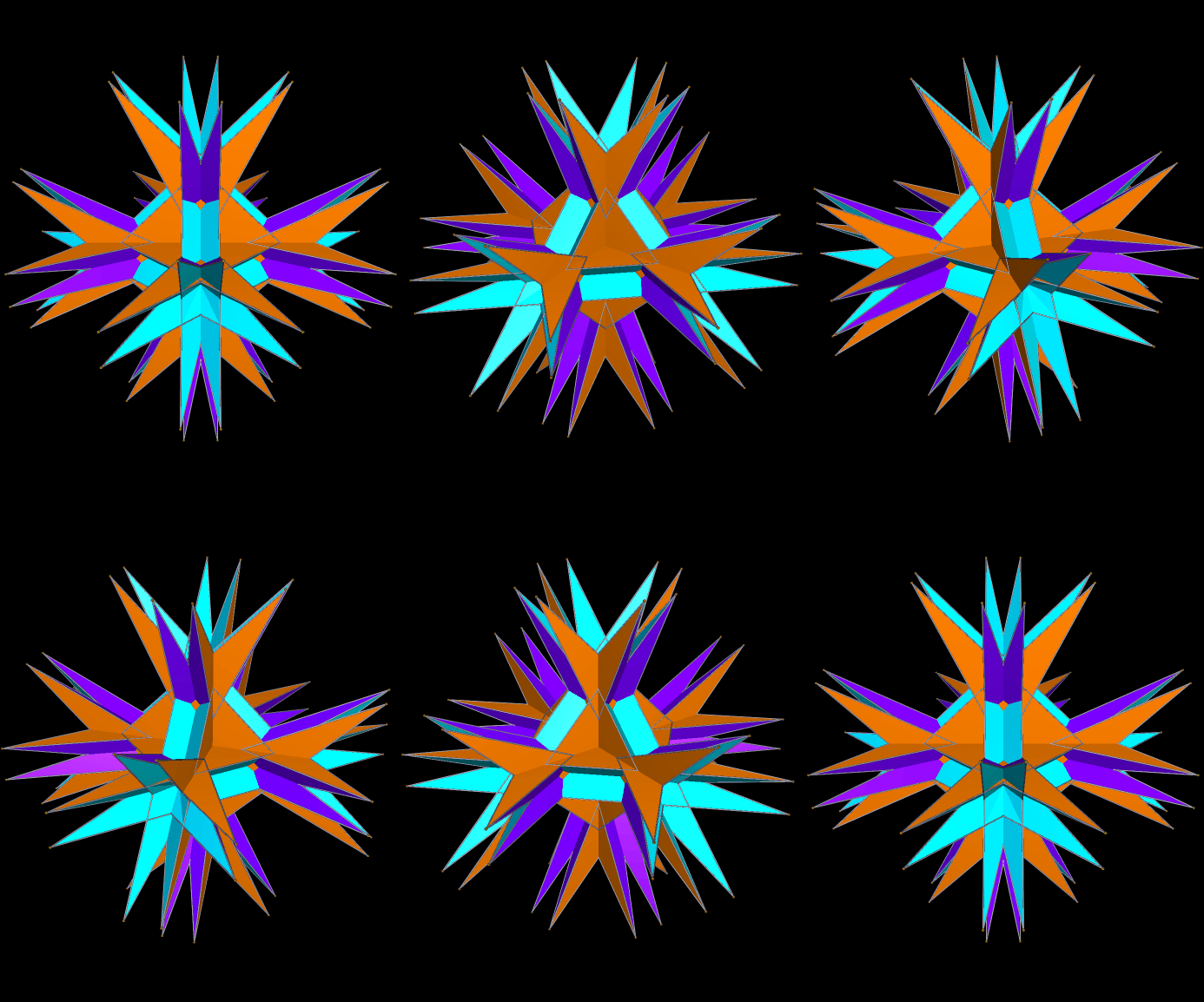
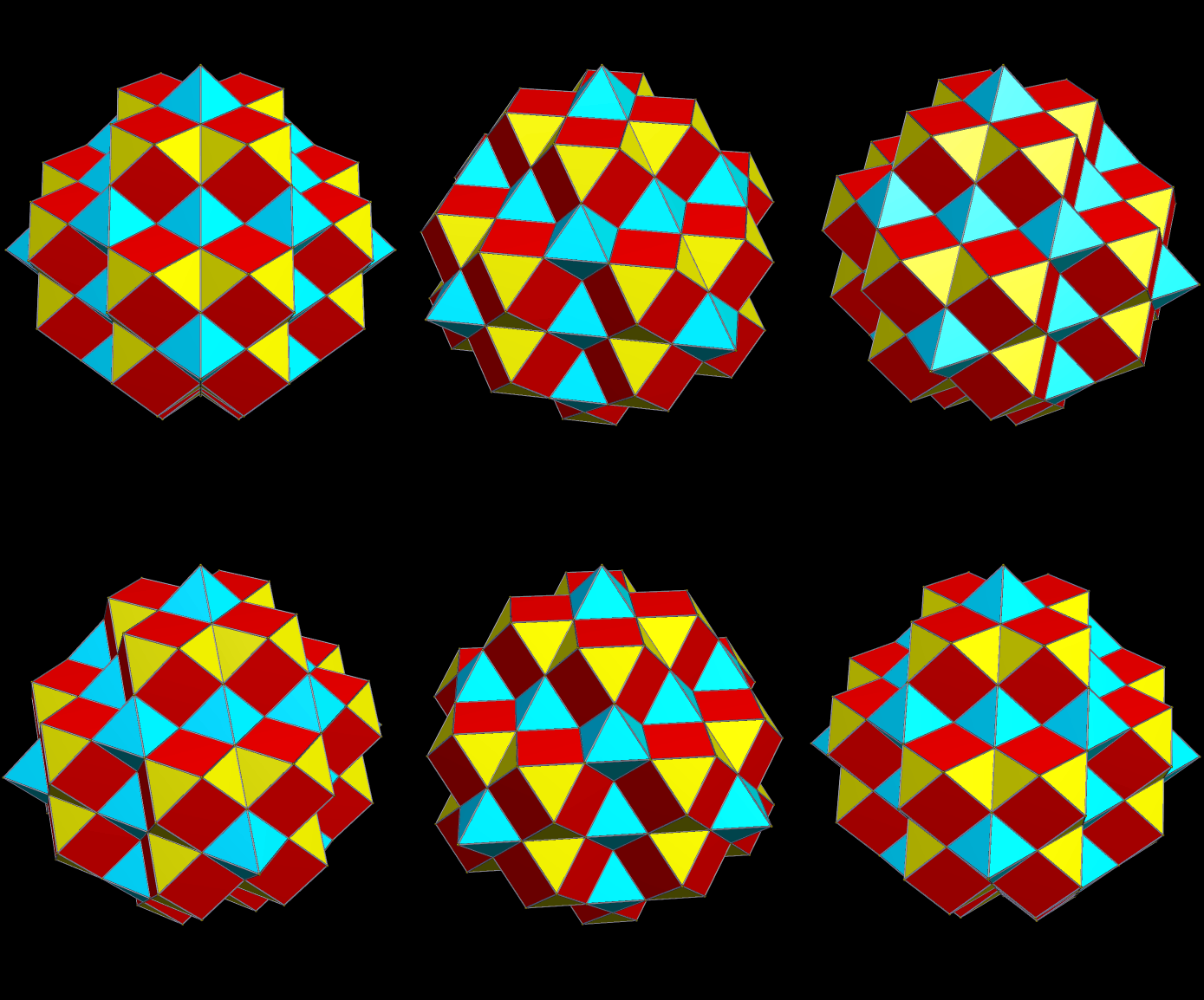
This can be modeled, mathematically, by using polyhedral clusters. For example, I can take a tetrahedron, and them augment each of its four faces with a rhombicosidodecahedron. The result is this tetrahedral cluster:

Next, having chosen my building blocks, I need a set of rules for combining them. I choose, for this example, these three:
Using these rules, the first augmentation produces this:

That, in turn, leads to this:

Next, after another round of augmentation:

One more:
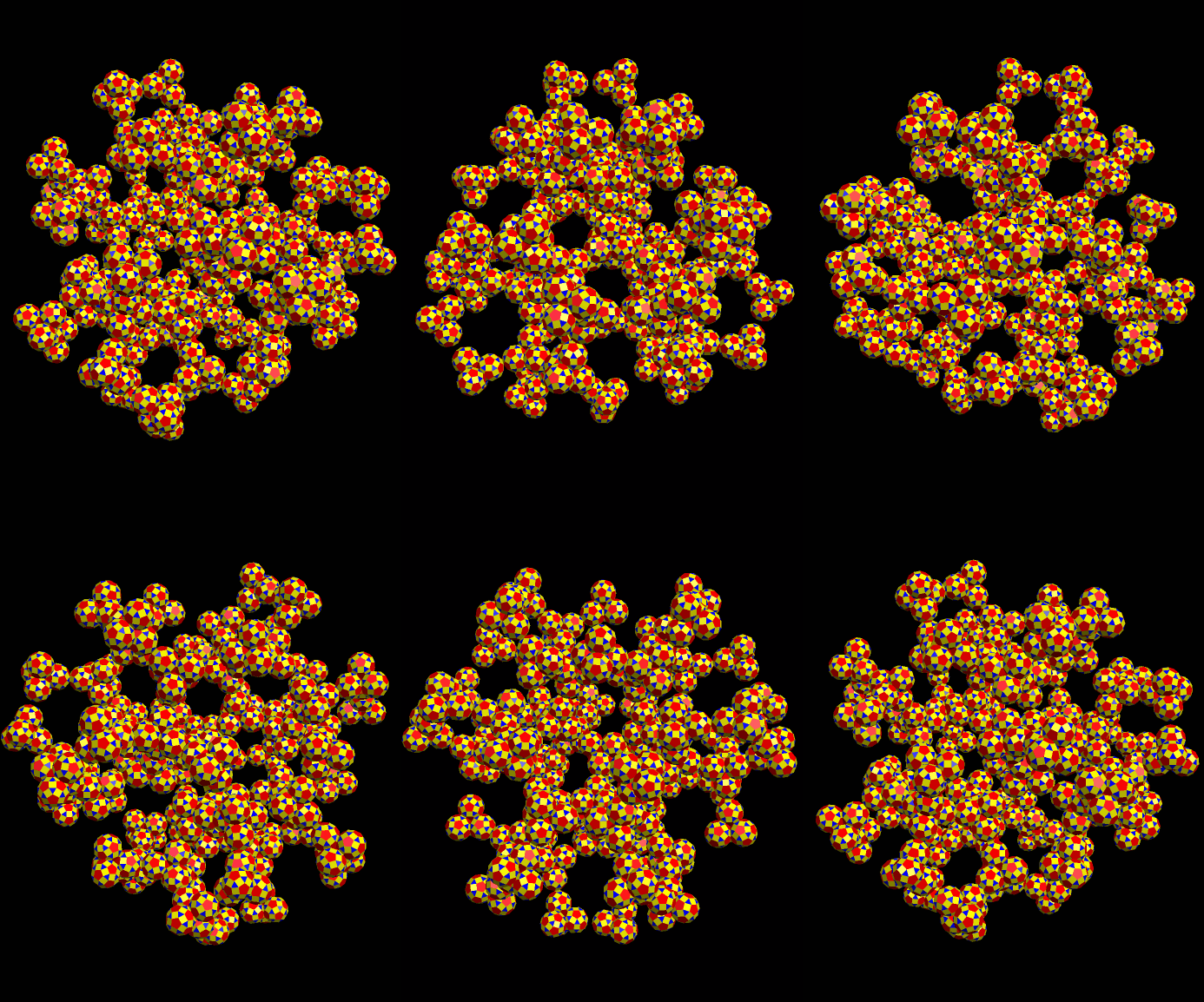
In nature, of course, far more steps than this are needed to produce a crystal large enough to be visible. Different crystals, of course, have different shapes and symmetries. How can this simulation-method be altered to model different types of crystalline growth? Simple: use different polyhedra, and/or change the rules you select as augmentation guidelines, and you’ll get a different result.
[Note: all of these images were created using Stella 4d: Polyhedron Navigator. This program is available at http://www.software3d.com/Stella.php.]
Truncated tetrahedra make interesting building blocks. In the images below, the truncated tetrahedron “atoms” are grouped into four-part “molecules,” each with a triangular face pointed toward the molecular center, which is found in a small tetrahedral hole between the four truncated tetrahedra. These four-part “molecules” are then attached to other, always with three coplanar triangular faces from one “molecule” meeting three from the other. If you start from a central “molecule,” and let such a cluster grow for a small number of iterations, you get this:
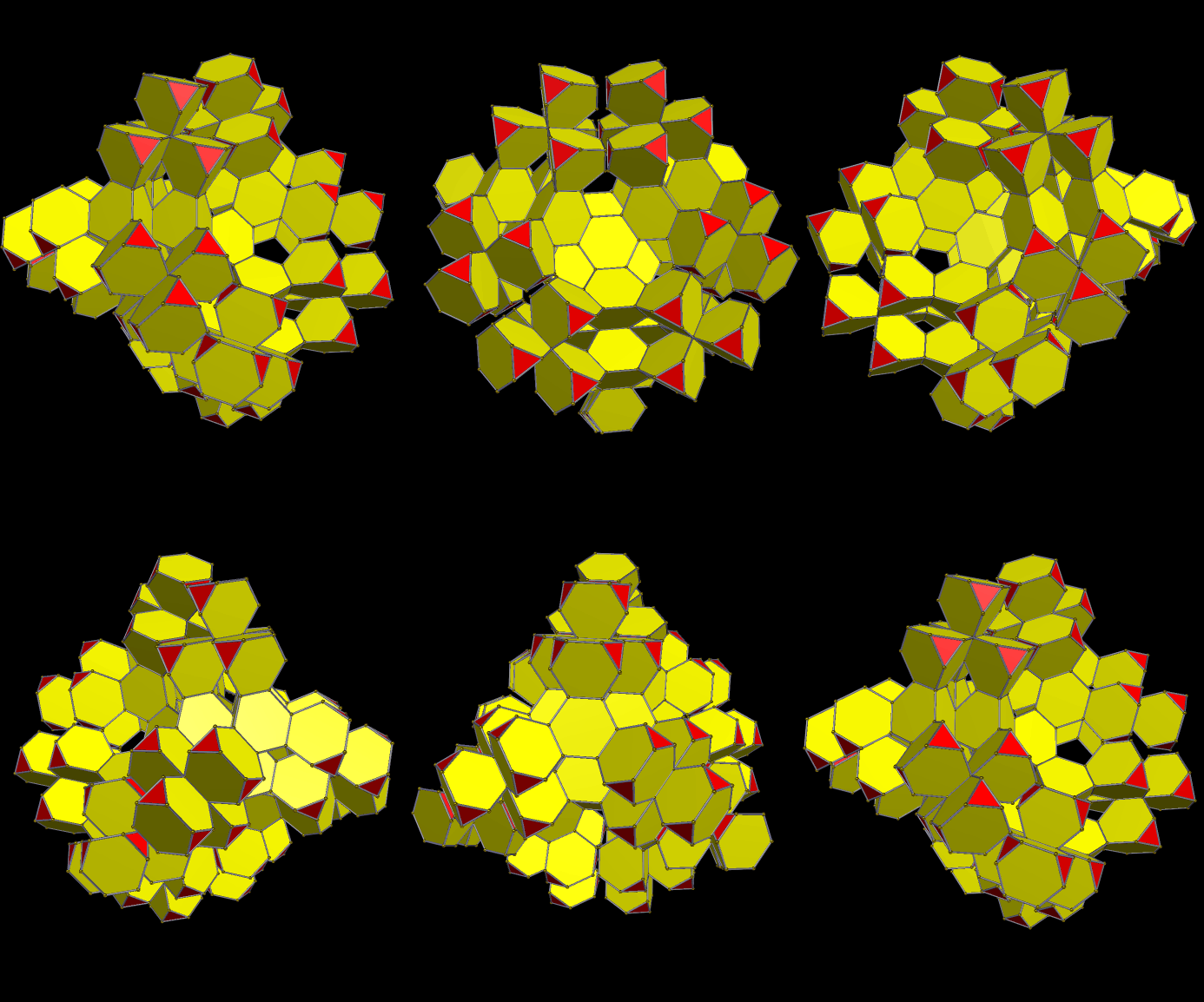
What does the cluster above look like if even more truncated tetrahedra are added, but without allowing overlap to occur? Like this:

Like the truncated tetrahedron itself, these sprawling clusters have tetrahedral symmetry. To keep such symmetry while building these clusters, of course, one must be careful about the exact placement of the pieces — and doing this becomes more difficult as the cluster grows ever larger. I was able to take this one more step:
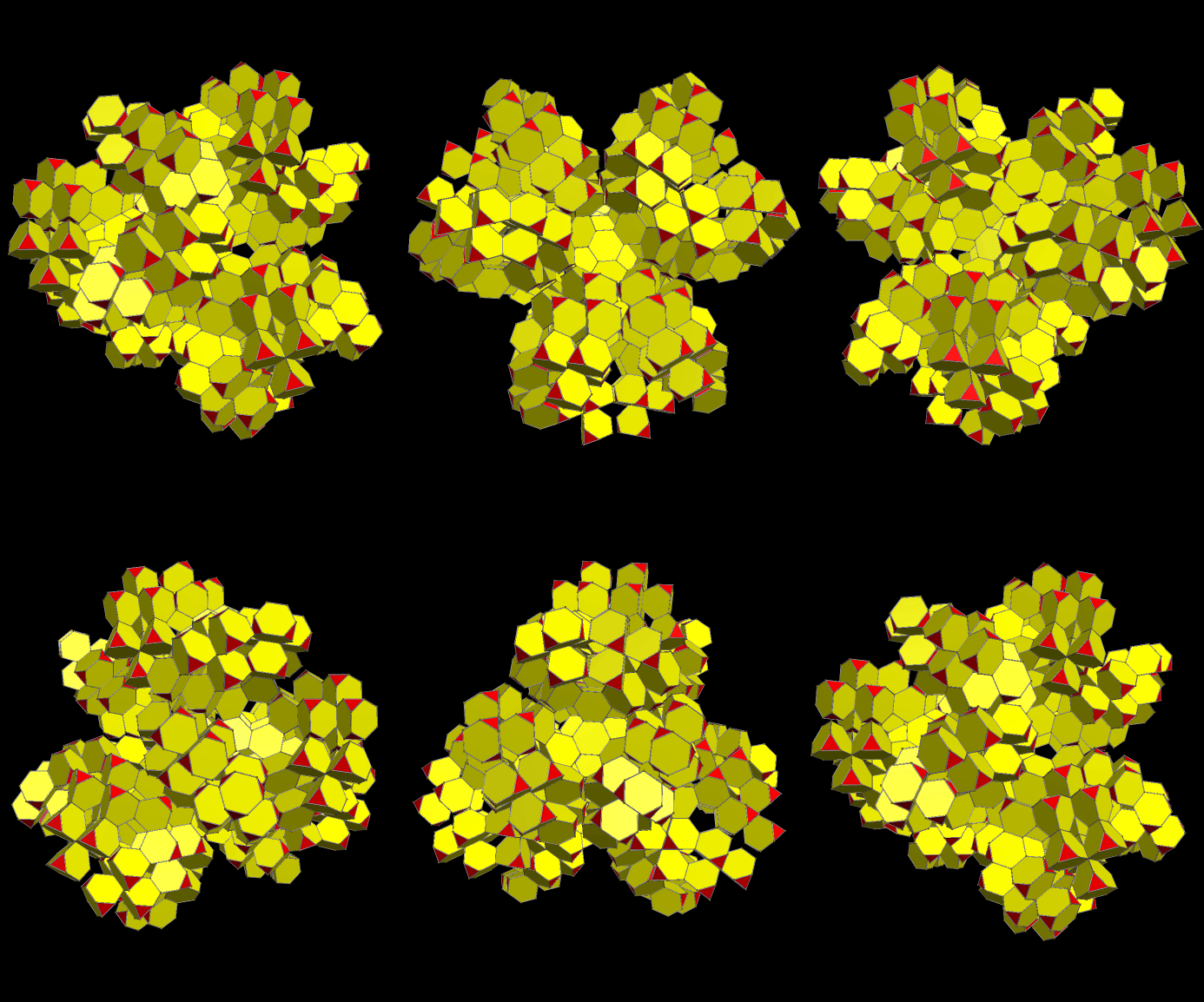
All of these images were created using Stella 4d: Polyhedron Navigator. This program is available at http://www.software3d.com/Stella.php.

I created this cluster using Stella 4d: Polyhedron Navigator. This program is available at http://www.software3d.com/Stella.php.
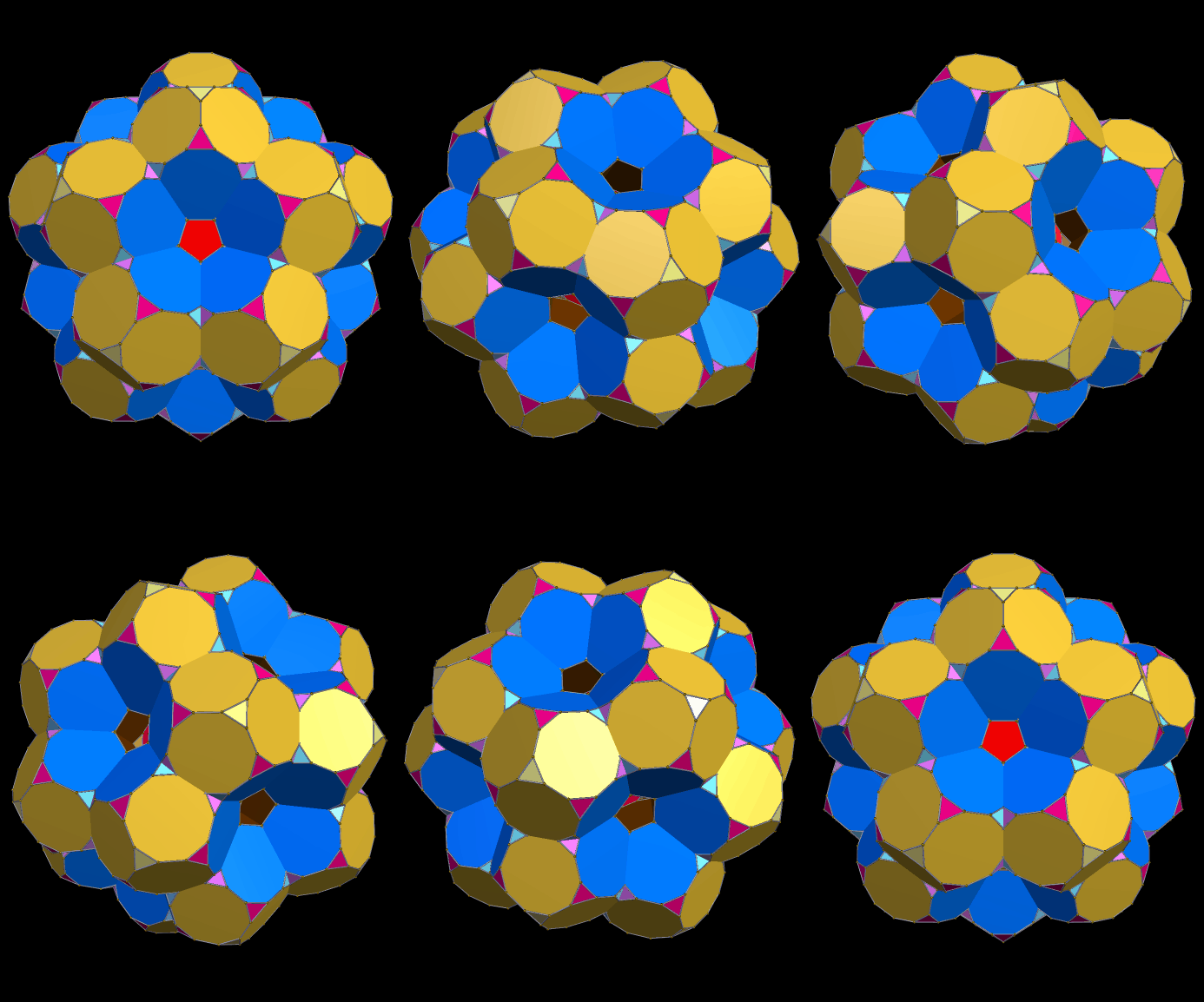
I made this using Stella 4d, which you can find right here: http://www.software3d.com/Stella.php.

I made these using Stella 4d, which you can try at http://www.software3d.com/Stella.php. Here is its dual, also:

The picture above uses symmetry to divide the faces of this polyhedral cluster into color groups. This next one puts faces in the same color-group if and only if they are parallel.
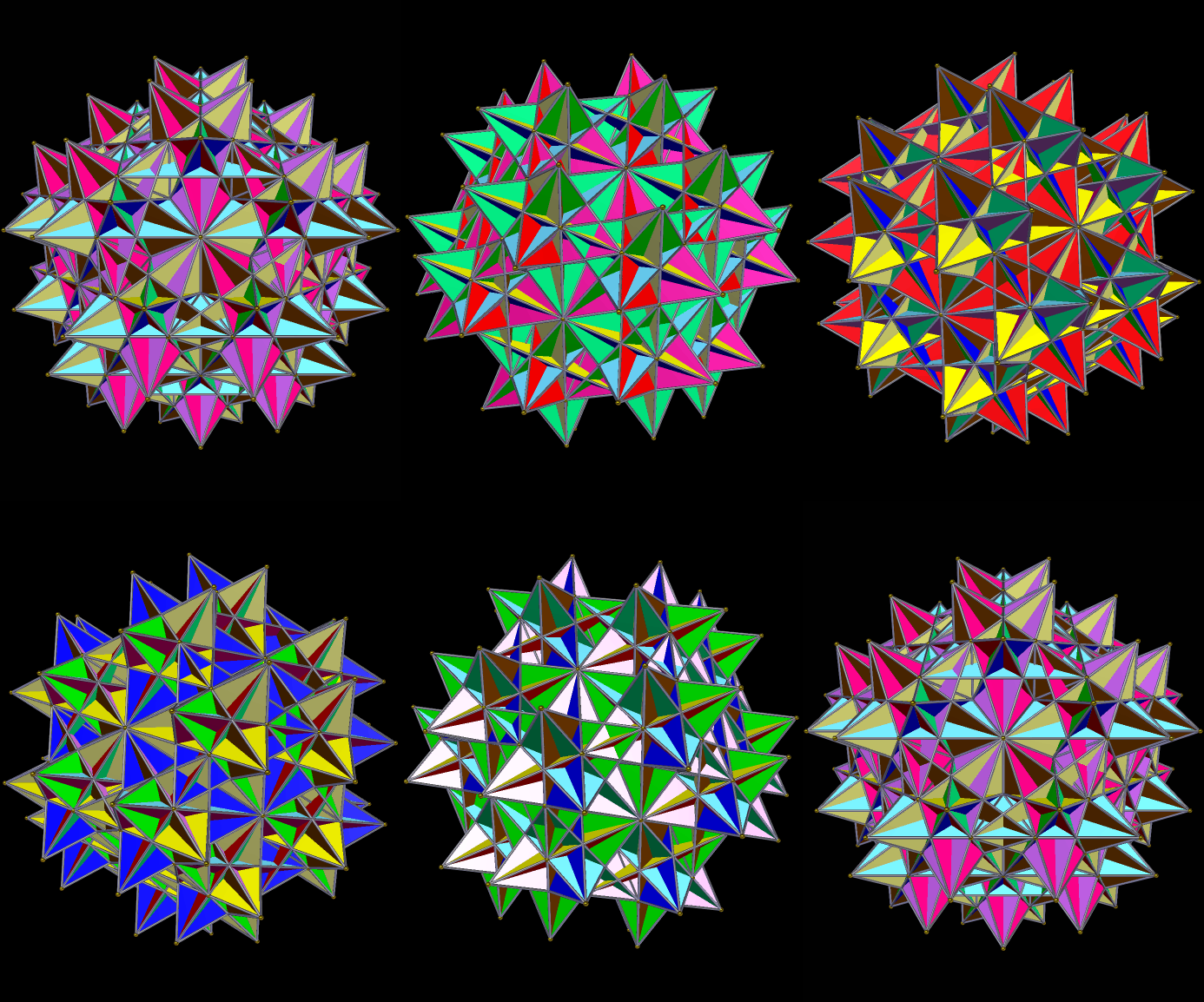
Stellating this once yielded this result, again colored by face-type, like the first image here:

I made these using Stella 4d, which you can try at www.software3d.com/Stella.php.

I stumbled upon this while using Stella 4d to modify existing polyhedra. You may find this program at http://www.software3d.com/Stella.php.
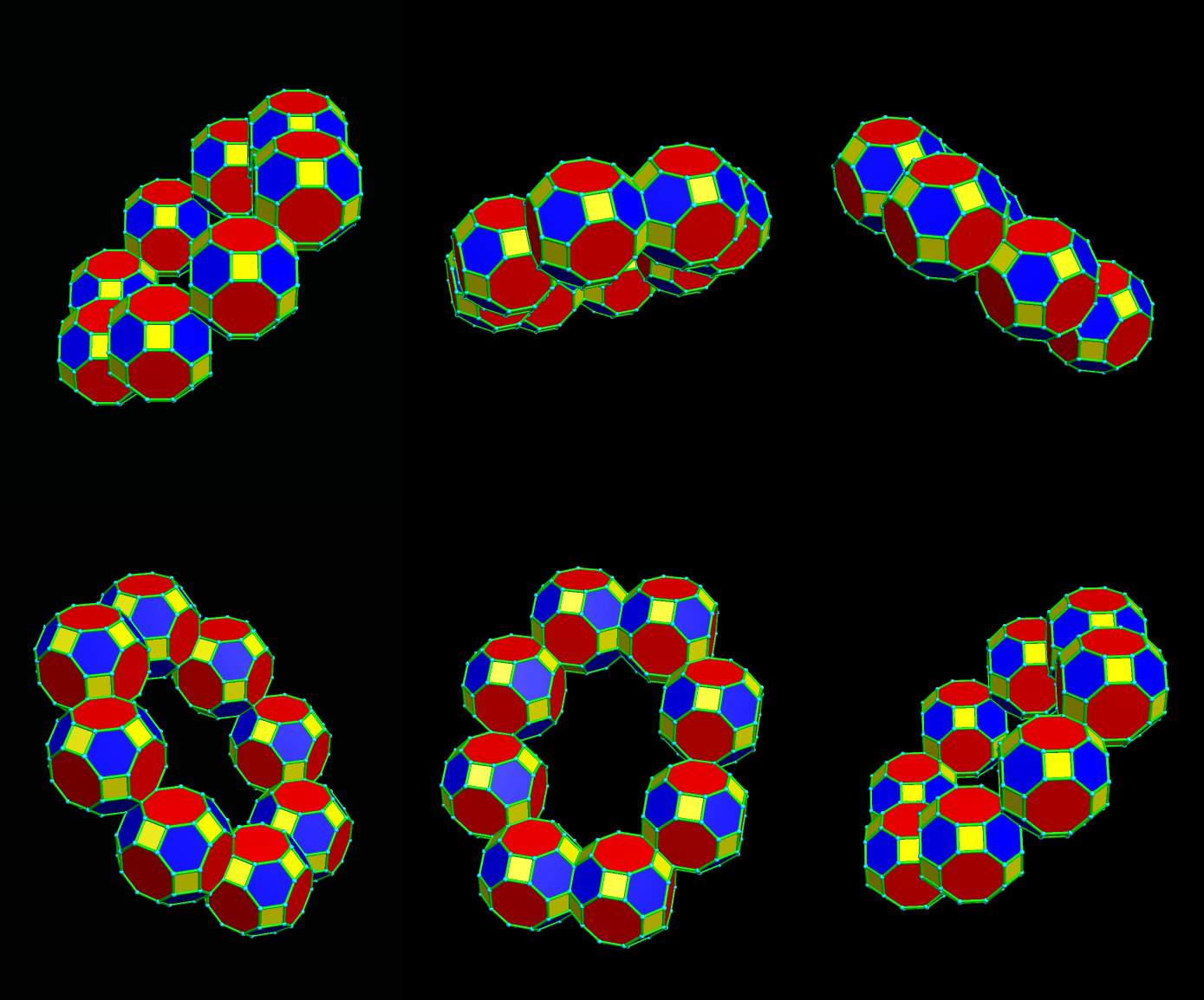
This solid, also known as the great rhombicuboctahedron, and the truncated icosidodecahedron, can be used to build many other things. In addition to the elongated ring of eight above, for example, there’s this octagonal prism.


Remember the elongated ring at the top of this post? This pic, directly above, is of a ring of four of those rings.
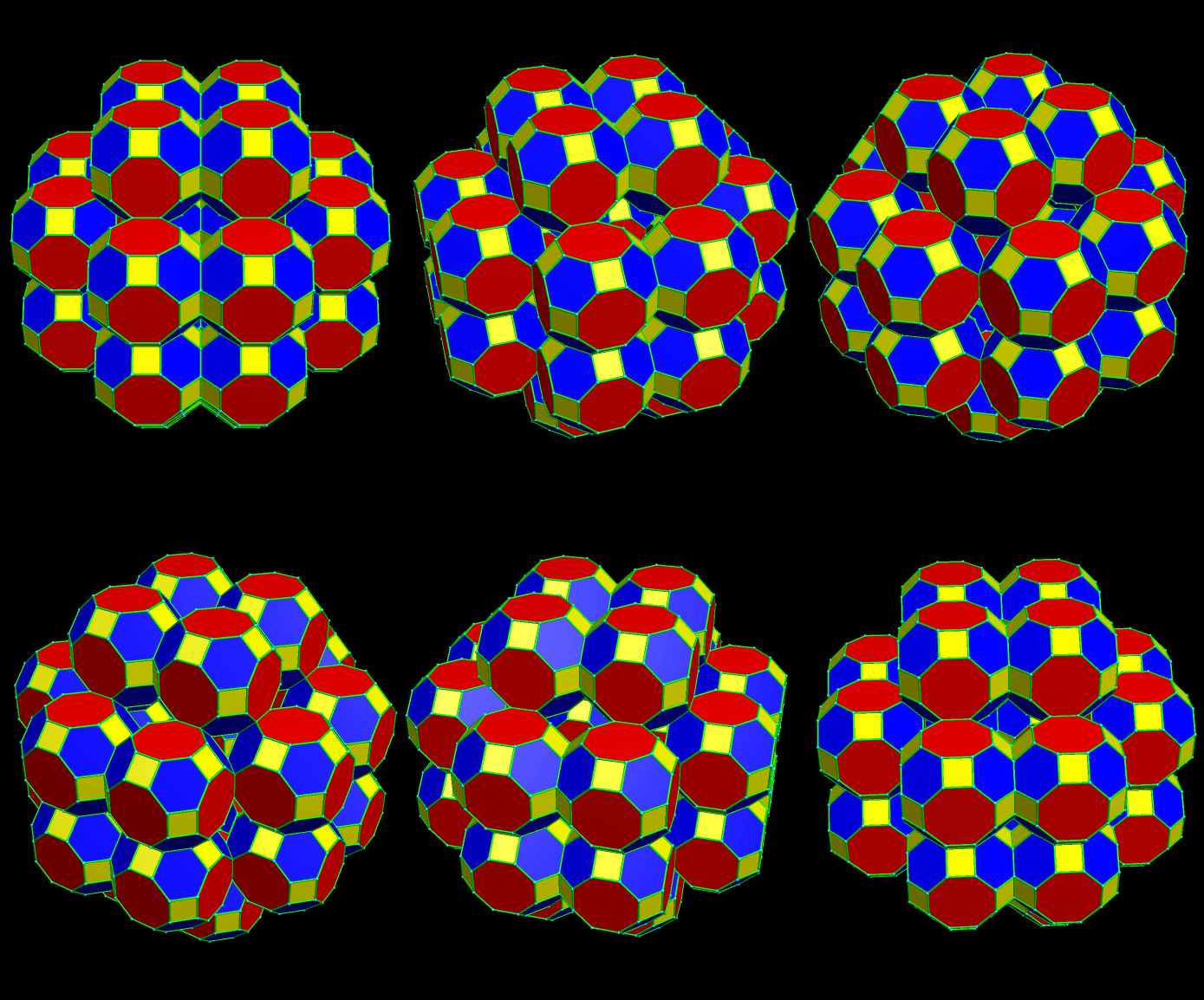
And, yes, that’s a (non-great) rhombcuboctahedron made of great rhombcuboctahedra. Here it is again, with a different color-scheme.

For the last of these constructions, eight more great rhombcuboctahedra are added to the figure in the two posts above, which is also returned to its original color-configuration. These eight new polyhedra have positions which correspond to the corners of a cube.

Manipulating polyhedra in this manner is easy with Stella 4d, the program I used to do all of this. You may buy it, and/or try a free trial version first, at www.software3d.com/Stella.php.
There are only a few polyhedra which can fill space without leaving gaps, without “help” from a second polyhedron. This filling of space is the three-dimensional version of tessellating a plane. Among those that can do this are the cube, the truncated octahedron, and the rhombic dodecahedron.
If multiple polyhedra are allowed in a space-filling pattern, this opens new possibilities. Here is one: the filling of space by cuboctahedra and octahedra. There are others, and they are likely to appear as future blog-posts here.
Software credit: I made this virtual model using Stella 4d, polyhedral-manipulation software you can buy, or try as a free trial download, at http://www.software3d.com/Stella.php.
 RobertLovesPi.net