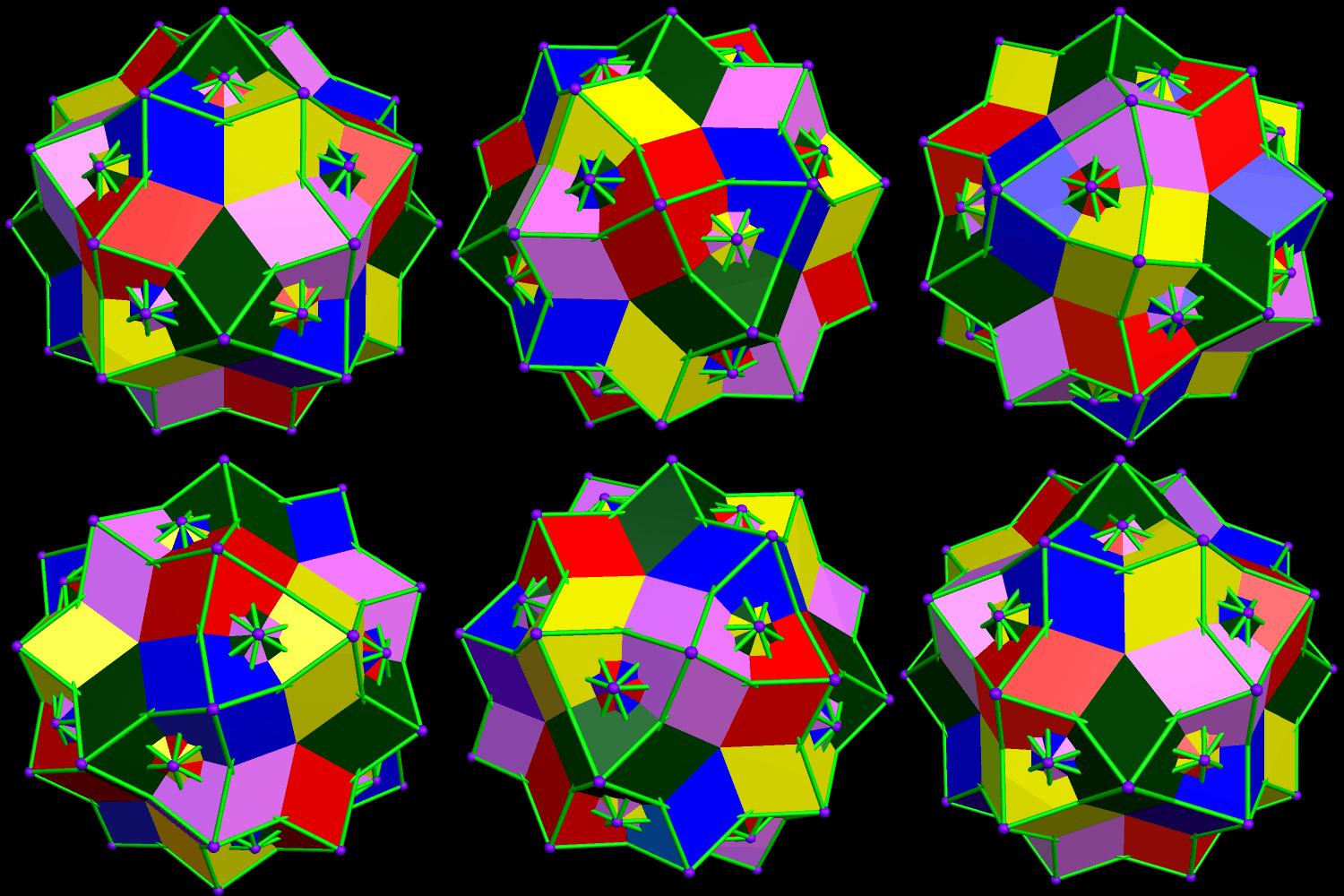
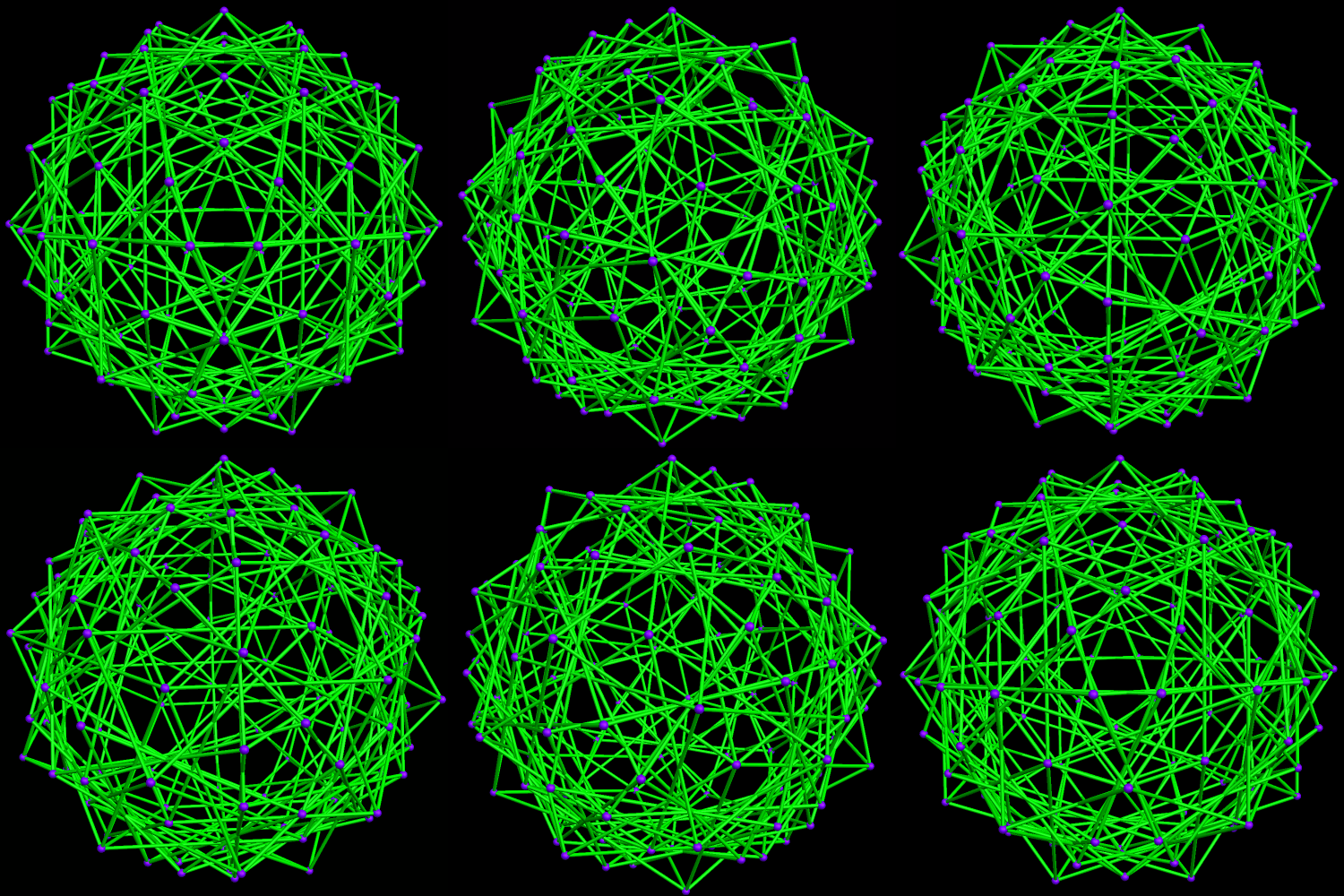
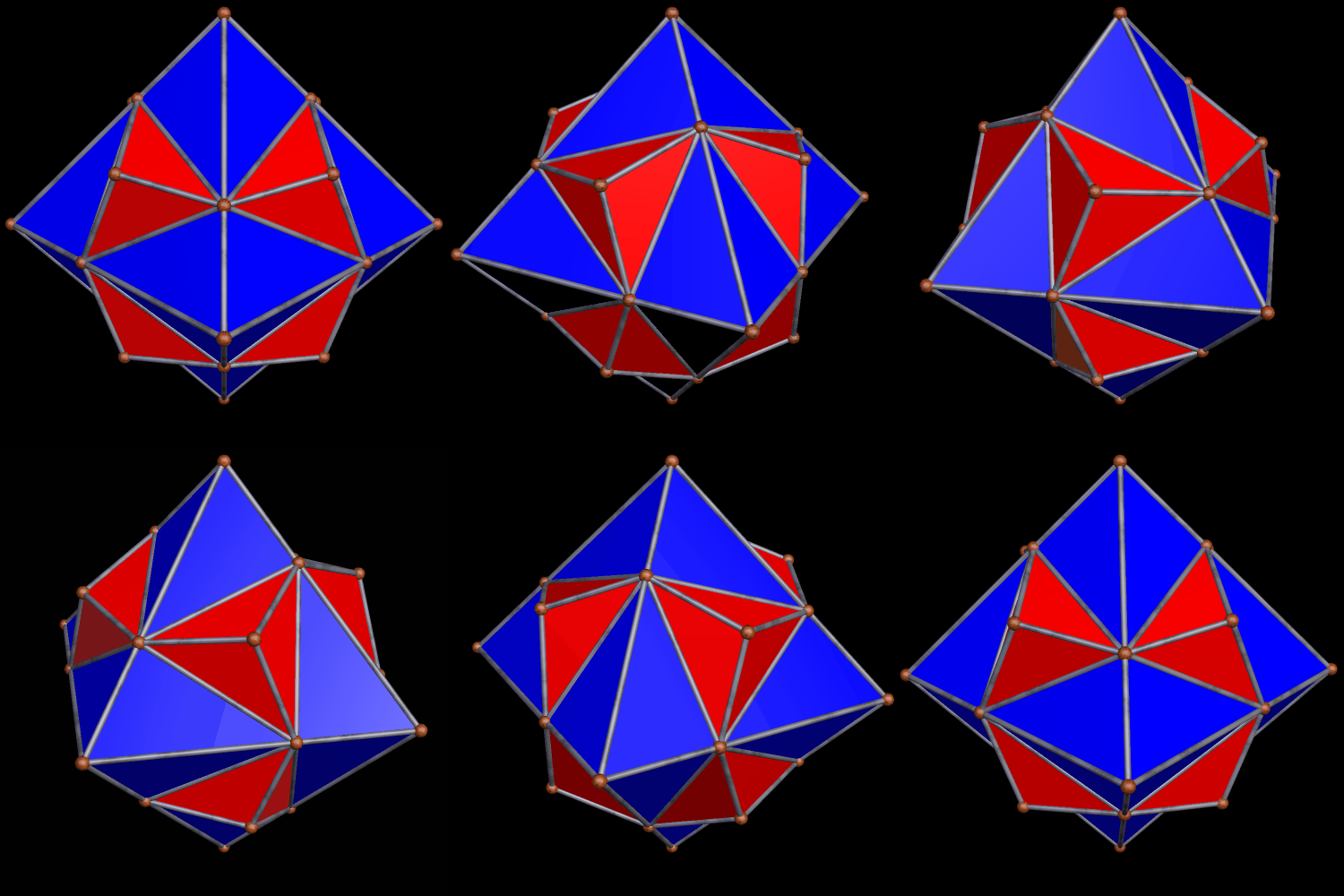
An Icosahedron, Augmented by Snub Dodecahedra, Plus Two Versions of a Related Polyhedral Cluster

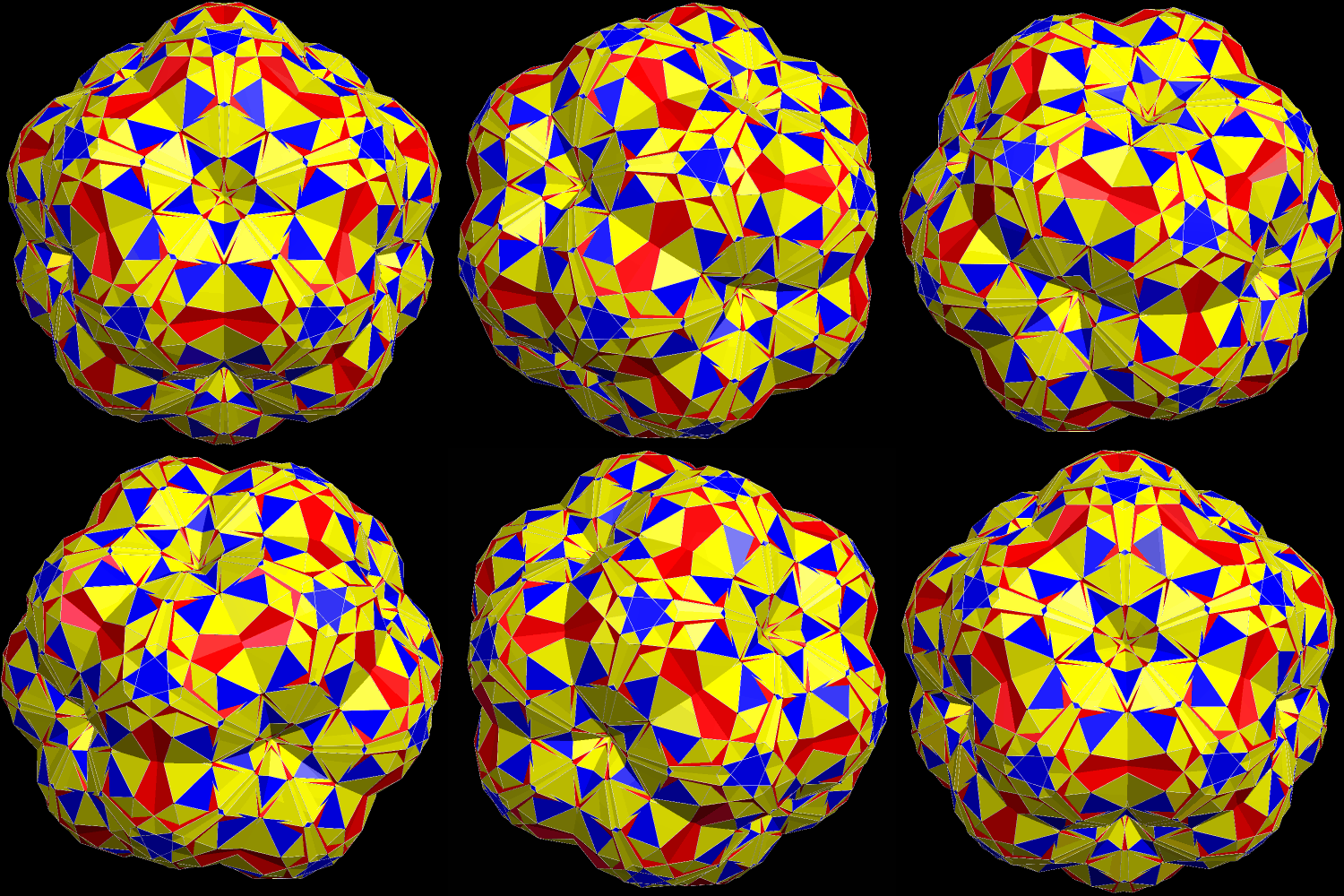
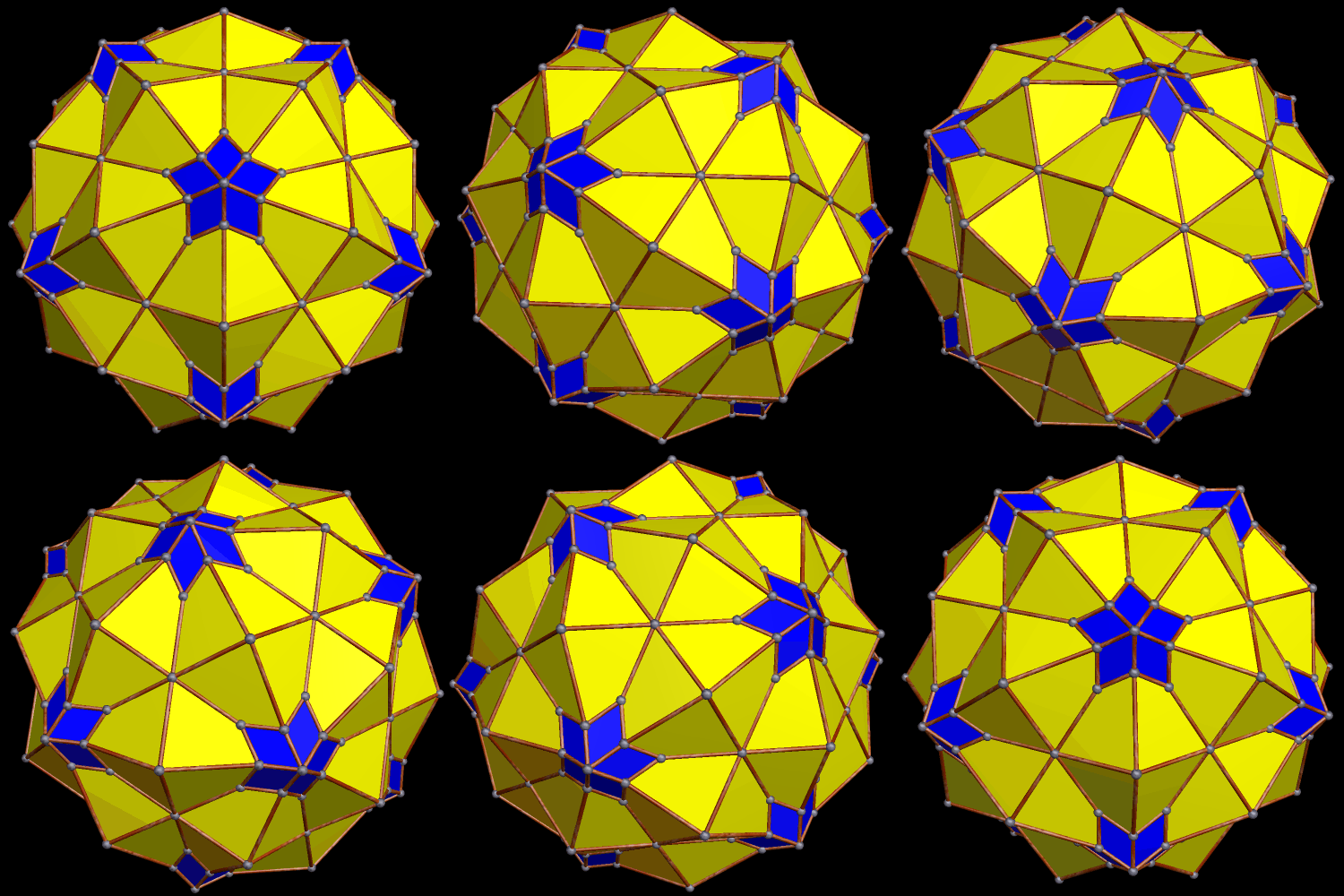
Icosa augmented by snub dodecahedra

Because the snub dodecahedron is chiral, the polyhedral cluster, above, is also chiral, as only one enantiomer of the snub dodecahedron was used when augmenting the single icosahedron, which is hidden at the center of the cluster.

As is the case with all chiral polyhedra, this cluster can be used to make a compound of itself, and its own enantiomer (or “mirror-image”):

Compound of enantiomorphic pair of snub-dodeca-augemented icosahedra

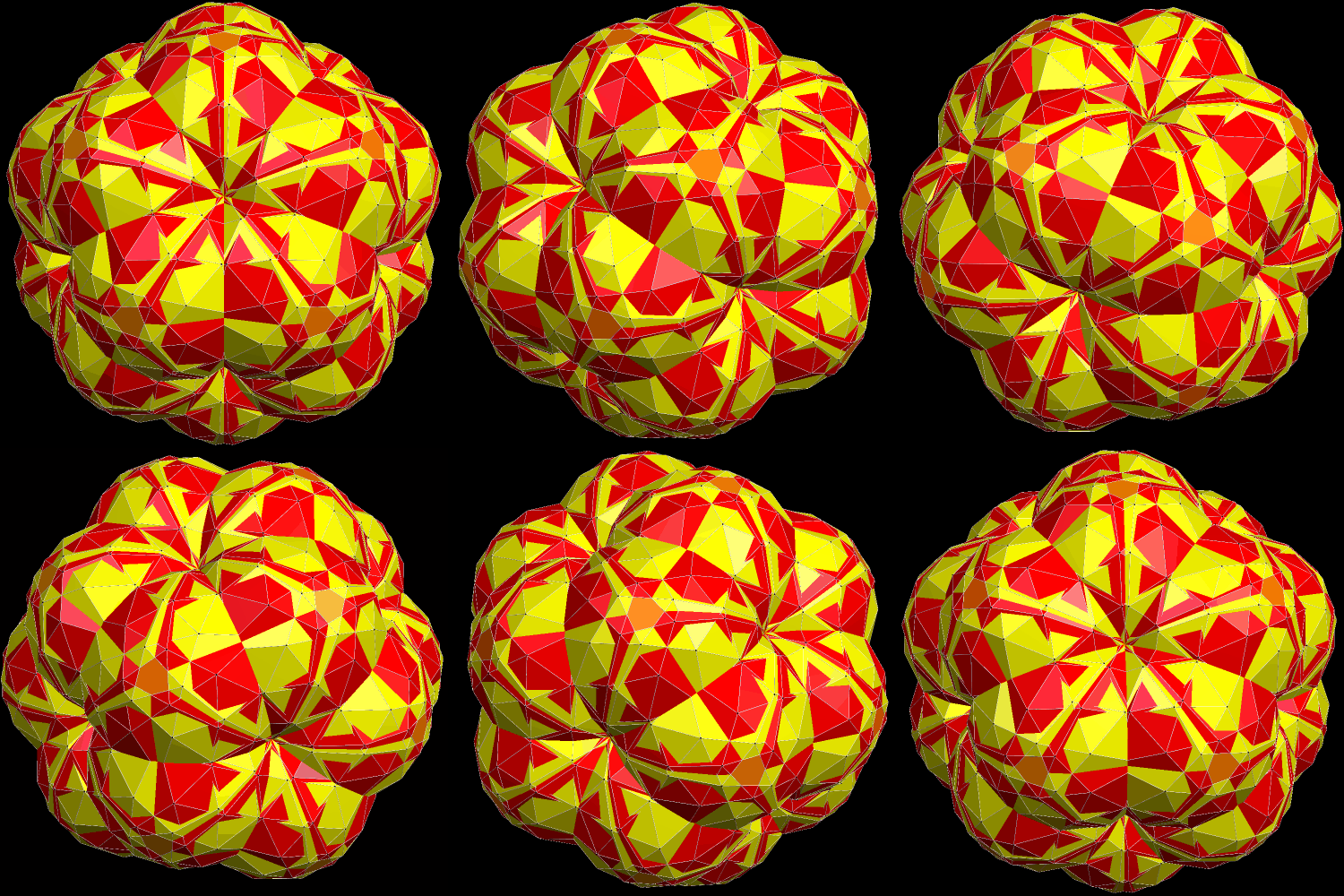
The image above uses the same coloring-scheme as the first image shown in this post. If, however, the two enantiomorphic components are each given a different overall color, this second cluster looks quite different:

Compound of enantiomorphic pair of snub-dodeca-augemented icosahedra colored by chirality

All three of these virtual models were created using Stella 4d, software available at this website.

A Compound of an Icosahedron and the First Stellation of the Rhombic Triacontahedron

Compound of an icosahedron and a stellation (find out which one) of the RTC

I made this compound using software called Stella 4d: Polyhedron Navigator. This program may be purchased (or a trial download tried for free) at this website.

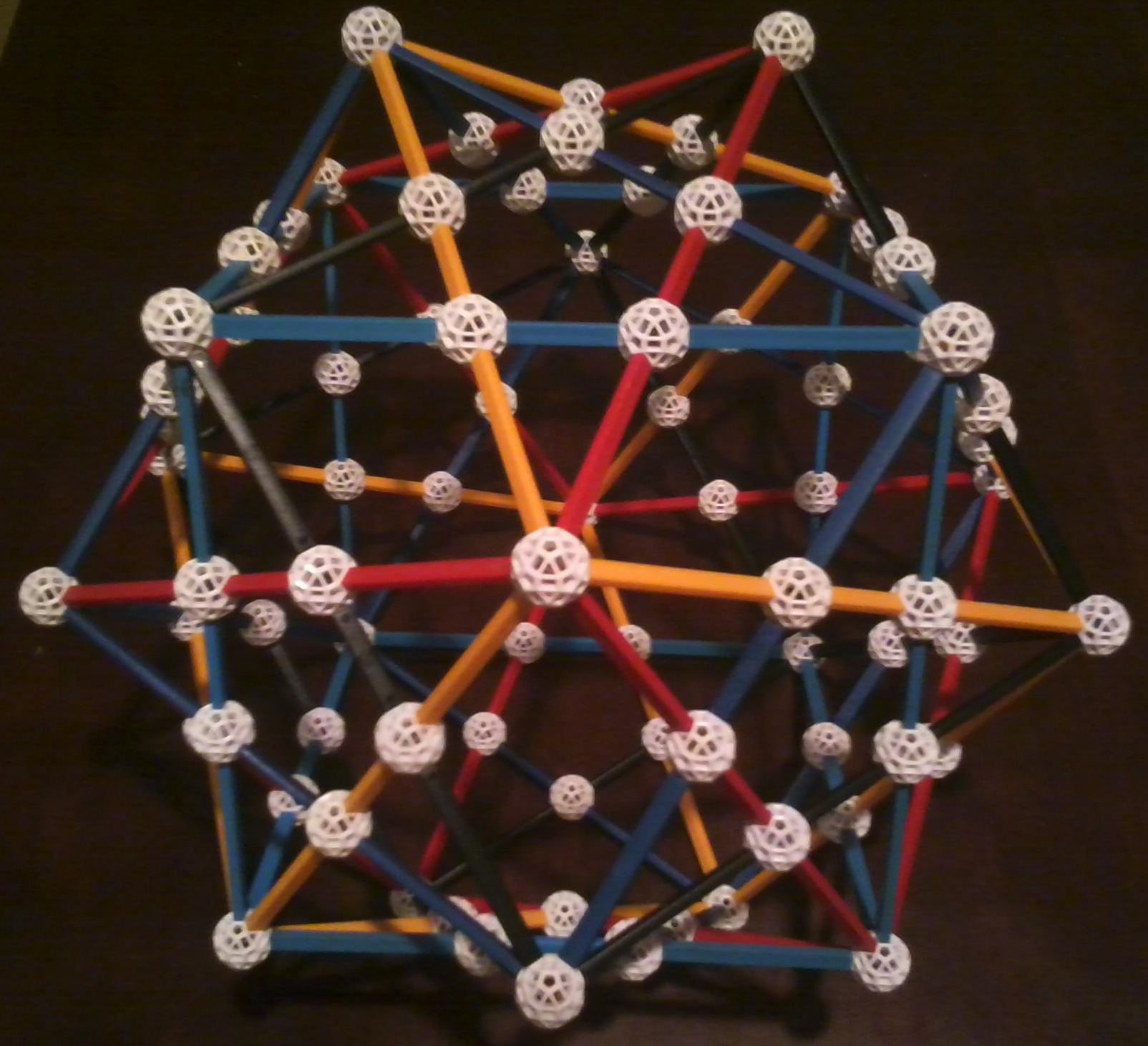
The Compound of Five Cubes, Rendered in Five Colors of Zome

151008_0000

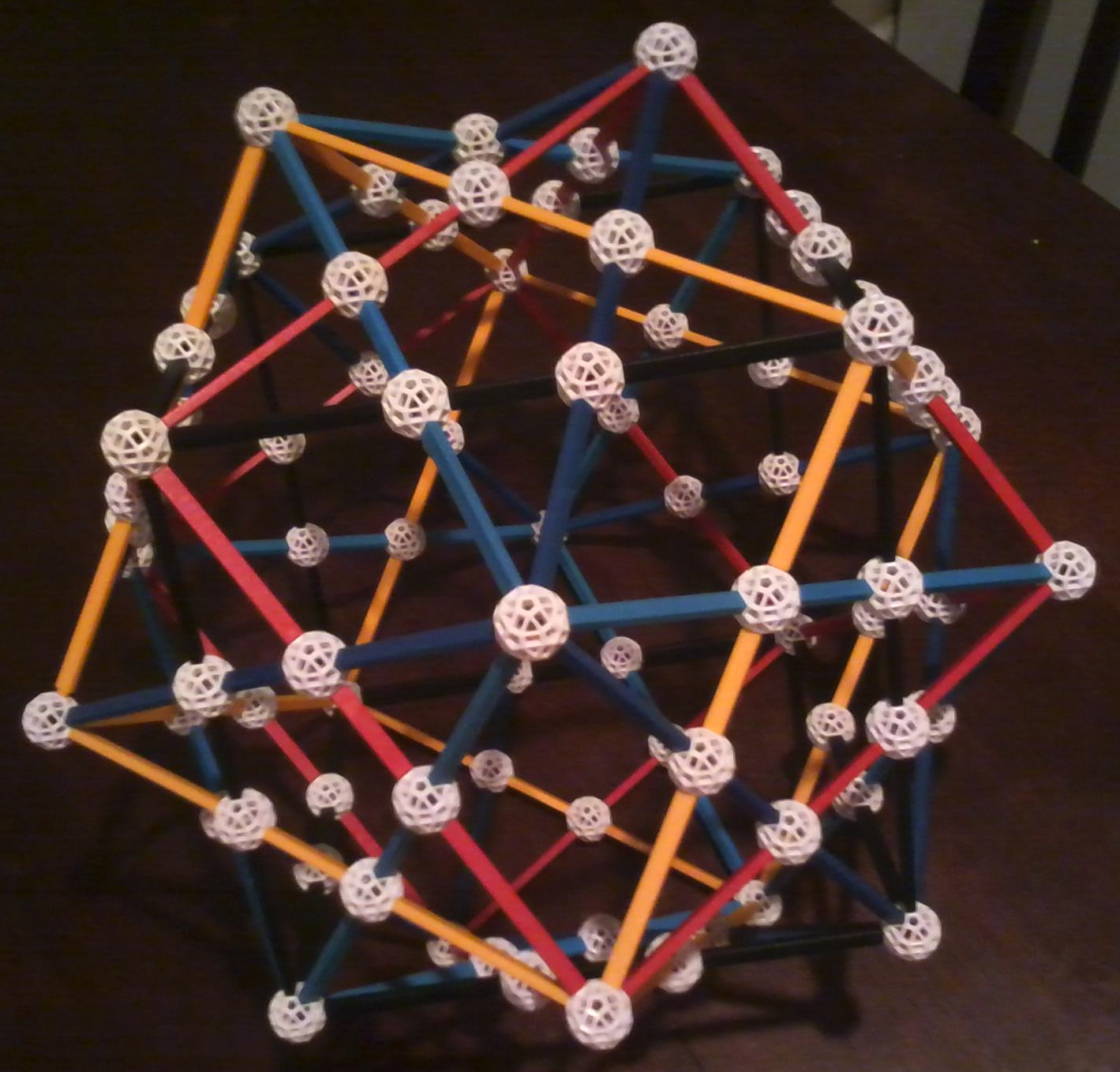
Ordinarily, with Zometools, the compound of five cubes is an all-blue model. However, I wanted to build one in which each cube is a different color, so I made a special request to the Zometool Corporation (their website: http://www.zometool.com) for some off-color parts, to make this possible.

151008_0001

The five colors used in this model are standard blue, a darker shade of blue, red, yellow, and black.

151008_0002

I also received the struts needed to build this model with one cube in white, so I will be making a second version of this soon. I didn’t want the Zomeballs used to match any strut color, though, so I will have to wait for the shipment of purple Zomeballs I ordered, today, to arrive, before I can build that model.

Zome is a fantastic tool to use for mathematical investigations, as well as education, and other applications as well. I recommend this product highly, and without reservation.

Sixty and Sixty: A Chiral Polyhedron, as well as the Compound of It, and Its Own Reflection

60 and 60 -- chiral

This polyhedron is chiral, meaning that (unlike many well-known polyhedra) it exists in “left-handed” and “right-handed” forms — reflections of each other. These “reflections” are also called enantiomers. I call this polyhedron “sixty and sixty” because there are sixty faces which are irregular, purple quadrilaterals, as well as sixty faces which are irregular, orange pentagons.

I stumbled upon this polyhedron while playing around with Stella 4d: Polyhedron Navigator, software you can try right here. For those who research polyhedra, I know of no better tool.

To see the other enantiomer, there is a simple way — just hold a mirror in front of your computer screen, with it showing the image above, and look in the mirror!

With any chiral polyhedron, it is possible to make a compound out of the two enantiomers. Here is what the compound looks like, for this “sixty and sixty” polyhedron cannot be seen this way, so here is an image of it, also created using Stella 4d.

60 and 60 chiral --Compound of enantiomorphic pair

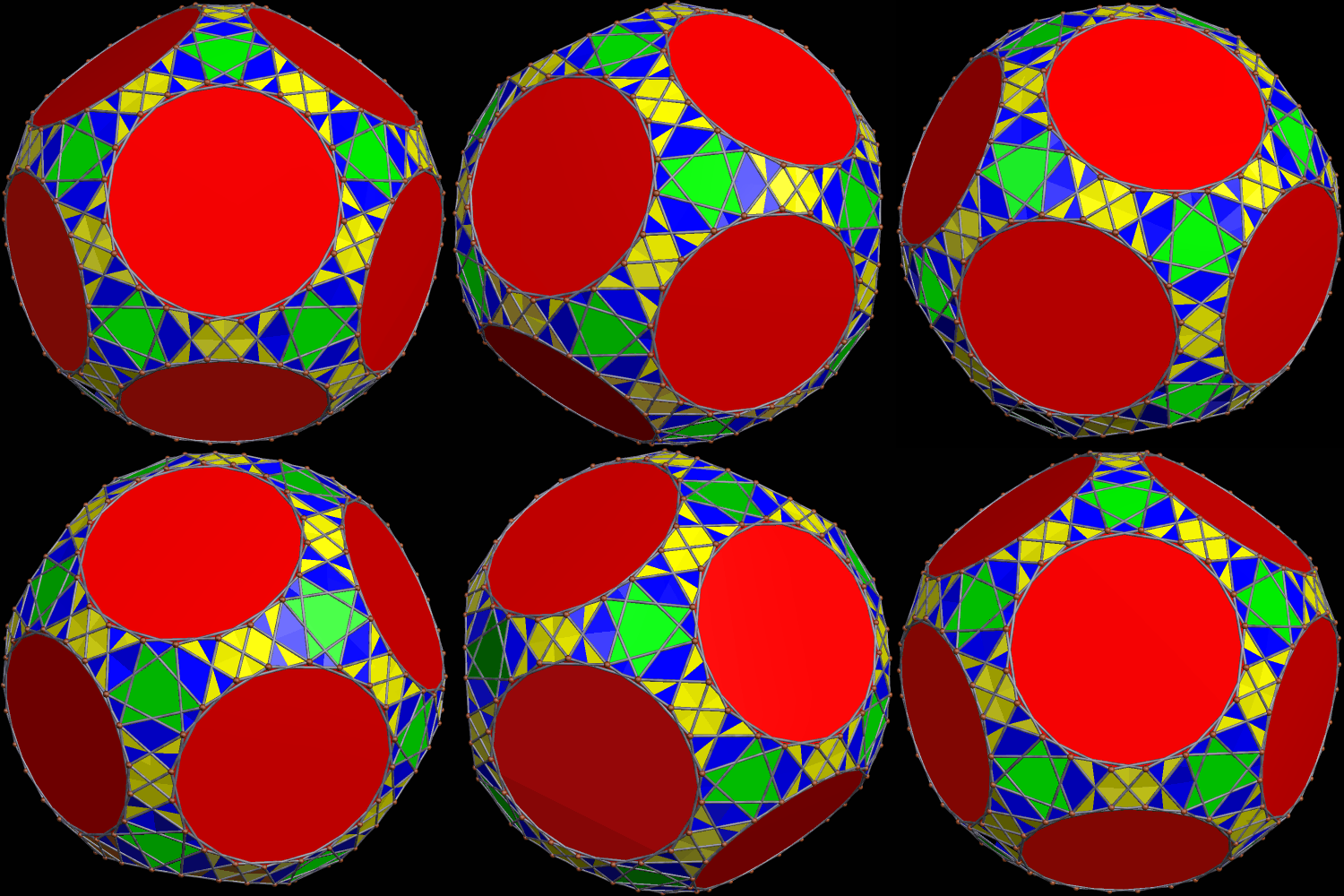
Two Different Versions of an Expanded Snub Dodecahedron, Both of Which Feature Regular Decagons

The snub dodecahedron, one of the Archimedean solids, can be expanded in multiple ways, two of which are shown below. In each of these expanded versions, regular decagons replace each of the twelve regular pentagons of a snub dodecahedron.

exp sn dodeca 2

Exp Sn Dodaca

Like the snub dodecahedron itself, both of these polyhedra are chiral, and any chiral polyhedron can be used to create a compound of itself and its own mirror-image, Below, you’ll find these enantiomorphic-pair compounds, each made from one of the two polyhedra above, together with its own reflection.

exp sn dodeca 2 compound of enantiomophic pair

exp sn dodaca Compound of enantiomorphic pair exp snub dodeca

All four of these images were created using Stella 4d: Polyhedron Navigator, software available (including a free trial download) at this website.

Three Different Depictions of the Compound of Five Cubes

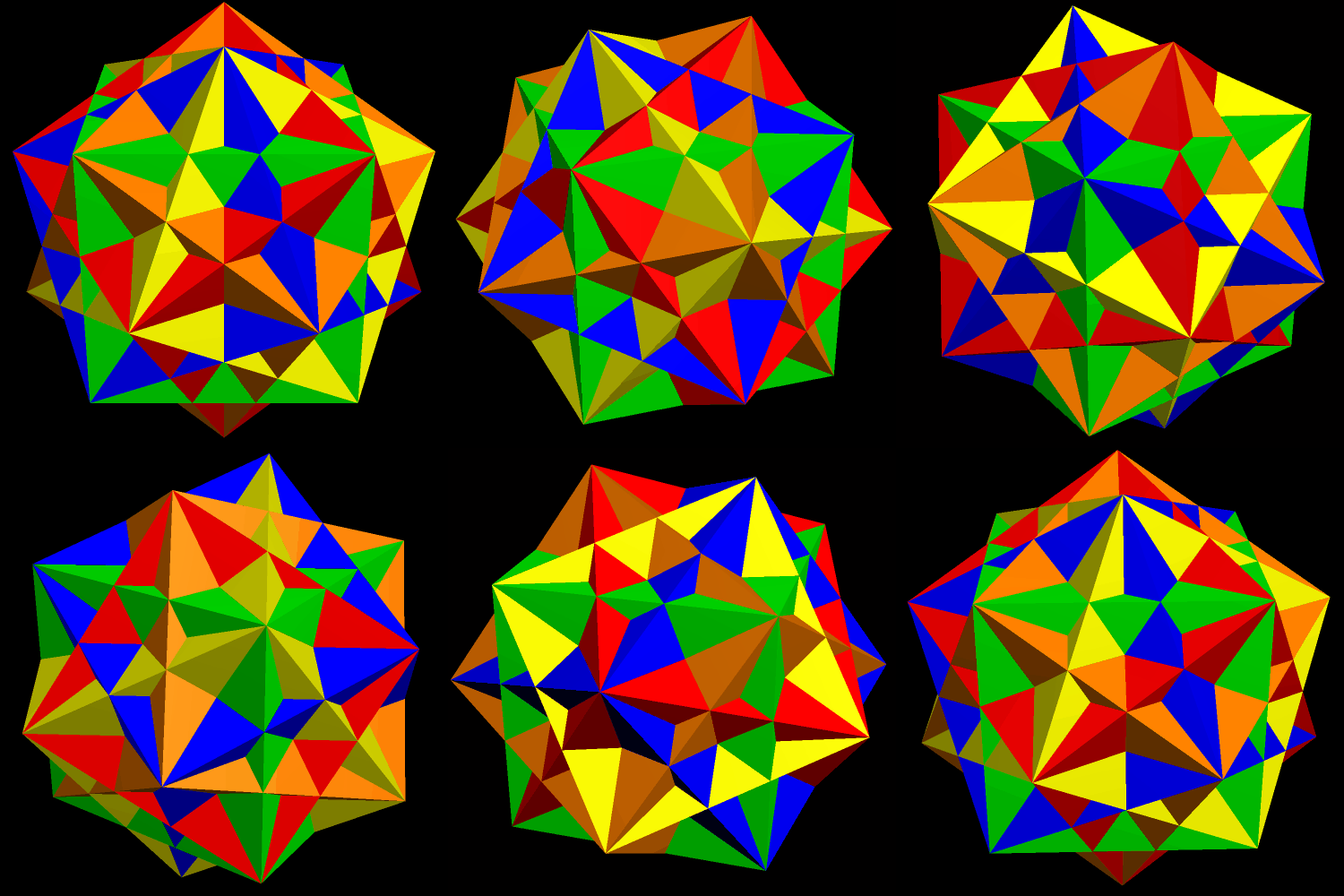
The most common depiction of the compound of five cubes uses solid cubes, each of a different color:

Cubes 5

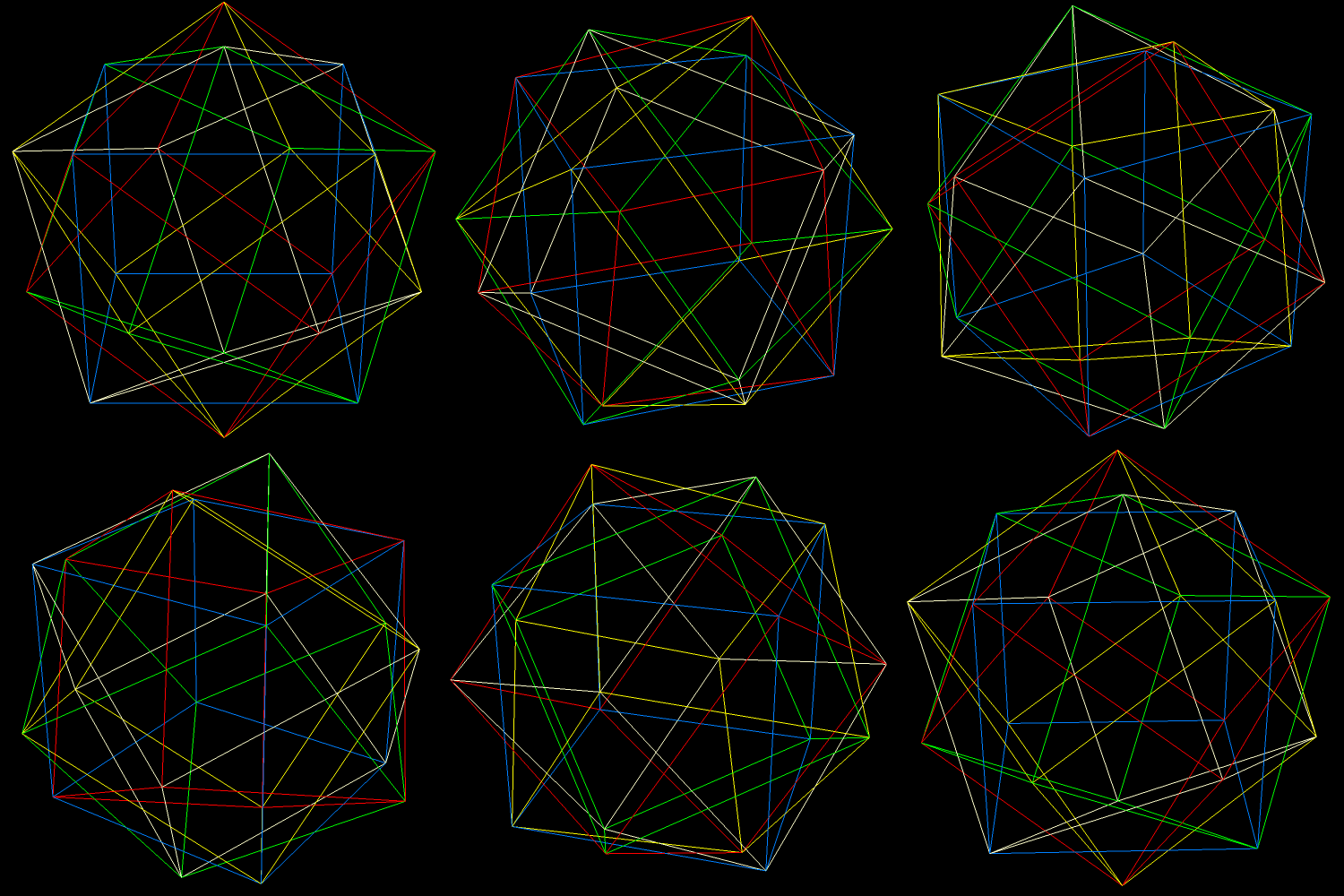
This isn’t the only way to display this compound, though. If the faces of the cubes are hidden, then the interior structure of the compound can be seen. An edges-only depiction, still keeping a separate color for each cube, looks like this:

Cubes 5 edges

If these thin edges are then thickened into cylinders, that makes a third way to depict this polyhedral compound. It creates a minor problem, though: edges-as-cylinders looks awful without vertices shown as well, and the best way I have found to depict vertices, in this situation, is with spheres. With vertices shown as spheres, however, a sixth color, only for the vertex-spheres, is needed. Why? Because each vertex is shared by six edges: three from a cube of one color, and three from a second cube, of a different color.

Cubes 5 thick edges

Finally, here are all three versions, side-by-side for comparison, and with the motion stopped.

cover

All images in this post were created using Stella 4d: Polyhedron Navigator, software you may try for free at this website.

Various Views of Three Different Polyhedral Compounds: Those of (1) Five Cuboctahedra, (2) Five of Its Dual, the Rhombic Dodecahedron, and (3) Ten Components — Five Each, of Both Polyhedra.

Polyhedral compounds differ in the amount of effort needed to understand their internal structure, as well as the way the compounds’ components are assembled, relative to each other. This compound, the compound of five cuboctahedra, and those related to it, offer challenges not offered by all polyhedral compounds, especially those which are well-known.
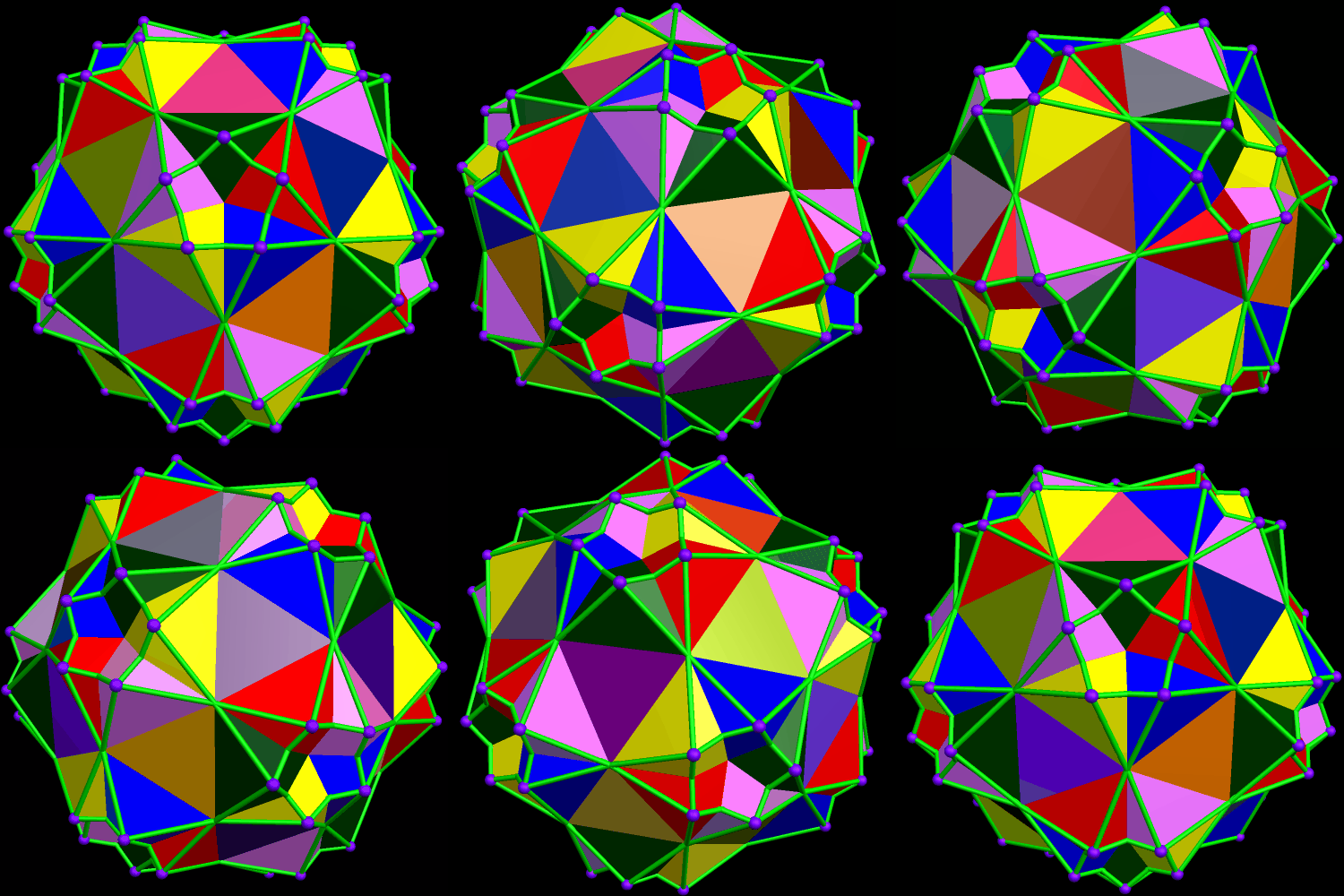
COBOCTA 5 COLORED BY COMPONENT

The image above (made with Stella 4d, as are others in this post — software available here) is colored in the traditional style for compounds: each of the five cuboctahedra is assigned a color of its own. There’s a problem with this, however, and it is related to the triangular faces, due to the fact that these faces appear in coplanar pairs, each from a different component of the compound.
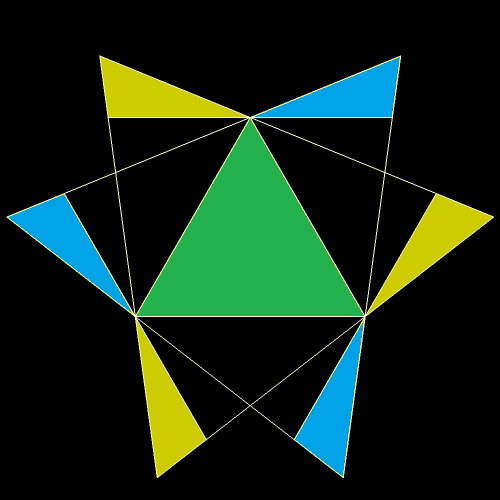
COBOCTA 5 COLORED TRIANGLE Face

The yellow regions above are from a triangular face of the yellow component, while the blue regions are from a blue triangular face. The equilateral triangle in the center, being part of both the yellow and blue components, must be assigned a “compromise color” — in this case, green. The necessity of such compromise-colors can make understanding the compound by examination of an image more difficult than it with with, say, the compound of five cubes (not shown, but you can see it here, if you wish). Therefore, I decided to look at this another way: coloring each face of the five-cuboctahedra compound by face type, instead of by component.
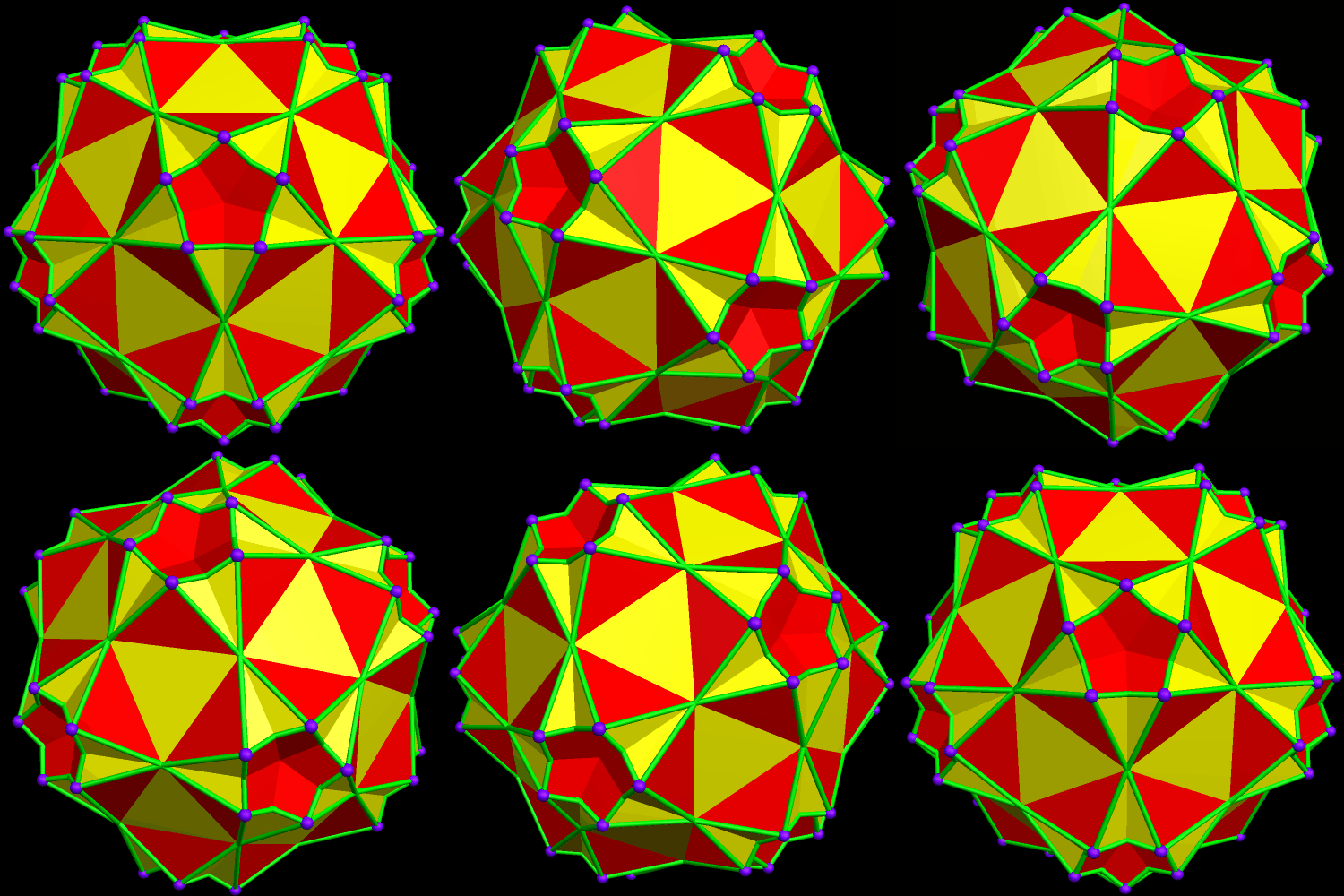
COBOCTA 5 COLORED BY FACE TYPE

Another helpful view may be created by simply hiding all the faces, revealing internal structure which was previously obscured.

COBOCTA 5 HOLLOW

Since the dual of the cuboctahedron is the rhombic dodecahedron, the dual of the compound above is the compound of five rhombic dodecahedra, shown, first, colored by giving each component a different color.

RD 5 colored by component

A problem with this view is that most of what’s “going on” (in the way the compound is assembled) cannot be seen — it’s hidden inside the figure. An option which helped above (with the five-cuboctahedra compound), coloring by face type, is not nearly as helpful here:

RD 5 colored by face type

Why wasn’t it helpful? Simple: all sixty faces are of the same type. It can be made more attractive by putting Stella 4d into “rainbow color” mode, but I cannot claim that helps with comprehension of the compound.
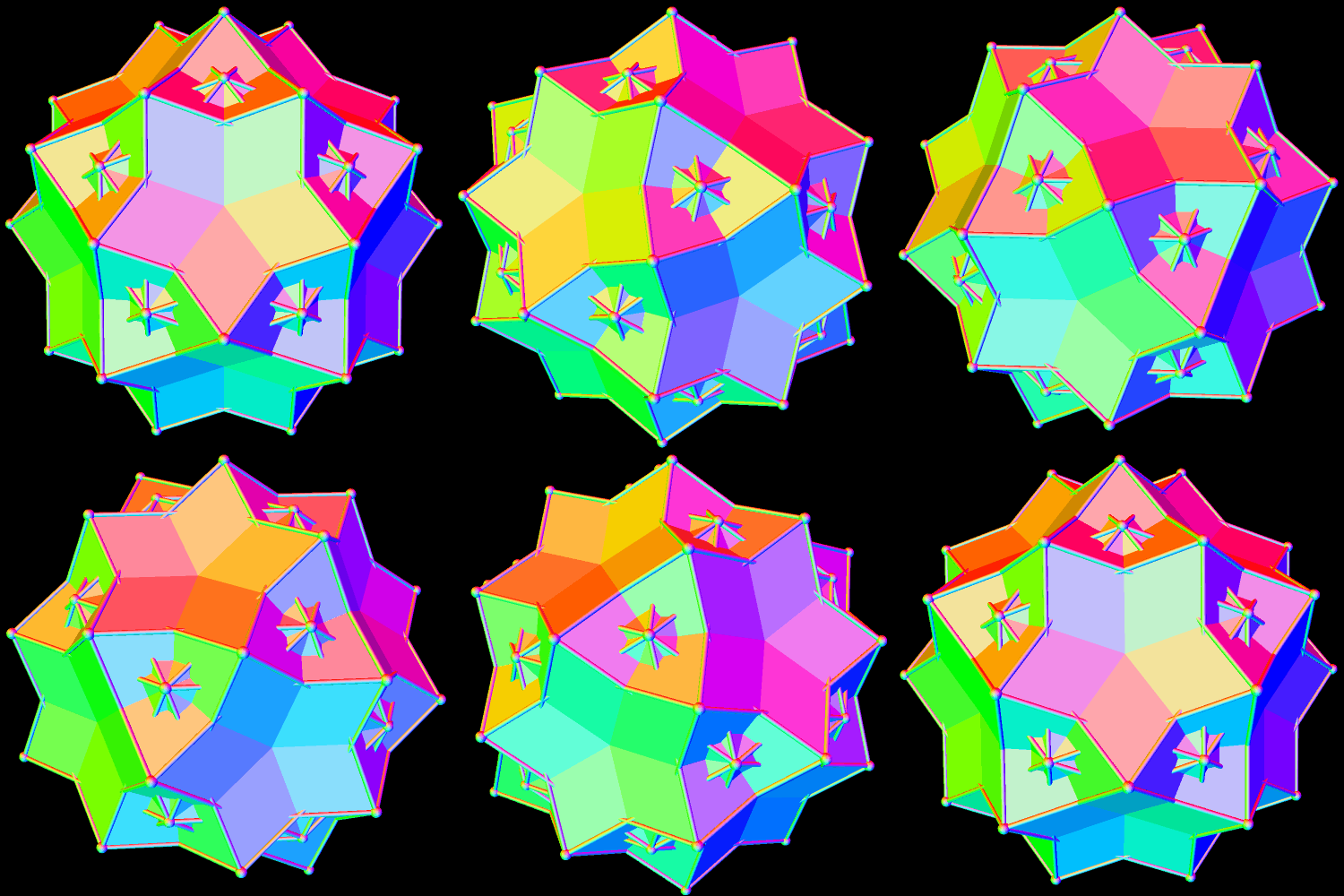
RD 5 colored rainbow

With this compound, what’s really needed is a “ball-and-stick” model, with the faces hidden to reveal the compound’s inner structure.
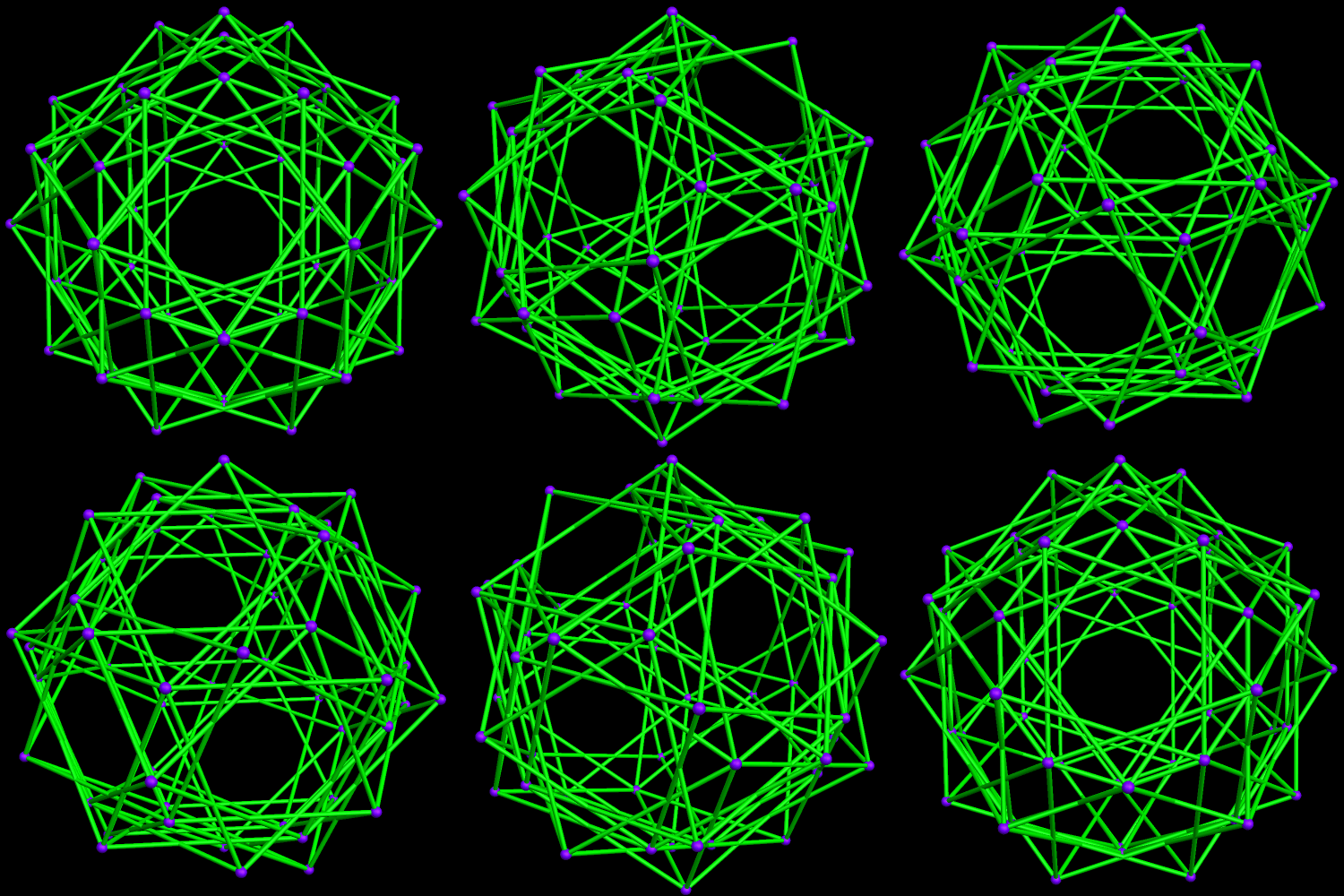
RD 5 colored hollow

Since the two five-part compounds above are duals, they can also be combined to form a ten-part compound: that of five cuboctahedra and five rhombic dodecahedra. In the first image below, each of the ten components is assigned its own color.
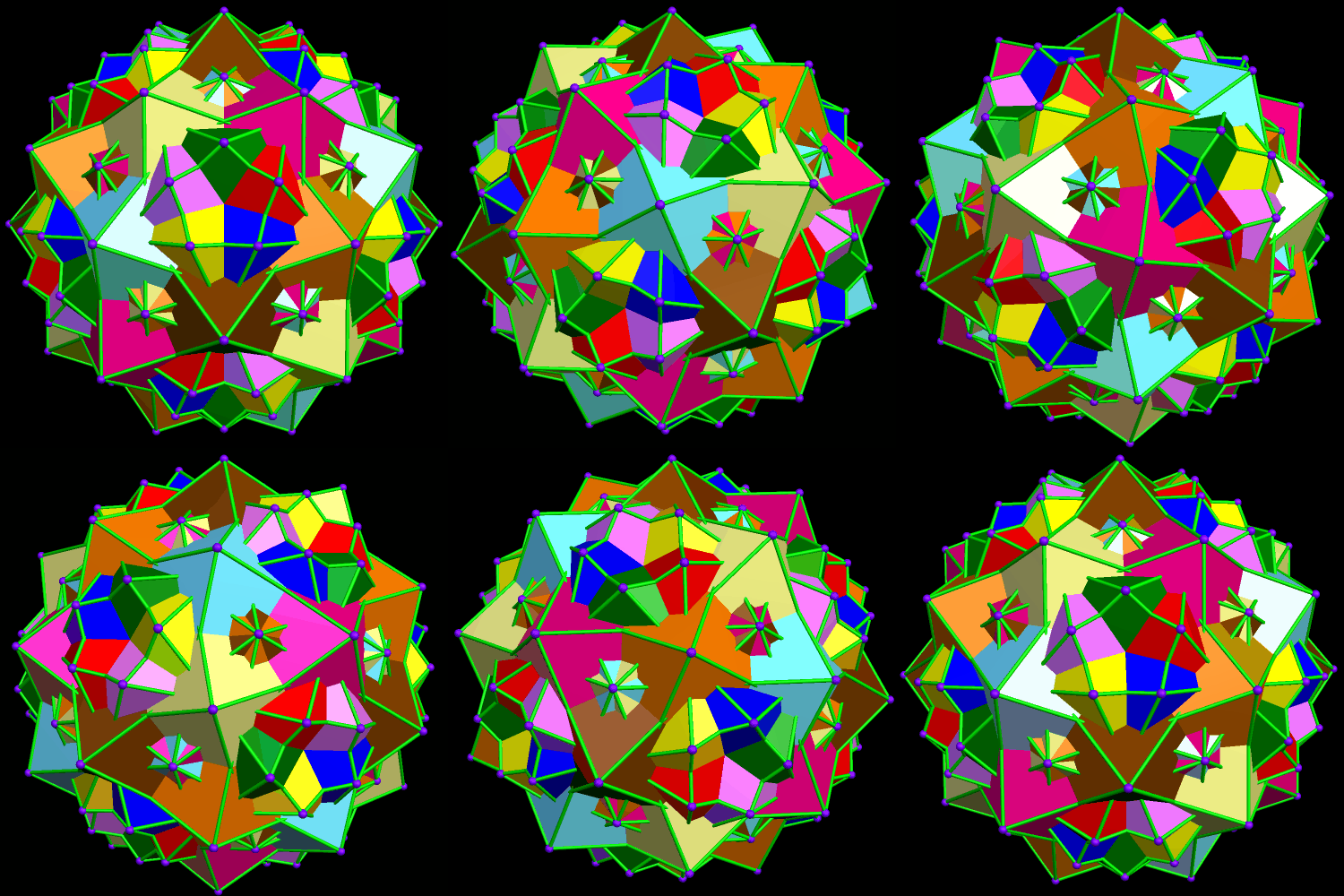
Compound of 5 Cuboctahedra and dual colored by component

In this ten-part compound, the coloring-problem caused in the first image in this post, coplanar and overlapping triangles of different colors, vanishes, for those regions of overlap are hidden in the ten-part compound’s interior. This is one reason why this coloring-scheme is the one I find the most helpful, for this ten-part compound (unlike the two five-part compounds above). However, so that readers may make this choice for themselves, two other versions are shown below, starting with coloring by face type.

Compound of 5 Cuboctahedra and dual colored by face typet

Finally, the hollow version of this ten-part compound. This is only a personal opinion, but I do not find this image quite as helpful as was the case with the five-part compounds described above.

Compound of 5 Cuboctahedra and dual colored rainbow

Which of these images do you find most illuminating? As always, comments are welcome.

A Compound of the Octahedron, and a Pyritohedral Dodecahedron

Compound of octa and pyritohedral dodeca

This compound is the first I have seen which combines a Platonic solid (the blue octahedron) with a pyritohedral modification of a Platonic solid. Here’s what a pyritohedral dodecahedron looks like, by itself:

pyritohedral dodecahedron

Stella 4d: Polyhedron Navigator was used to make these — software you can try right here: http://www.software3d.com/Stella.php.

The Compound of the Truncated Octahedron and the Rhombic Dodecahedron

RD trunct oct compound

I created this compound using Stella 4d, software you may try at this website.

The Compound of the Truncated Icosahedron and the Rhombic Triacontahedron

Compound of Rhombic Triaconta and Trunc Icosa

I put these two polyhedra together using Stella 4d: Polyhedron Navigator. If you’d like to try this program yourself, for free, this website is the one to visit: http://www.software3d.com/Stella.php.