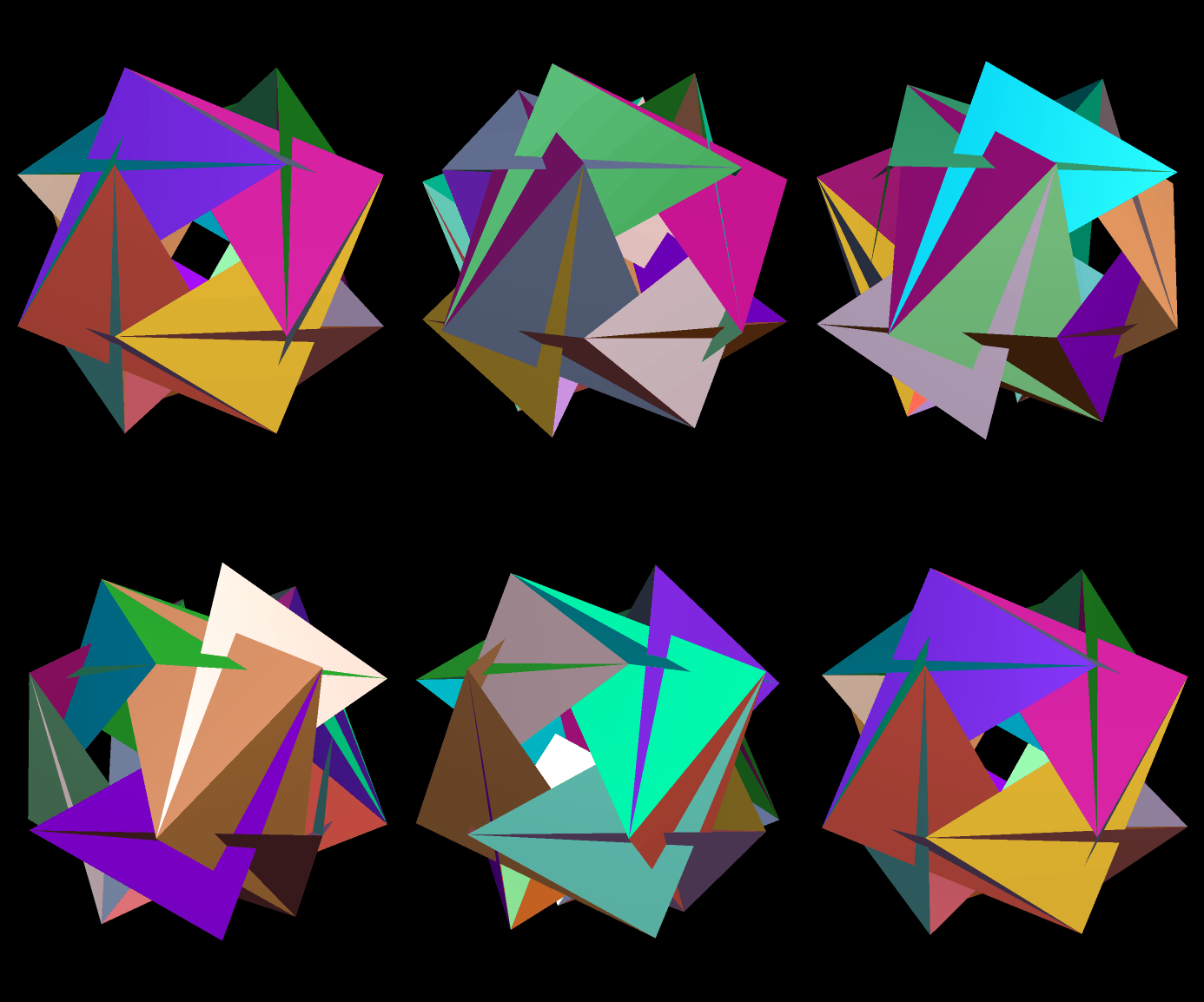
Snub Dodecahedron Variant

Image

Snub Dodecahedron Variant

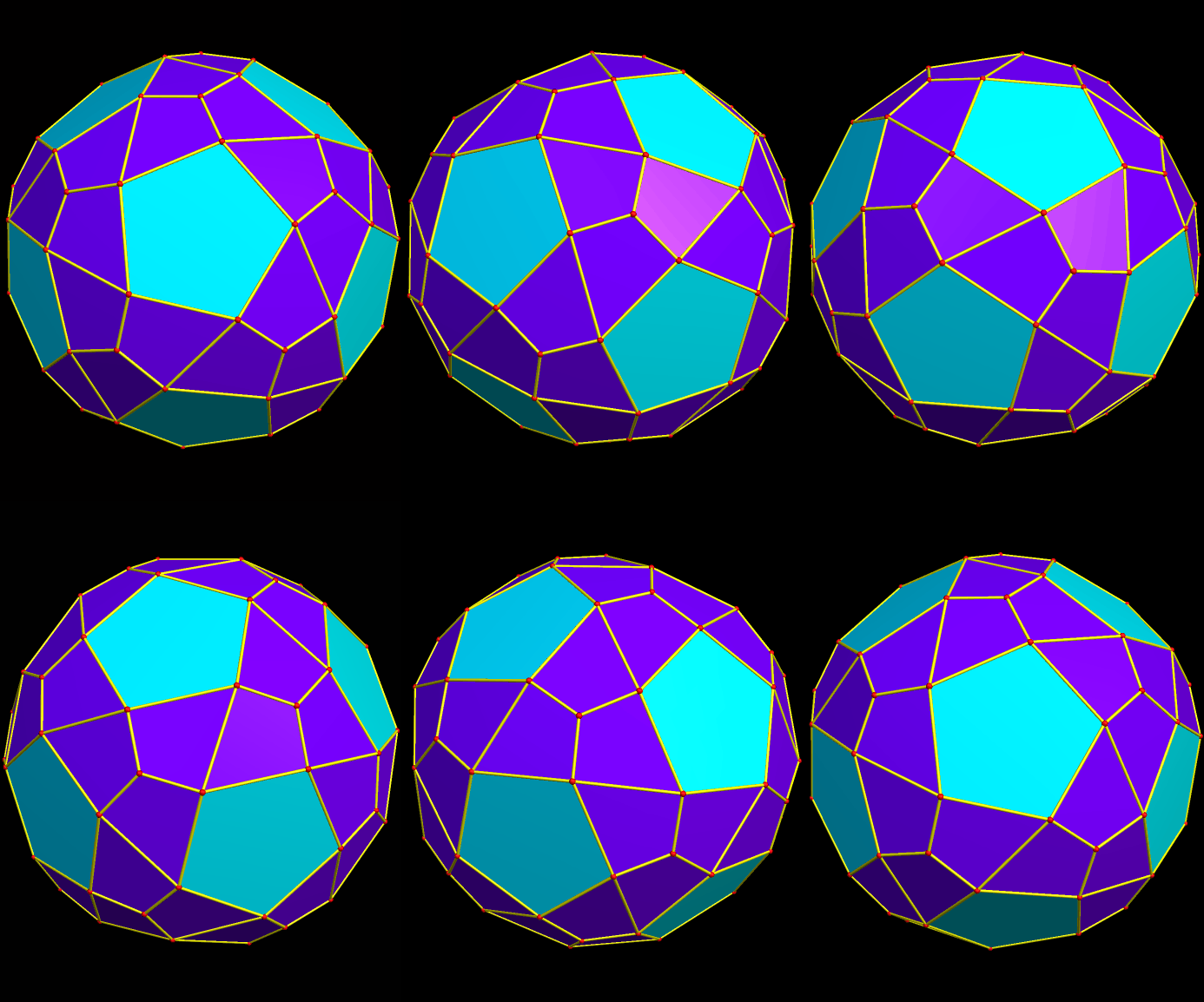
In this polyhedron, there are twelve pentagons and sixty kites. It can be made by augmenting twenty of the triangles in a snub dodecahedron with short pyramids, but the pyramid-height has to be just right, in order to make those pyramids’ lateral faces coplanar with the non-augmented triangles, which produces the kites.

Since this polyhedron is chiral, a compound can be made by adding it to its own mirror image:
Compound of enantiomorphic pair

Both images were created using Stella 4d, software available at www.software3d.com/Stella.php.
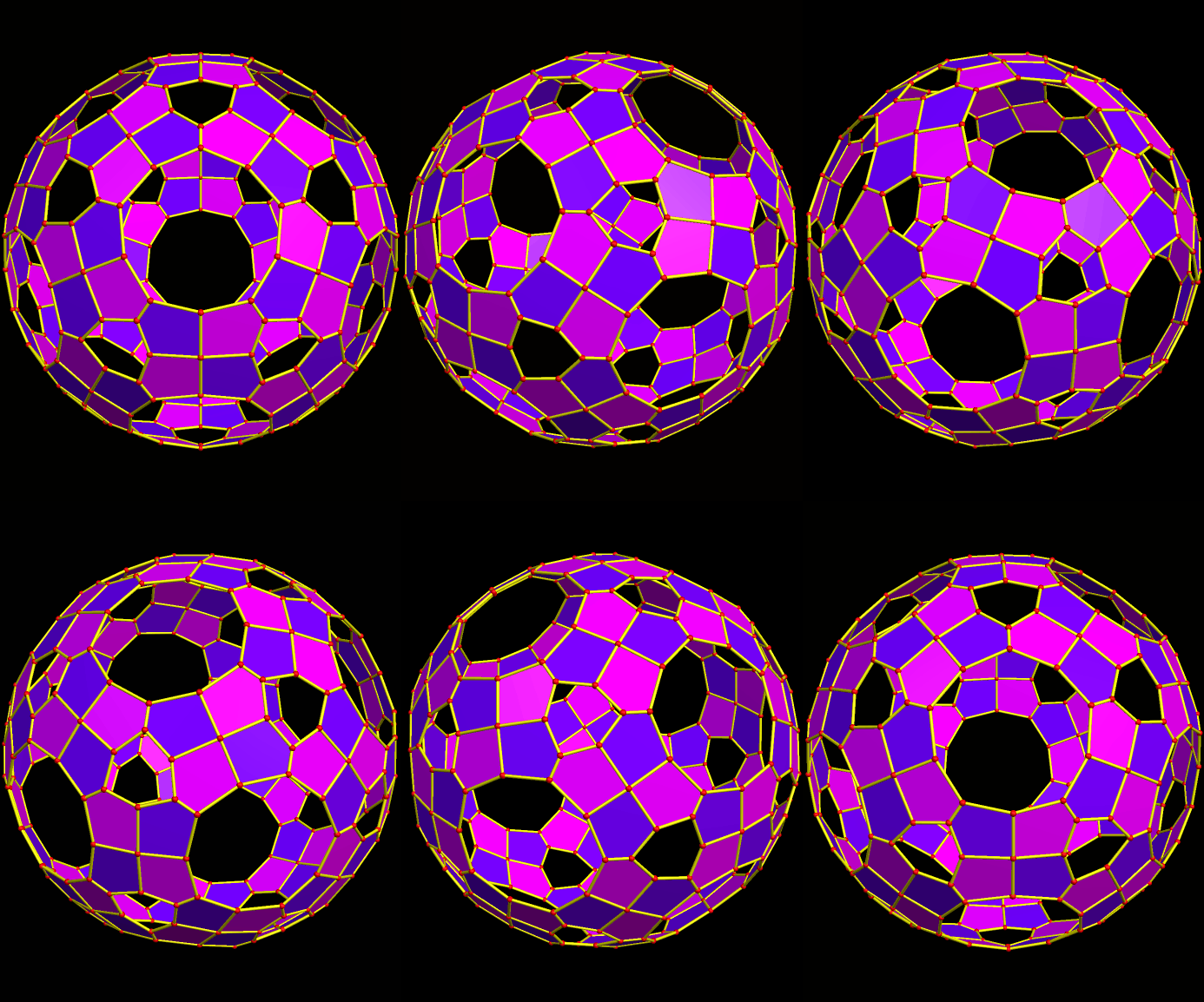
120 Irregular Pentagons, Rotating About a Common Axis

Image

120 Irregular Pentagons, Rotating About a Common Axis

I made this using Stella 4d, software you can try and/or buy at http://www.software3d.com/Stella.php.

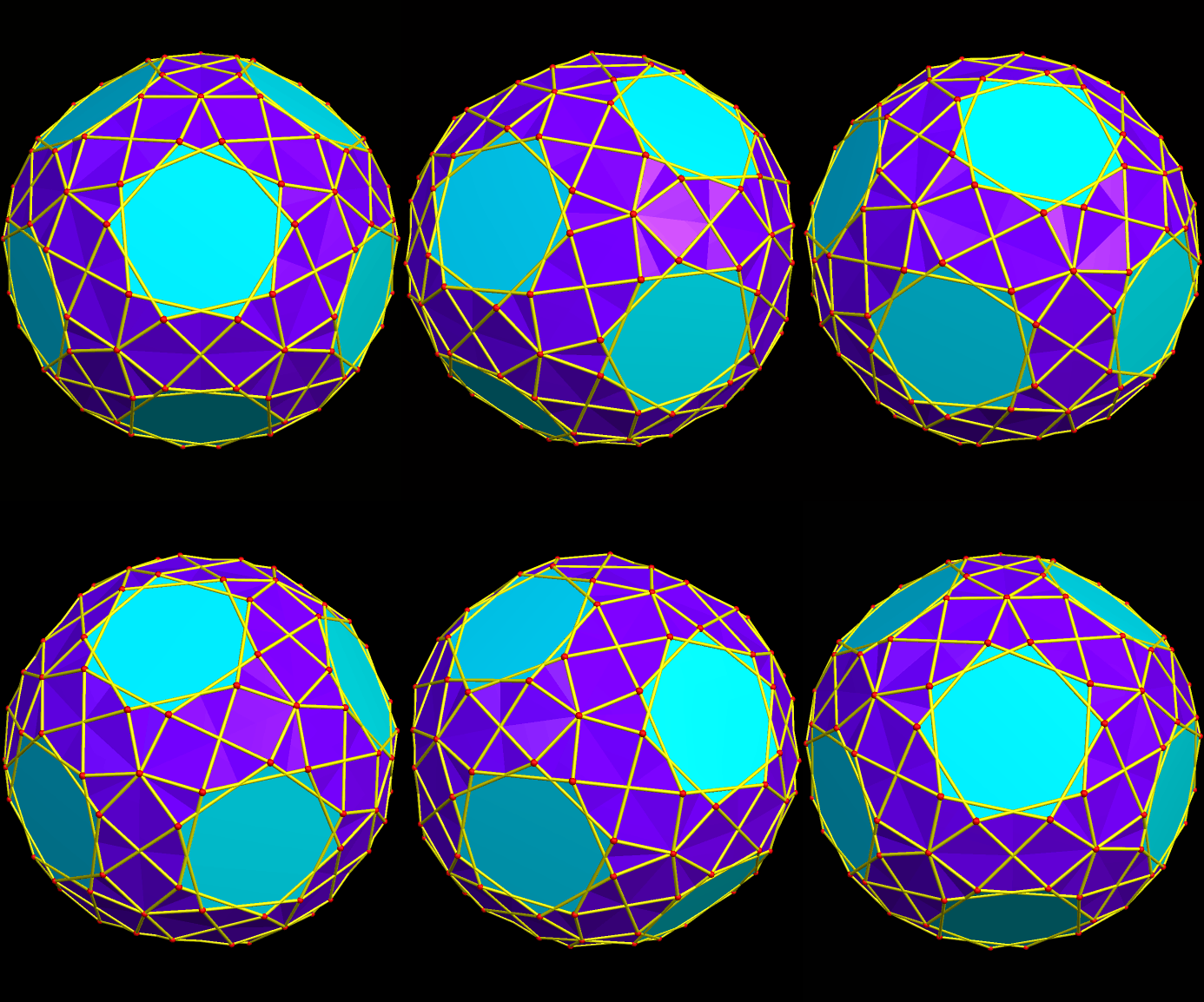
The “holes” are actually hexagonal and decagonal faces which have been made invisible. Here’s what the polyhedron looked like before I hid them:

120 pentagons plus

If you’d like to see this second image enlarged, simply click on it.

A Pentacontahedron Featuring Six Regular Dodecagons, Eight Equilateral Triangles, Twenty-Four Trapezoids, and Twelve Rectangles

Image

A Pentacontahedron Featuring Six Regular Dodecagons, Eight Equilateral Triangles, Twenty-Four Trapezoids, and Twelve Rectangles

I used Stella 4d, software you can find at http://www.software3d.com/Stella.php, to make this image.

An Icosahedron-Variant Featuring Regular Decagons

Image

An Icosahedron-Variant Featuring Regular Decagons

I used Stella 4d, software you can find at www.software3d.com/Stella.php, to make this image.

A Truncated Icosahedron / Dodecahedron Blend

Image

A Truncated Icosahedron / Dodecahedron Blend

I used Stella 4d, software you can find at http://www.software3d.com/Stella.php, to make this image.

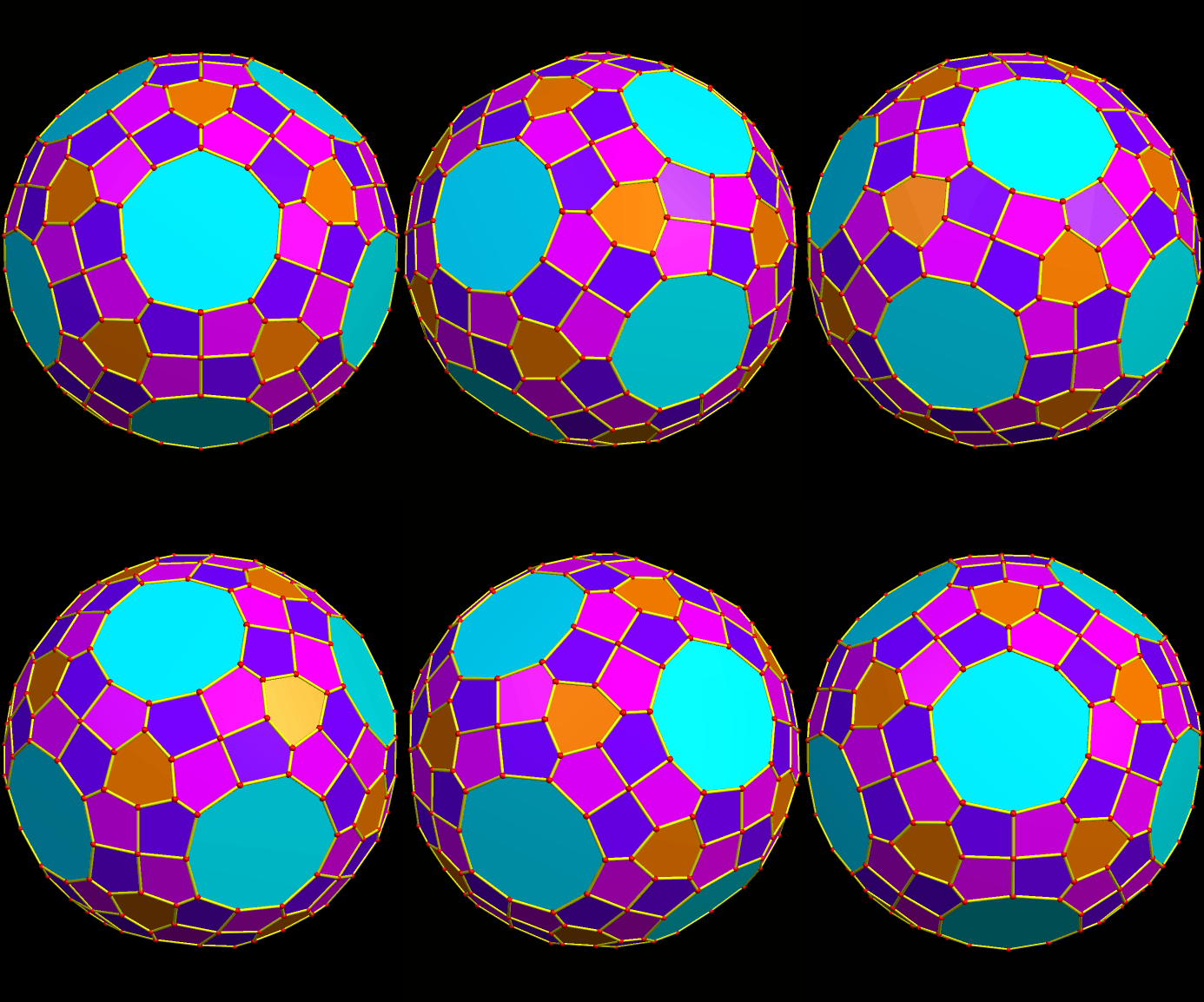
Polyhedron Featuring Regular Pentagons, Isosceles Triangles, and Overlapping Regular Enneagons

Image

Polyhedron Featuring Regular Pentagons, Isosceles Triangles, and Overlapping Regular Enneagons

This is similar to the polyhedron seen here: https://robertlovespi.wordpress.com/2014/05/21/polyhedron-featuring-twenty-regular-nonagons-twelve-regular-pentagons-and-sixty-isosceles-triangles/. The difference is that the enneagons (also called nonagons) are closer to this polyhedron’s center, causing them to overlap slightly.

Software credit: visit http://www.software3d.com/Stella.php for a free trial download of Stella 4d, the program I used to create this image.


A Variant of the Rhombicosidodecahedron Featuring Enhanced Pentagons

Image

A Variant of the Rhombicosidodecahedron Featuring Enhanced Pentagons

Created using Stella 4d, available at http://www.software3d.com/Stella.php,

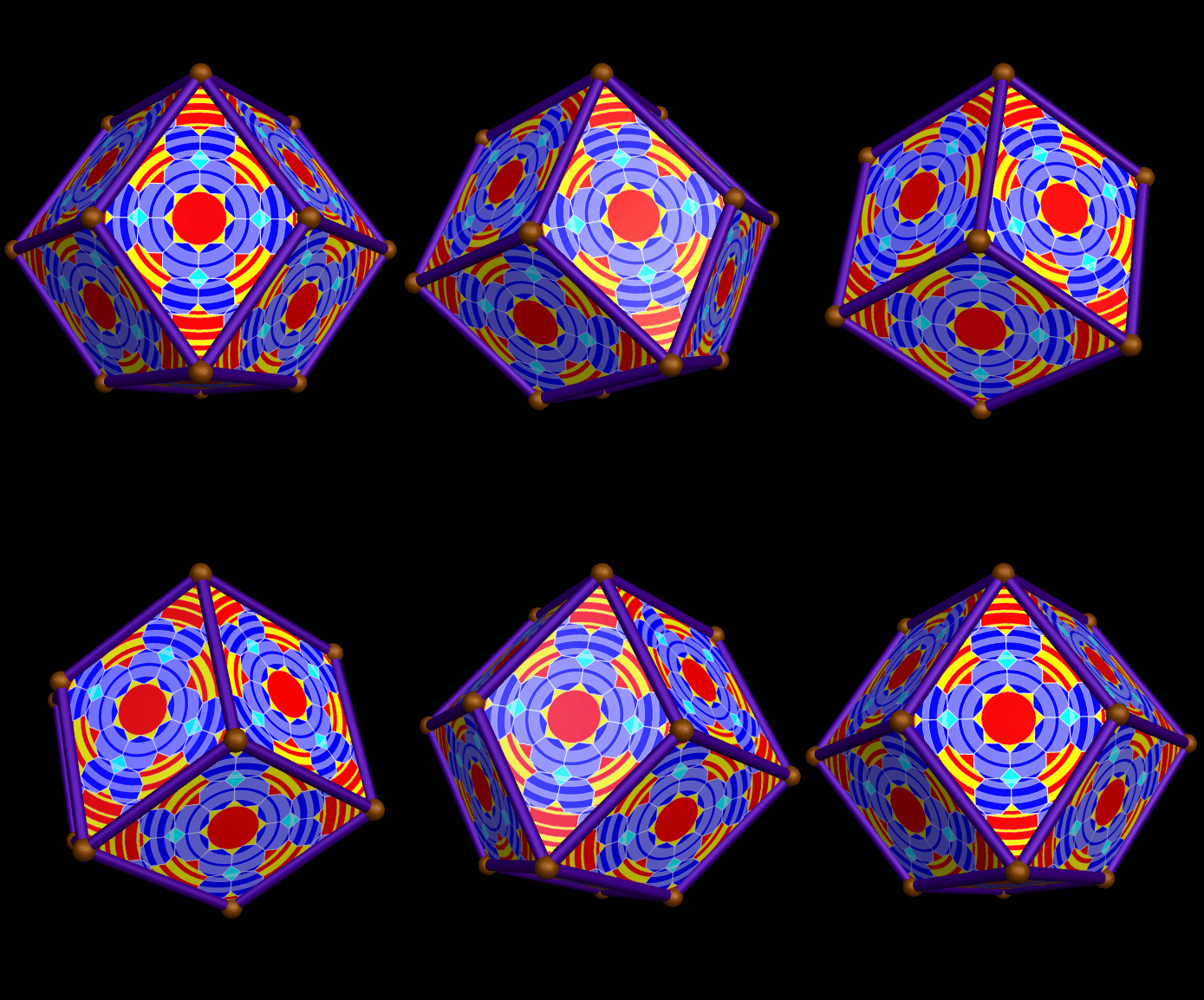
A Rhombic Dodecahedron, Decorated with Rippled Tessellations

Image

A Rhombic Dodecahedron, Decorated with Rippled Tessellations

The decorations on each face were created using the design, made using Geometer’s Sketchpad and MS_Paint, shown here. I then used Stella 4d, available at this website, to project this flat image onto each face of this polyhedron, and make this rotating image.

A Pentagonal Icositetrahedron, Decorated with Rippled Tessellations, Along with Its Compound with Its Own Mirror-Image

Image

A Pentagonal Icositetrahedron, Decorated with Rippled Tessellations

The decorations on each face were created using the design, made using Geometer’s Sketchpad and MS_Paint, from this post: https://robertlovespi.wordpress.com/2014/05/28/rippling-tessellation-using-squares-regular-octagons-and-octaconcave-equilateral-hexadecagons/. I then used Stella 4d, available at http://www.software3d.com/Stella.php, to project this flat image onto each face of this chiral polyhedron, the dual of the snub cube, and make this rotating image.

Next, I used Stella to add this figure to its own mirror-image, to make a compound — something that is always possible with chiral polyhedra. Here is the result.

Compound of enantiomorphic pair

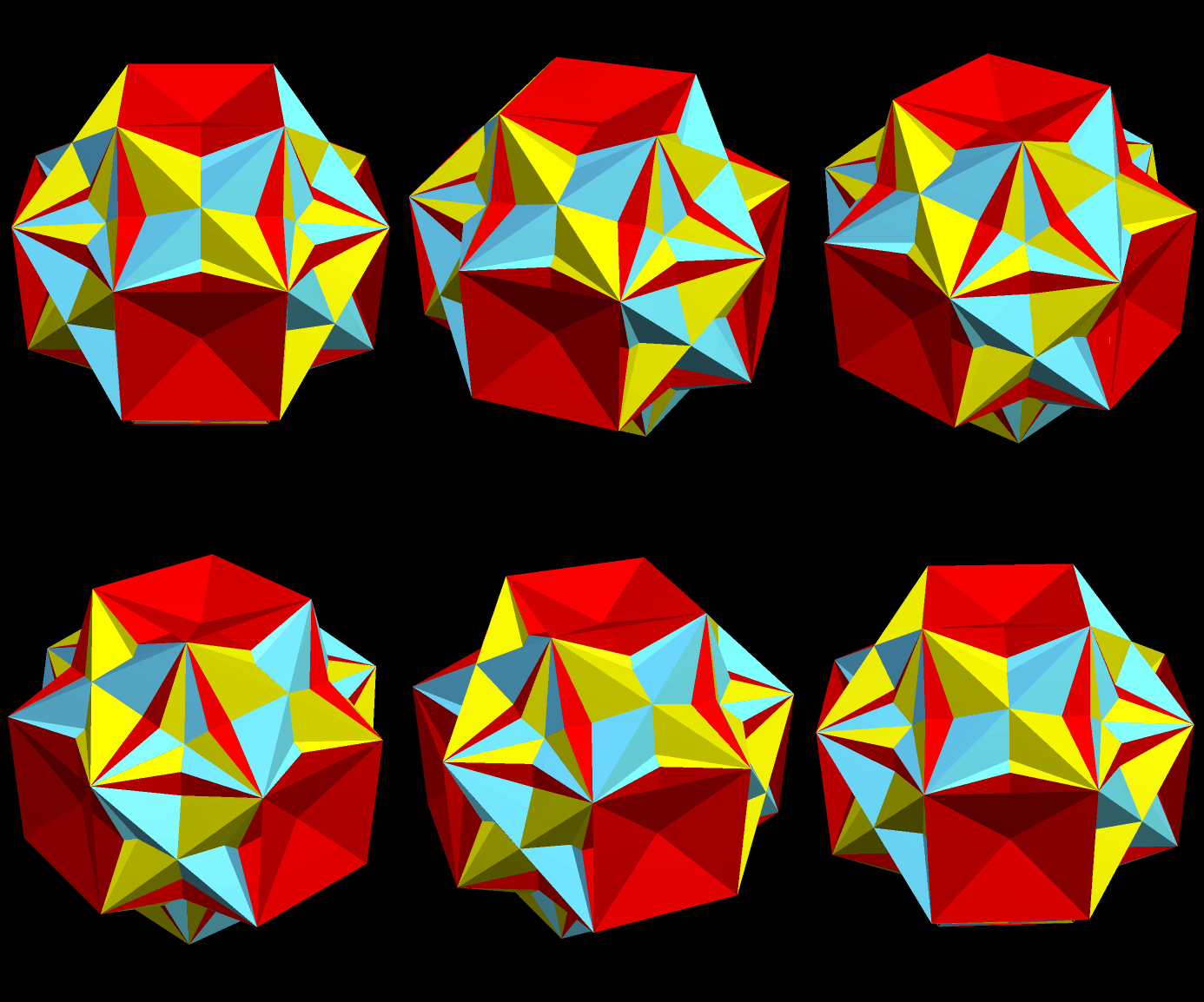
Slow Dissection of a Loosely-Defined “Faceted” Rhombcuboctahedron

Image

If you look at the second image from the post two entries ago, and wonder what it would look like without the pink faces, wonder no longer: it’s what you see above.

Next, the red polygons are hidden, and this is what is left (you may click these smaller images if you wish to enlarge them).

RCO faceting another with red gone

The green faces are hidden next.

RCO faceting another with red gone and now green gone

The next step is to remove the pink faces visible in the interior.

RCO faceting another with red gone and now green gone and now interior pink gone

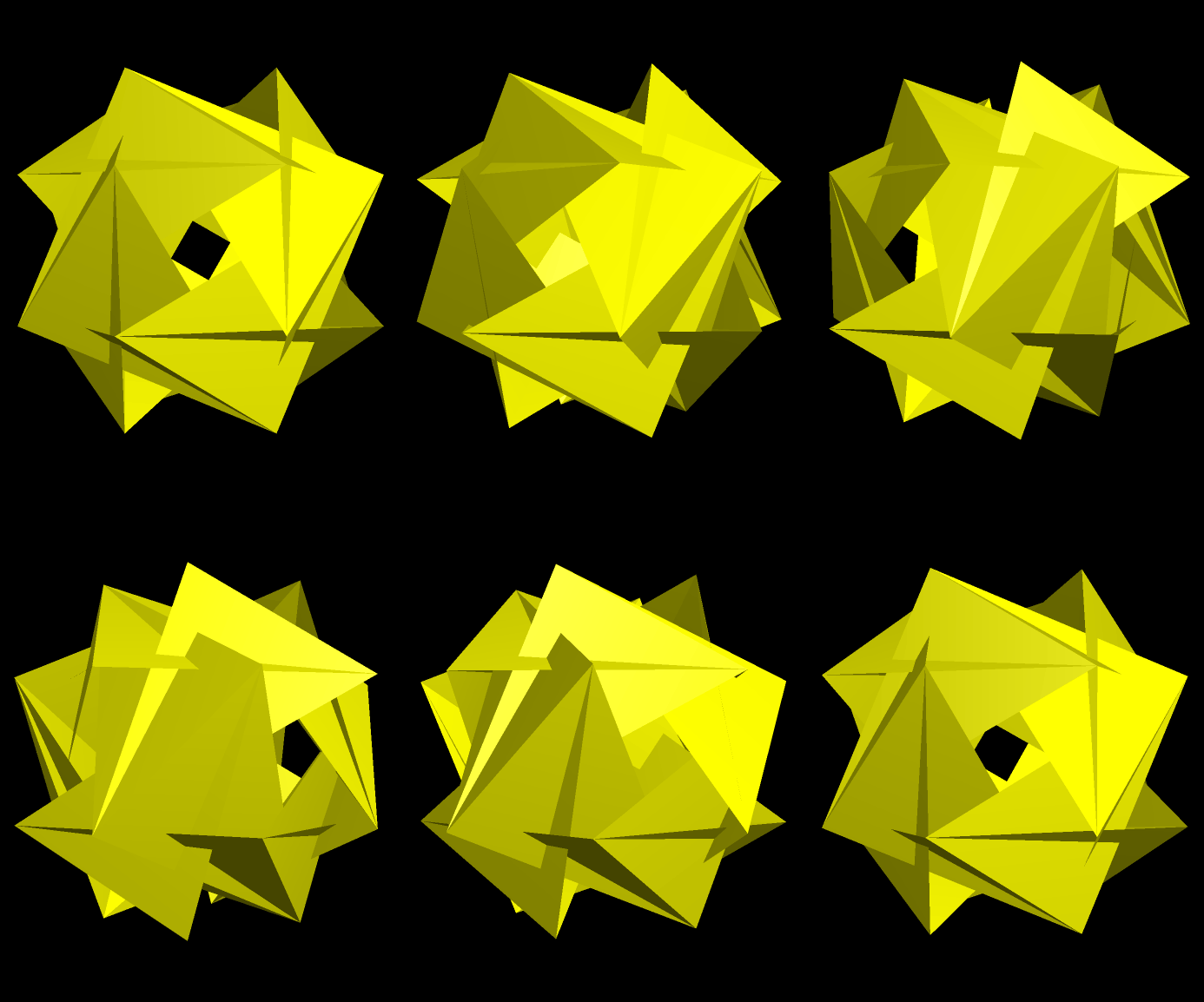
Next, removal of the blue faces leaves only the yellow ones left.

RCO faceting another with red gone and now green gone and now interior pink gone only yellow left now

The last step:  change the color scheme, so as to more easily be able to tell one face from another.

RCO faceting another with red gone and now green gone and now interior pink gone only yellow left now new colors

All of this polyhedron-manipulation, I did with Stella 4d, software I consider an indispensable research-tool. It is available at http://www.software3d.com/Stella.php.