How To Make Tic-Tac-Toe Interesting

Image

How To Make Tic-Tac-Toe Interesting

Tic-tac-toe, played by the traditional rules, is so simple a game that few people with two-digit ages ever play it — just because it’s boring. It is so simple a game, in fact, that chickens can be trained to play it, through extensive operant conditioning. Such chickens play the game at casinos, on occasion — with the rules stating that if the game ends in a tie, or the chicken wins, the human player loses the money they paid to play the game. If the human wins, however, they are promised a large reward — $10,000, for example. Don’t ever fall for such a trick, though, for casinos only use chickens that are so thoroughly trained, by weeks or months of positive reinforcement, negative reinforcement, and punishment, that they will not ever lose. You’d be better off simply saving the same money until it’s cold, and then setting it on fire, just for the heat. At least that way you’d be warm for a little while, and that certainly beats the humiliation of being beaten, at any game, by a literal bird-brain.

With a small, simple alteration, though, tic-tac-toe can actually become a worthwhile, interesting game, even for adults. I didn’t invent this variation, but have forgotten where I read about it. I call it “mutant tic-tac-toe.”

In this variation, each player can choose to play either “x” or “o” on each play — and the first person to get three “x”s or three “o”s, in a row, wins the game. That’s it — but, if you try it, you’ll find it’s a much more challenging game. I am confident chickens will never be trained to play it successfully.

Consider the board pictured above, which happens to match a game I lost, to a high school student, earlier today. Red (the student) moved first, starting with the “o” in the center. I was playing with a blue marker, and chose to play an “x” in a corner spot. This was a mistake on my part, for the student’s next move — another “x,” opposite my “x,” effectively ended the game. I had to play next — passing is not allowed — and my playing an “x” or an “o,” in any of the six open spaces, would have led to an immediate victory by the student. If you study the board, you’ll see why this is the case.

Mutant tic-tac-toe is a great activity for semester exam week, at any school. Students who finish final exams earlier than their classmates can be taught the game quickly and quietly, and then they’ll entertain themselves with this game, rather than distracting students who are still working on their tests. What’s more, students have to really think to play this version of the game well, especially when they first learn it — and isn’t getting students to think what education is supposed to be all about, anyway?

A Pentacontahedron Featuring Six Regular Dodecagons, Eight Equilateral Triangles, Twenty-Four Trapezoids, and Twelve Rectangles

Image

A Pentacontahedron Featuring Six Regular Dodecagons, Eight Equilateral Triangles, Twenty-Four Trapezoids, and Twelve Rectangles

I used Stella 4d, software you can find at http://www.software3d.com/Stella.php, to make this image.

An Icosahedron-Variant Featuring Regular Decagons

Image

An Icosahedron-Variant Featuring Regular Decagons

I used Stella 4d, software you can find at www.software3d.com/Stella.php, to make this image.

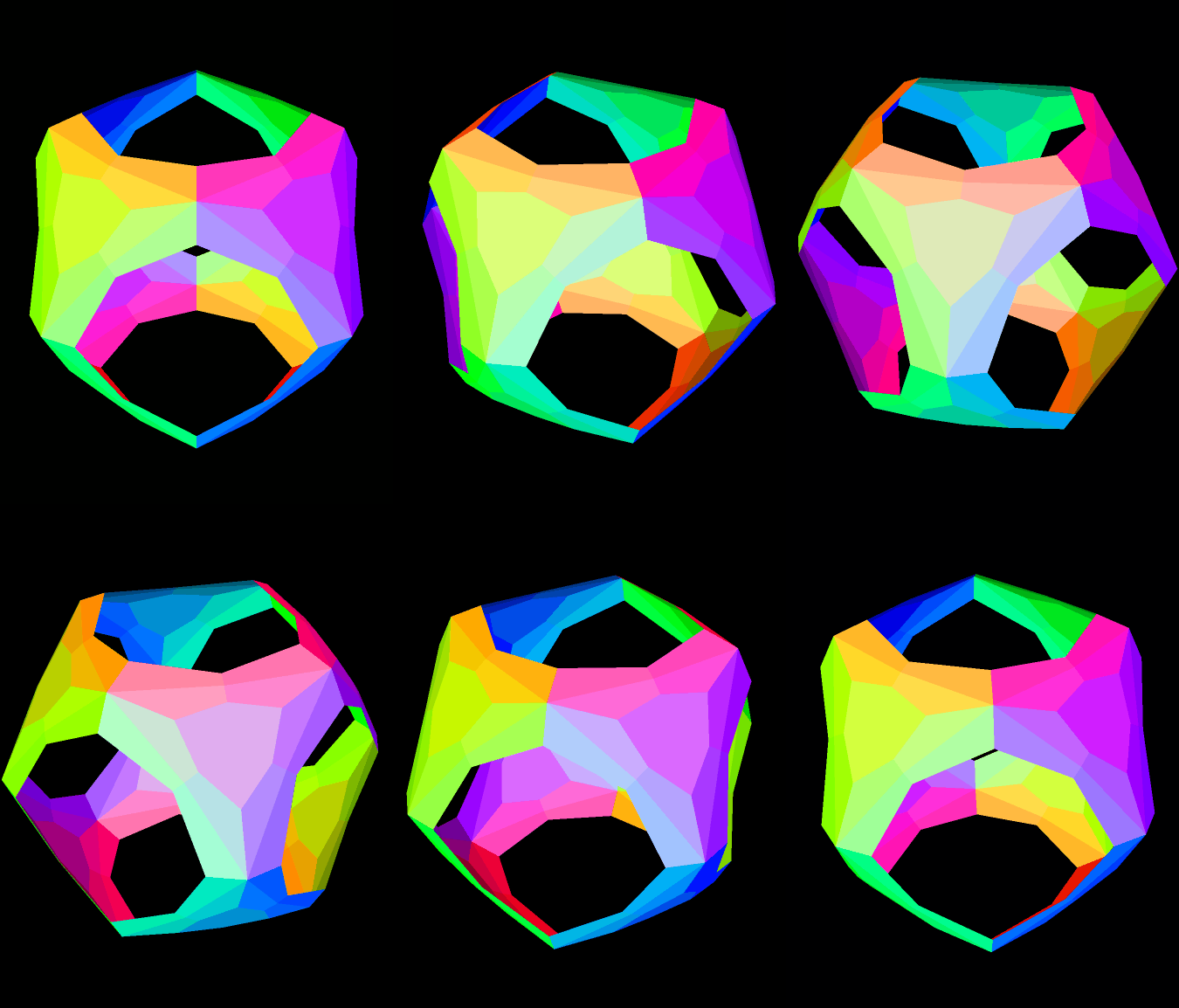
A Truncated Icosahedron / Dodecahedron Blend

Image

A Truncated Icosahedron / Dodecahedron Blend

I used Stella 4d, software you can find at http://www.software3d.com/Stella.php, to make this image.

Polyhedron Featuring Regular Pentagons, Isosceles Triangles, and Overlapping Regular Enneagons

Image

Polyhedron Featuring Regular Pentagons, Isosceles Triangles, and Overlapping Regular Enneagons

This is similar to the polyhedron seen here: https://robertlovespi.wordpress.com/2014/05/21/polyhedron-featuring-twenty-regular-nonagons-twelve-regular-pentagons-and-sixty-isosceles-triangles/. The difference is that the enneagons (also called nonagons) are closer to this polyhedron’s center, causing them to overlap slightly.

Software credit: visit http://www.software3d.com/Stella.php for a free trial download of Stella 4d, the program I used to create this image.


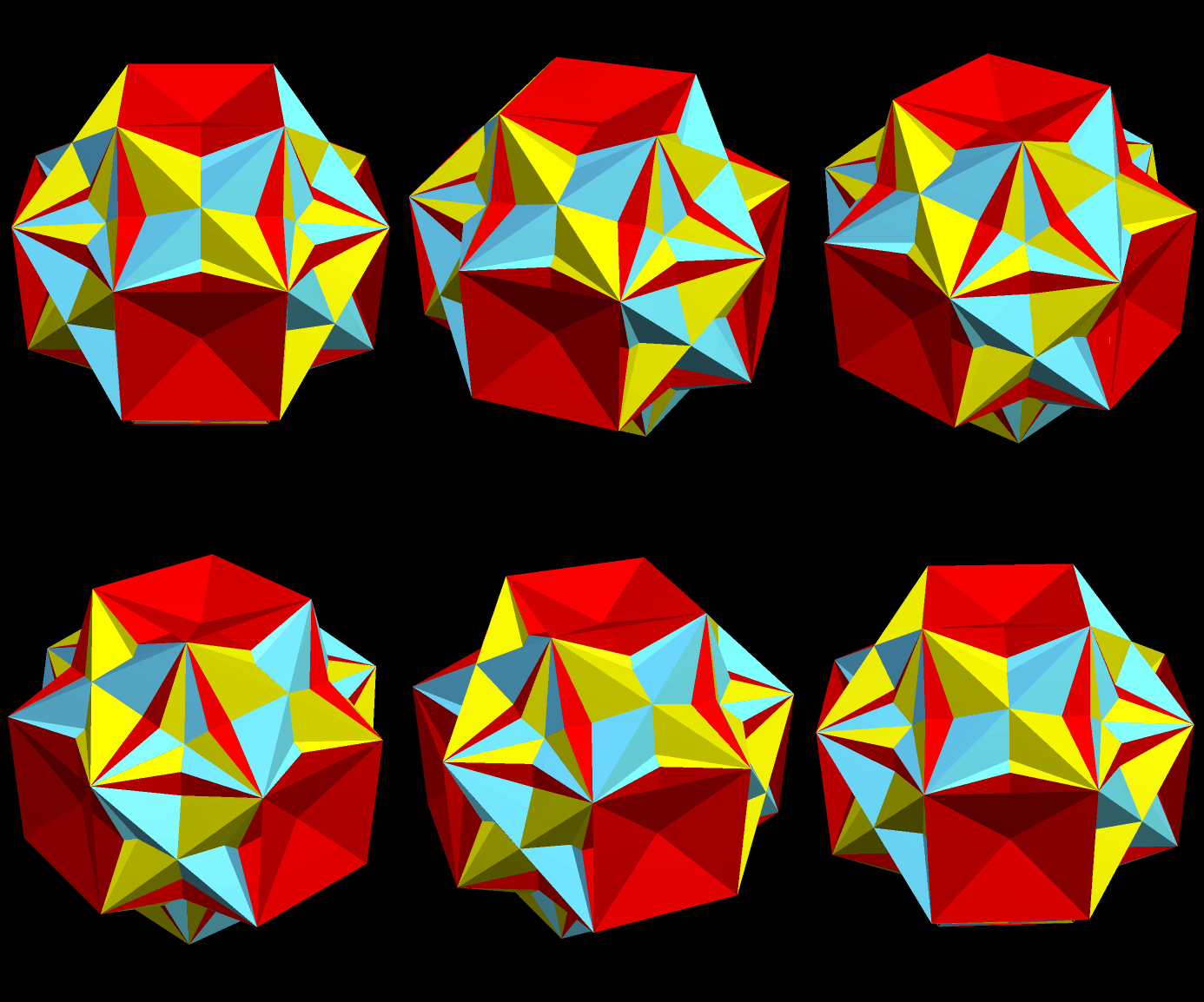
A Variant of the Rhombicosidodecahedron Featuring Enhanced Pentagons

Image

A Variant of the Rhombicosidodecahedron Featuring Enhanced Pentagons

Created using Stella 4d, available at http://www.software3d.com/Stella.php,

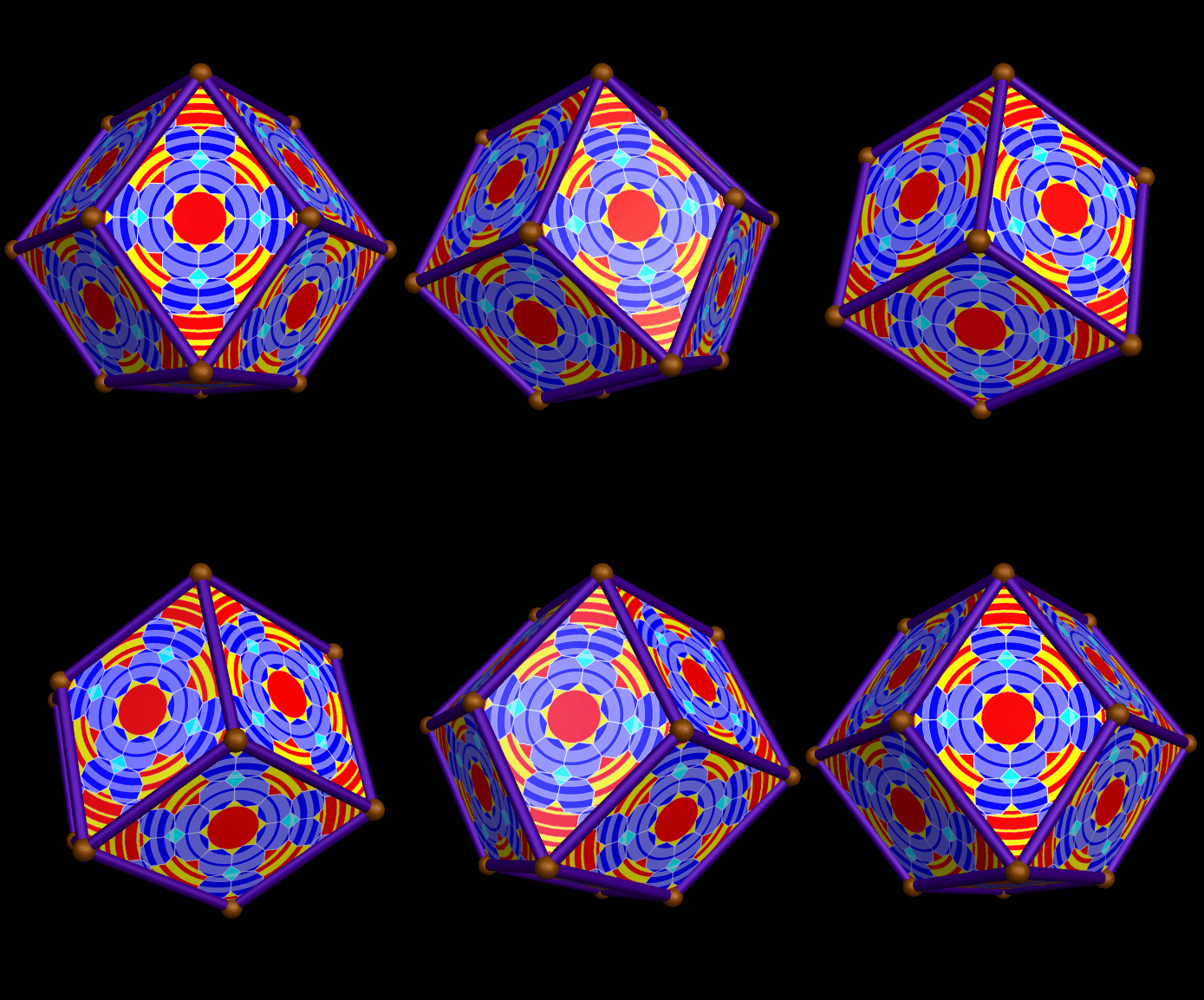
A Rhombic Dodecahedron, Decorated with Rippled Tessellations

Image

A Rhombic Dodecahedron, Decorated with Rippled Tessellations

The decorations on each face were created using the design, made using Geometer’s Sketchpad and MS_Paint, shown here. I then used Stella 4d, available at this website, to project this flat image onto each face of this polyhedron, and make this rotating image.

A Pentagonal Icositetrahedron, Decorated with Rippled Tessellations, Along with Its Compound with Its Own Mirror-Image

Image

A Pentagonal Icositetrahedron, Decorated with Rippled Tessellations

The decorations on each face were created using the design, made using Geometer’s Sketchpad and MS_Paint, from this post: https://robertlovespi.wordpress.com/2014/05/28/rippling-tessellation-using-squares-regular-octagons-and-octaconcave-equilateral-hexadecagons/. I then used Stella 4d, available at http://www.software3d.com/Stella.php, to project this flat image onto each face of this chiral polyhedron, the dual of the snub cube, and make this rotating image.

Next, I used Stella to add this figure to its own mirror-image, to make a compound — something that is always possible with chiral polyhedra. Here is the result.

Compound of enantiomorphic pair

Carousel

Image

Carousel

Created using Stella 4d, software you can download at http://www.software3d.com/Stella.php.

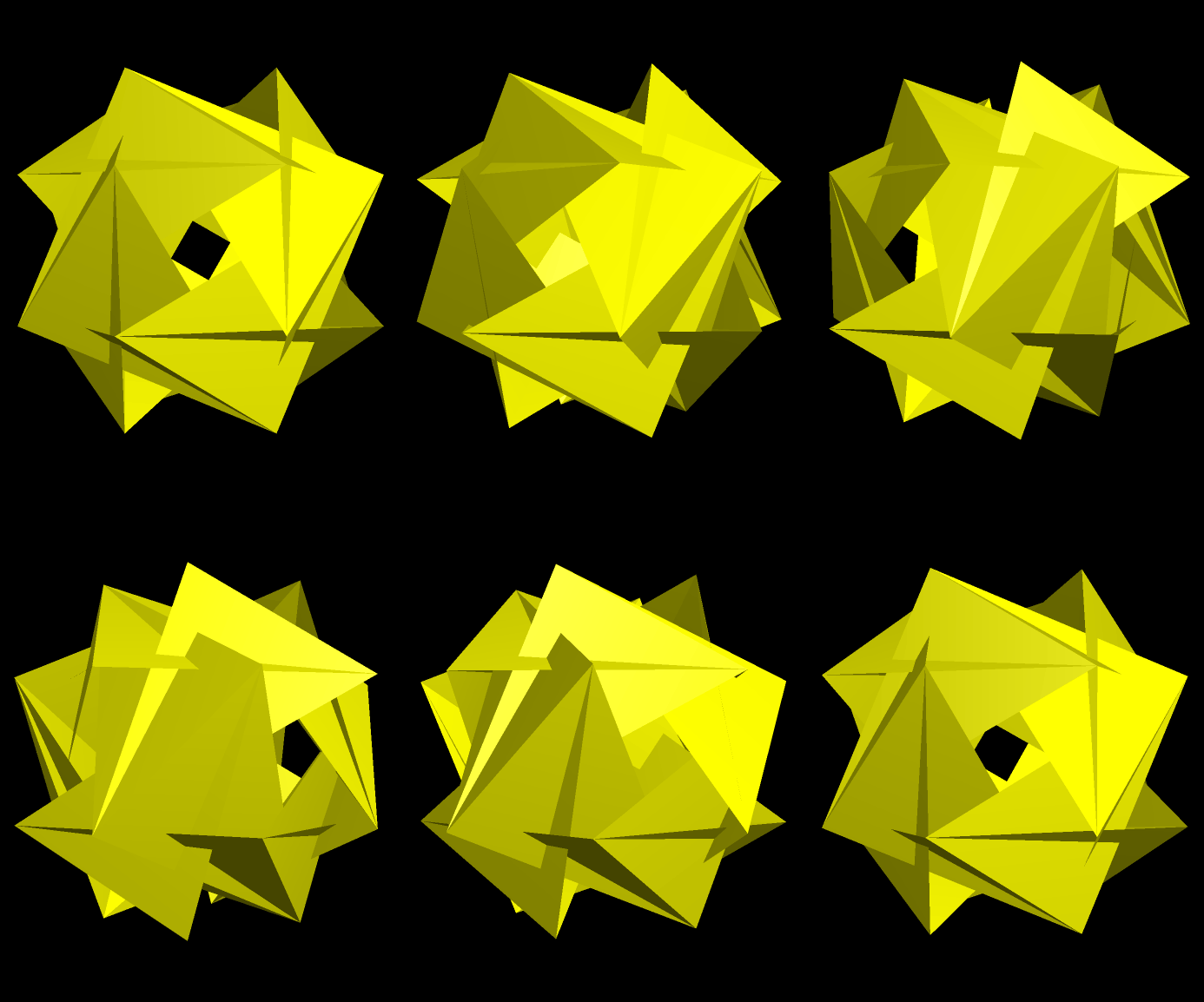
Slow Dissection of a Loosely-Defined “Faceted” Rhombcuboctahedron

Image

If you look at the second image from the post two entries ago, and wonder what it would look like without the pink faces, wonder no longer: it’s what you see above.

Next, the red polygons are hidden, and this is what is left (you may click these smaller images if you wish to enlarge them).

RCO faceting another with red gone

The green faces are hidden next.

RCO faceting another with red gone and now green gone

The next step is to remove the pink faces visible in the interior.

RCO faceting another with red gone and now green gone and now interior pink gone

Next, removal of the blue faces leaves only the yellow ones left.

RCO faceting another with red gone and now green gone and now interior pink gone only yellow left now

The last step:  change the color scheme, so as to more easily be able to tell one face from another.

RCO faceting another with red gone and now green gone and now interior pink gone only yellow left now new colors

All of this polyhedron-manipulation, I did with Stella 4d, software I consider an indispensable research-tool. It is available at http://www.software3d.com/Stella.php.