
Software credit: I used Stella 4d to make this, and you can find that program at http://www.software3d.com/Stella.php, with a free trial download available there.
Software credit: I used Stella 4d to make this, and you can find that program at http://www.software3d.com/Stella.php, with a free trial download available there.
Caltrops, when resting on a horizontal surface, have a sharp, narrow point sticking straight up. Stepping on such objects is painful. Most polyhedra do not have such a shape; the most well-known example of an exception to this is the tetrahedron. This fact is well-known to many players of role-playing games, who often use the term “d4” for tetrahedral dice, and who usually try to avoid stepping on them. Here are some other polyhedra which resemble caltrops. All were made using Stella 4d, software available at this website. The first two images may be made larger by simply clicking on them.


The third example, made with the same program, varies this idea somewhat: in physical form, resting on a floor, this caltrop-polyhedron would have three, not just one, potentially foot-damaging “spikes” sticking straight up.
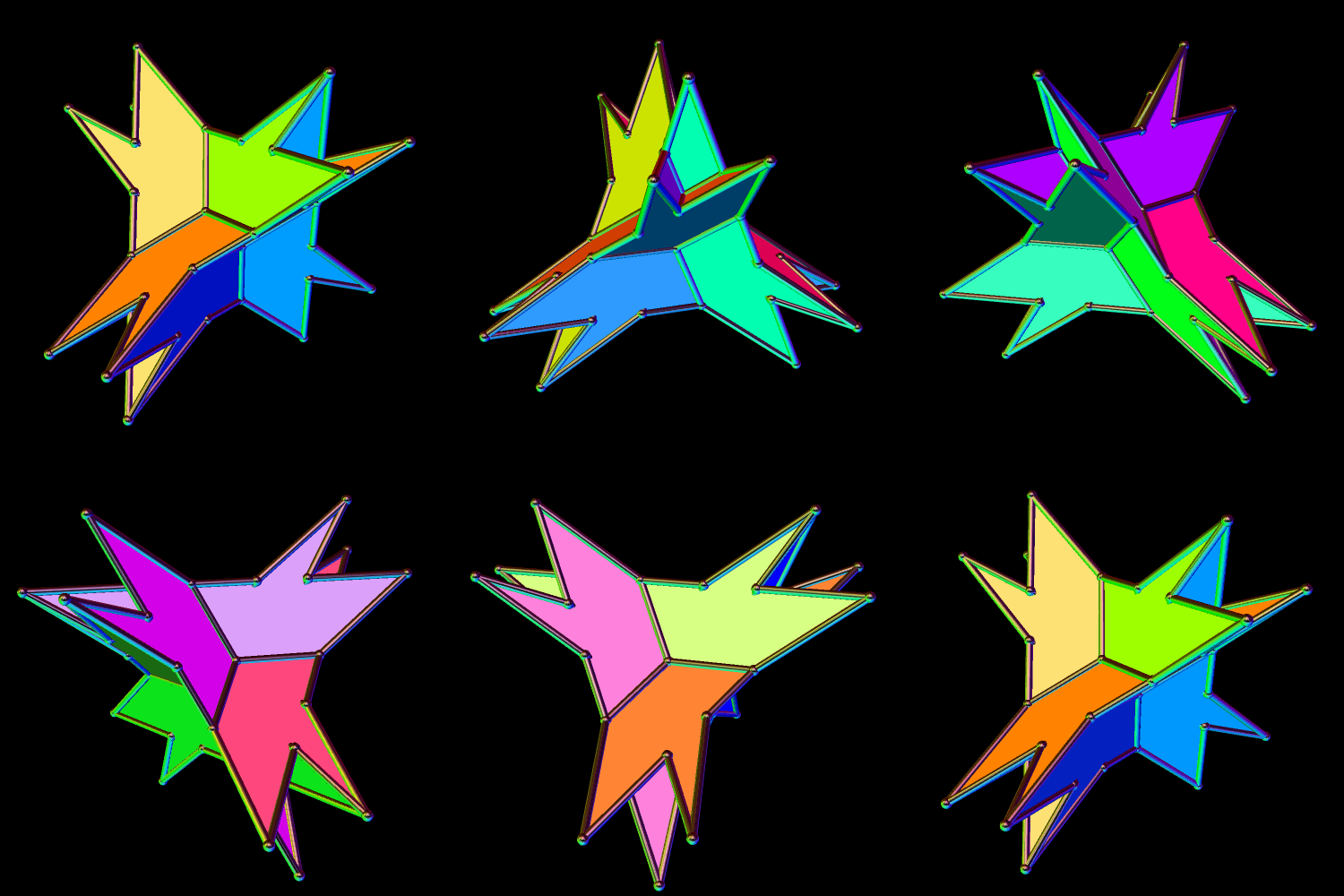

This polyhedron has sixteen faces: four equilateral triangles, and a dozen kites. It was created using Stella 4d, which may be found at http://www.software3d.com/Stella.php.
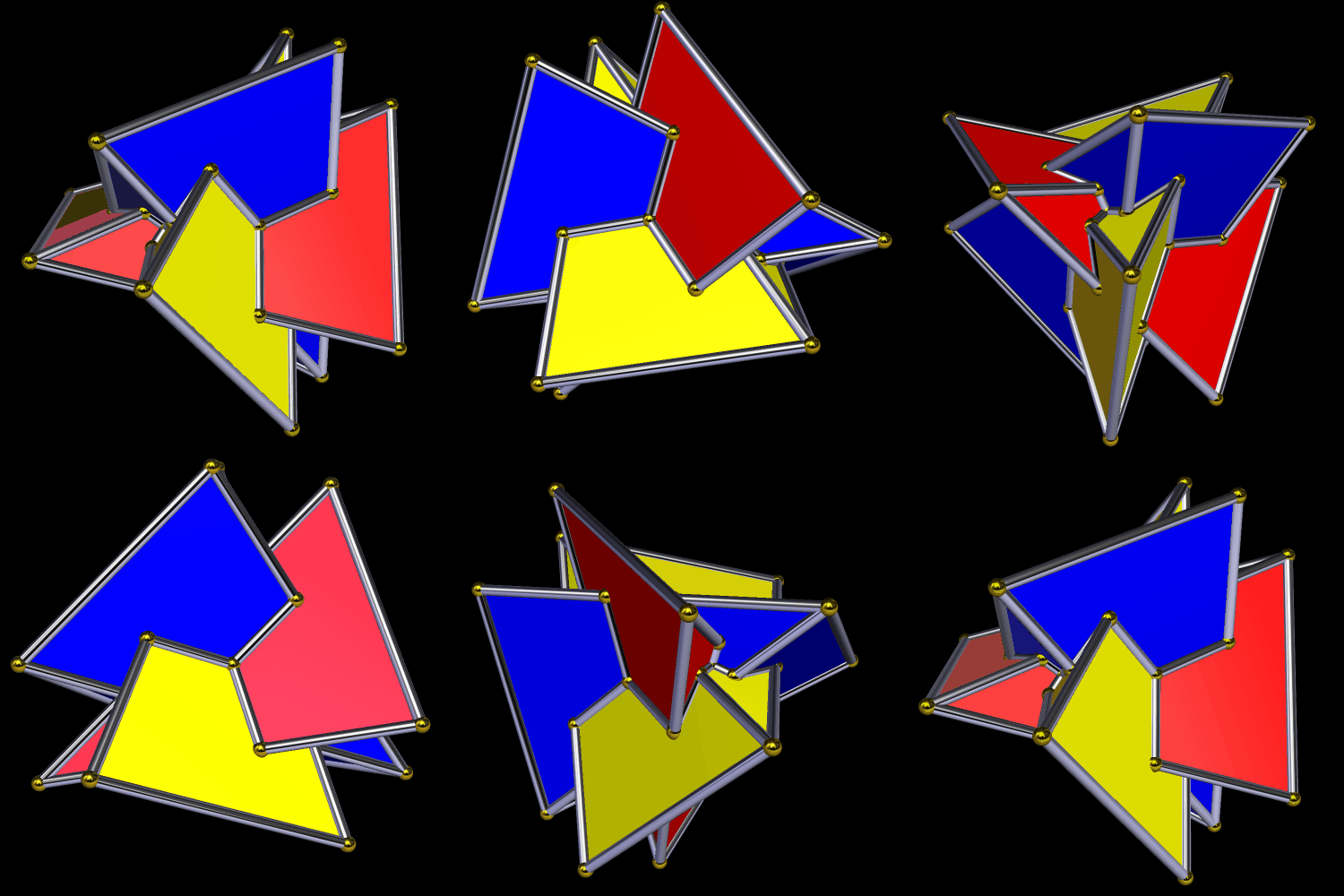
Software used: Stella 4d, available here.

In this polyhedron, half the faces are the two dozen light-blue kites, and the other half are isosceles triangles. I made it using Stella 4d, software you can buy, or try for free, at this website.
Mathematicians have discovered more than one set of rules for polyhedral stellation. The software I use for rapidly manipulating polyhedra (Stella 4d, available here, including as a free trial download) lets the user choose between different sets of stellation criteria, but I generally favor what are called the “fully supported” stellation rules.
For this exercise, I still used the fully supported stellation rules, but set Stella to view these polyhedra as having only tetrahedral symmetry, rather than icosidodecahedral (or “icosahedral”) symmetry. For the icosahedron, this tetrahedral symmetry can be seen in this coloring-pattern.
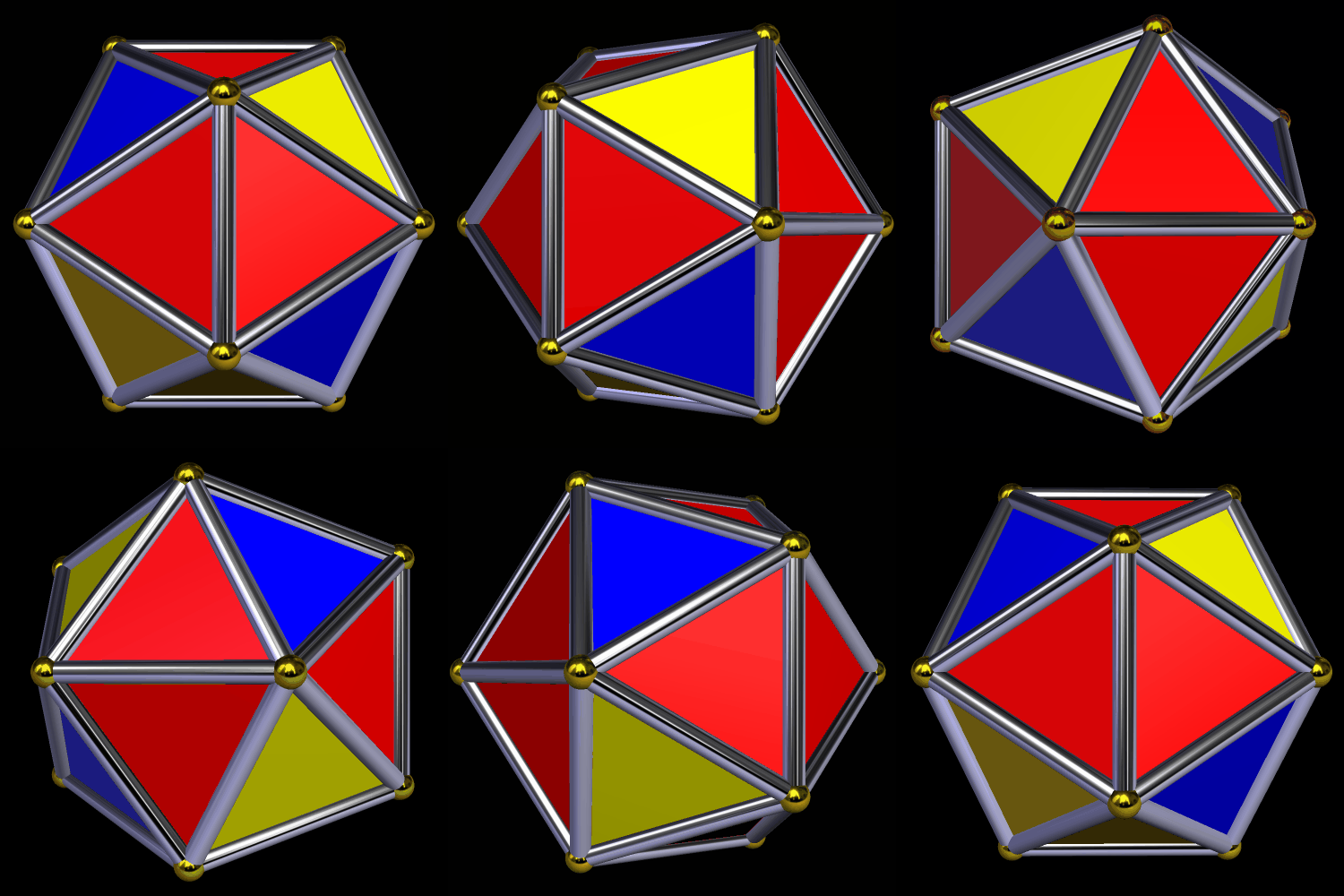
The next image shows what the icosahedron looks like after a single stellation, when performed through the “lens” of tetrahedral symmetry. This stellation extends the red triangles as kites, and hides the yellow triangles from view in the process.
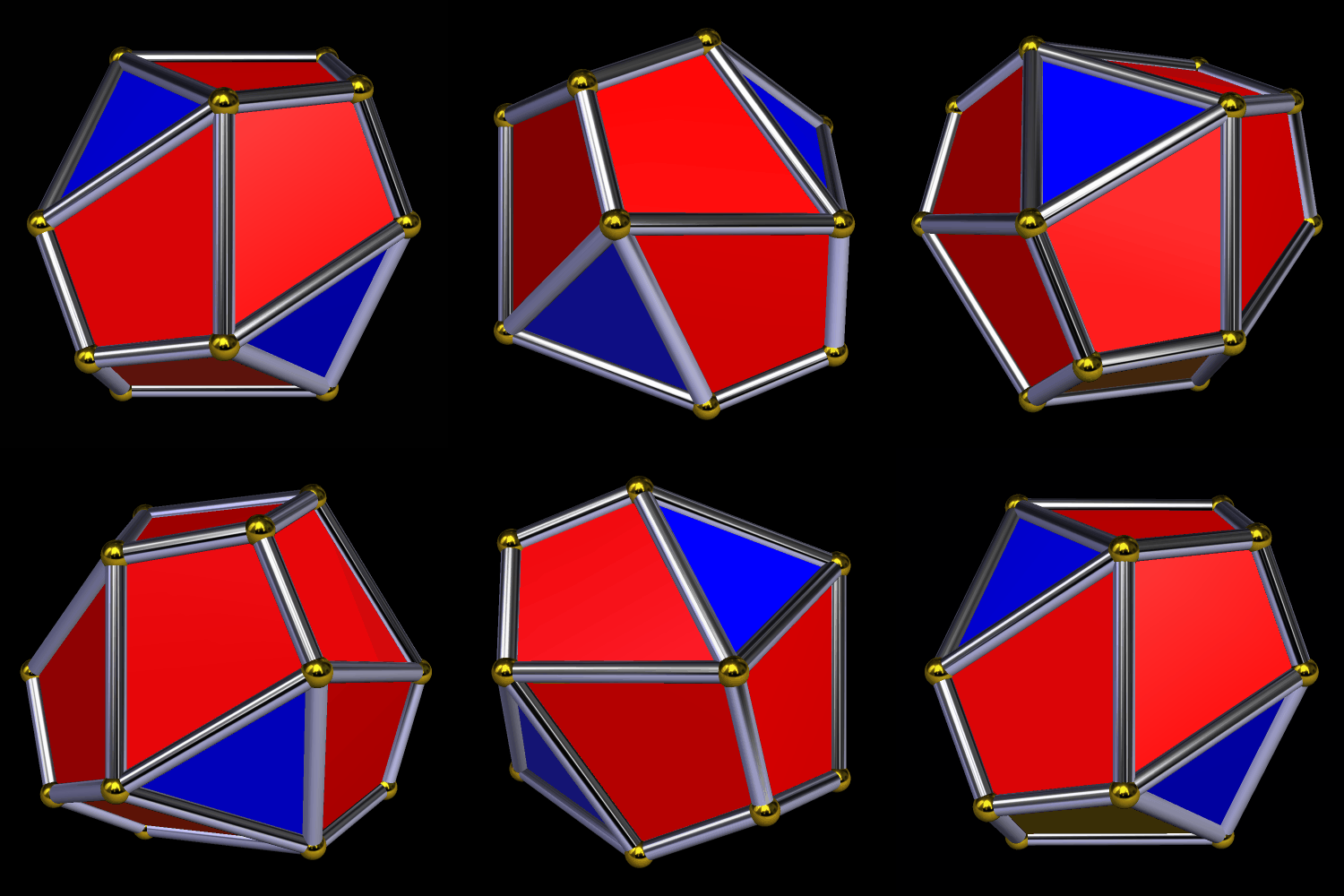
The second such stellation produces this polyhedron — a pyritohedral dodecahedron — by further-extending the red faces, and obscuring the blue triangles in the process.

The third tetrahedral stellation of the icosahedron produces another pyritohedral figure, which further demonstrates that pyritohedral symmetry is related to both icosidodecahedral and tetrahedral symmetry.
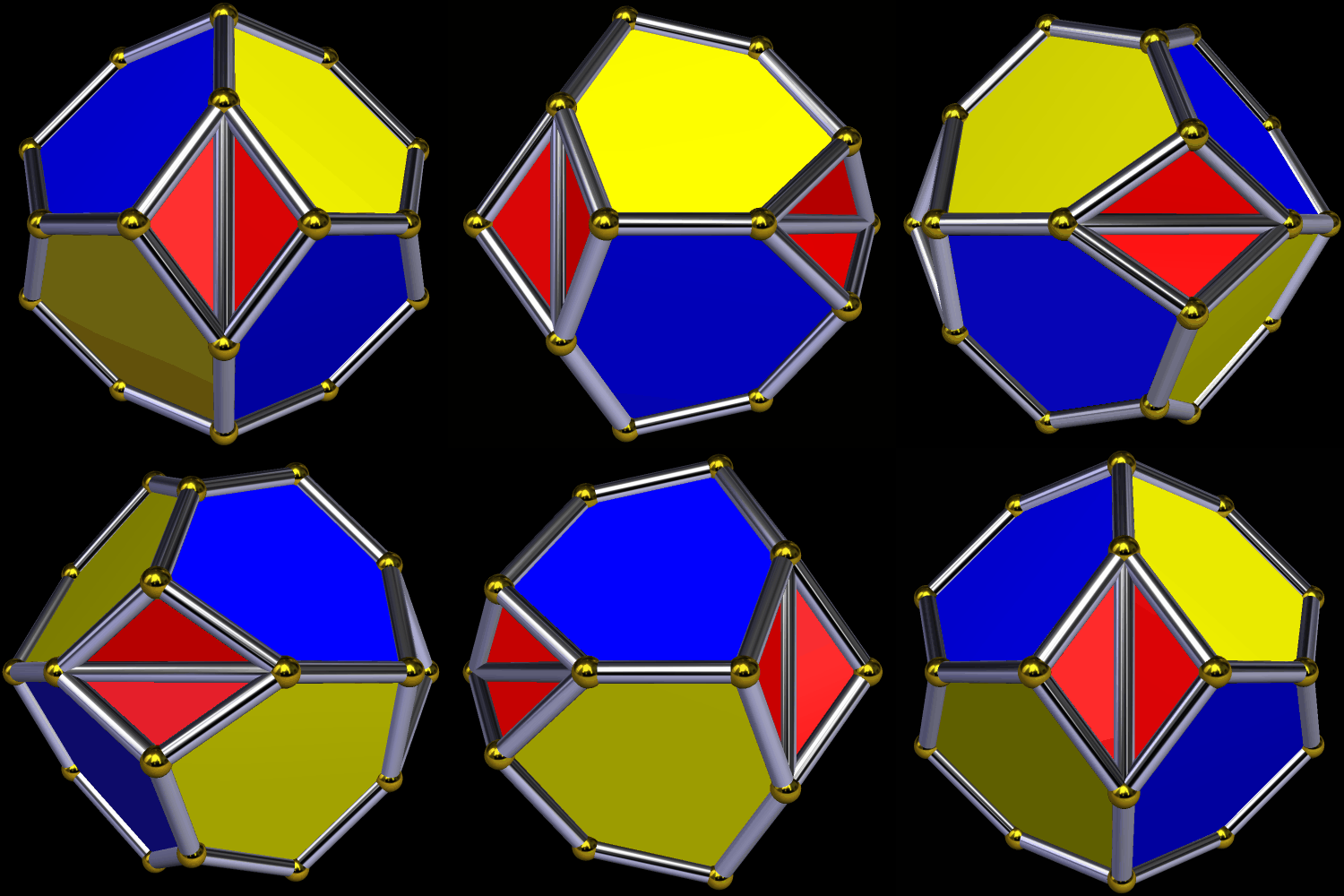
The fourth such stellation produces a Platonic octahedron, but one where the coloring-scheme makes it plain that Stella is still viewing this figure as having tetrahedral symmetry. Given that the octahedron itself has cuboctahedral (or “octahedral”) symmetry, this is an increase in the number of polyhedral symmetry-types which have appeared, so far, in this brief survey.

Next, I looked at the fifth tetrahedral stellation of the icosahedron, and was surprised at what I found.

While I was curious about what would happen if I continued stellating this polyhedron, I also wanted to see this fifth stellation’s convex hull, since I could already tell it would have only hexagons and triangles as faces. Here is that convex hull:

For the last step in this survey, I performed one more tetrahedral stellation, this time on the convex hull I had just produced.
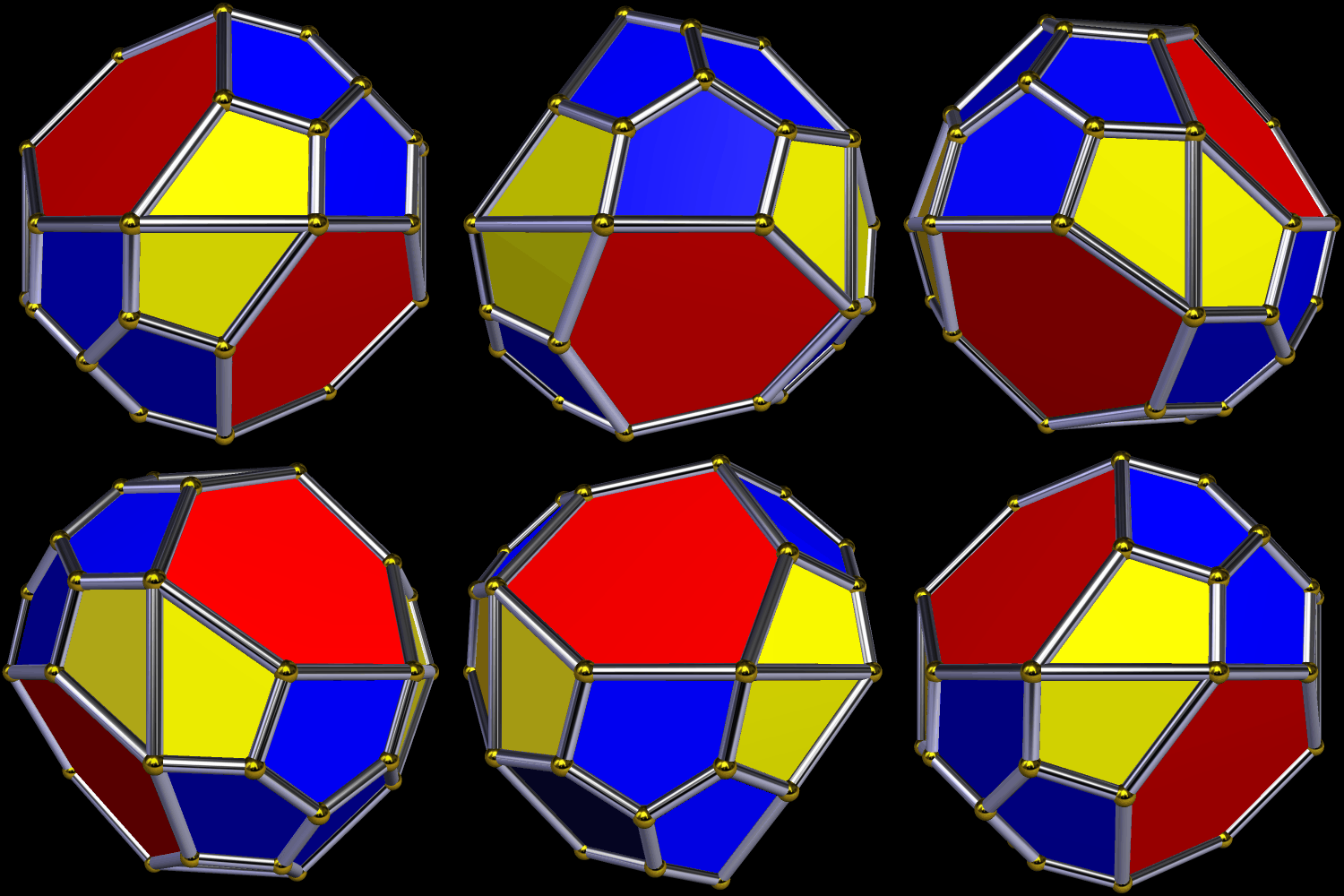
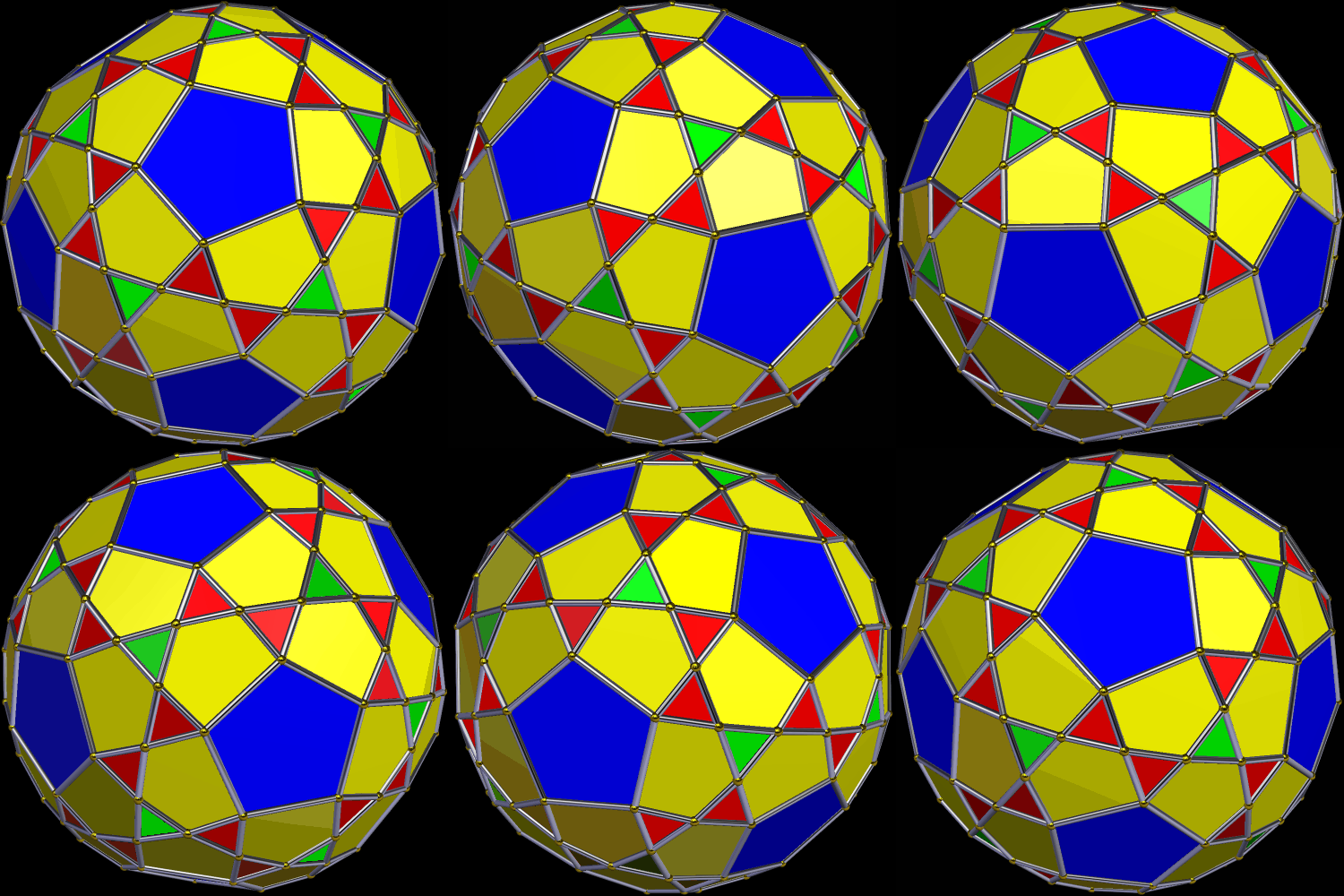
To make the first of these variations, above, I augmented each triangular face of a snub dodecahedron with an antiprism 2.618 times as tall as the triangles’ edge length, and then took the convex hull of the result. The other polyhedra shown, below, were obtained by various other manipulations of the snub dodecahedron, all performed using a program called Stella 4d: Polyhedron Navigator, which you can try right here.
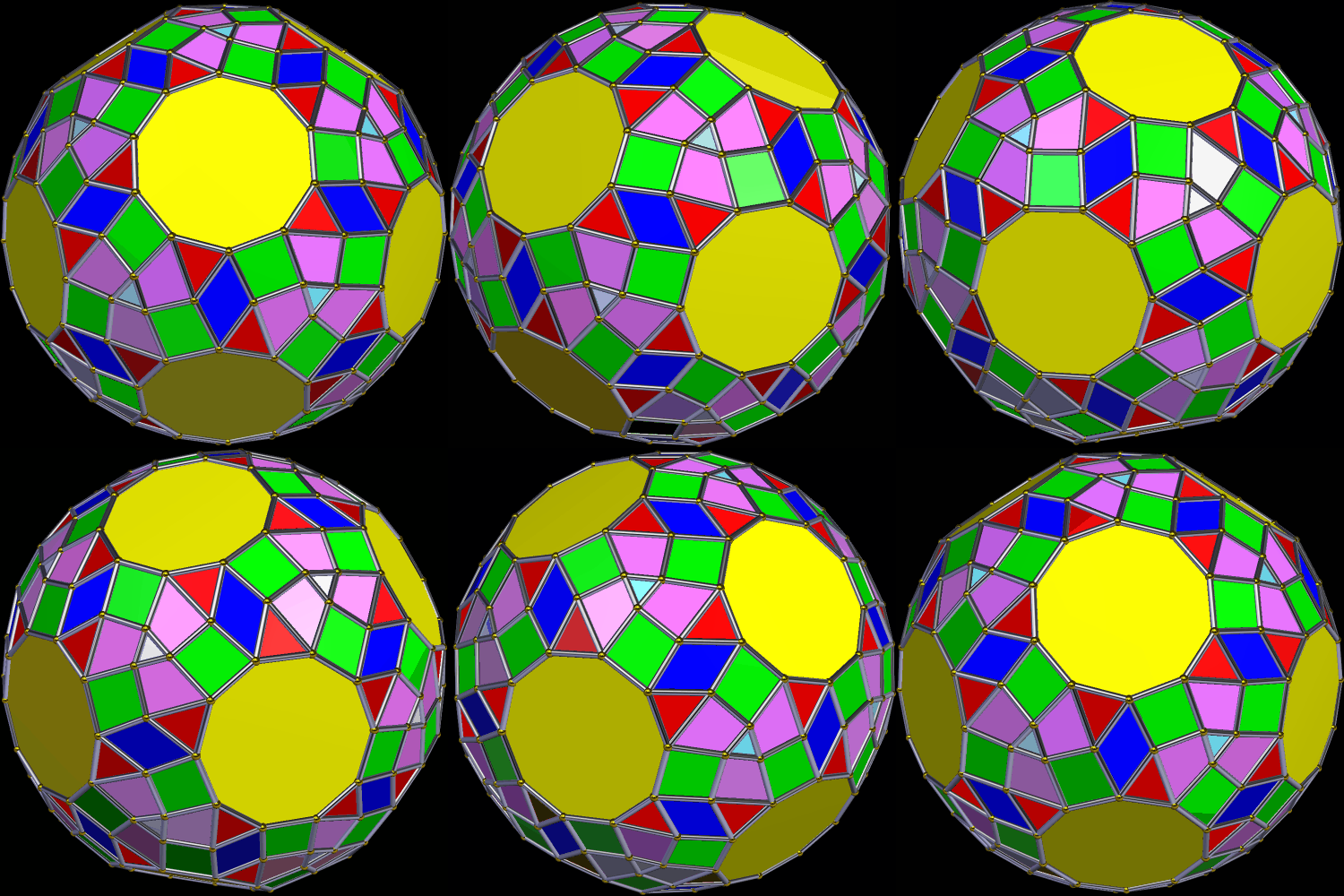
The variant above looked like it needed a name, so I called it an expanded snub truncated dodecahedron. As for the one below, it is one of many facetings of the snub dodecahedron.

Finally, the last figure shown (stumbled upon during a “random walk” with Stella) is one of many possible figures which are non-convex relatives of the snub dodecahedron.
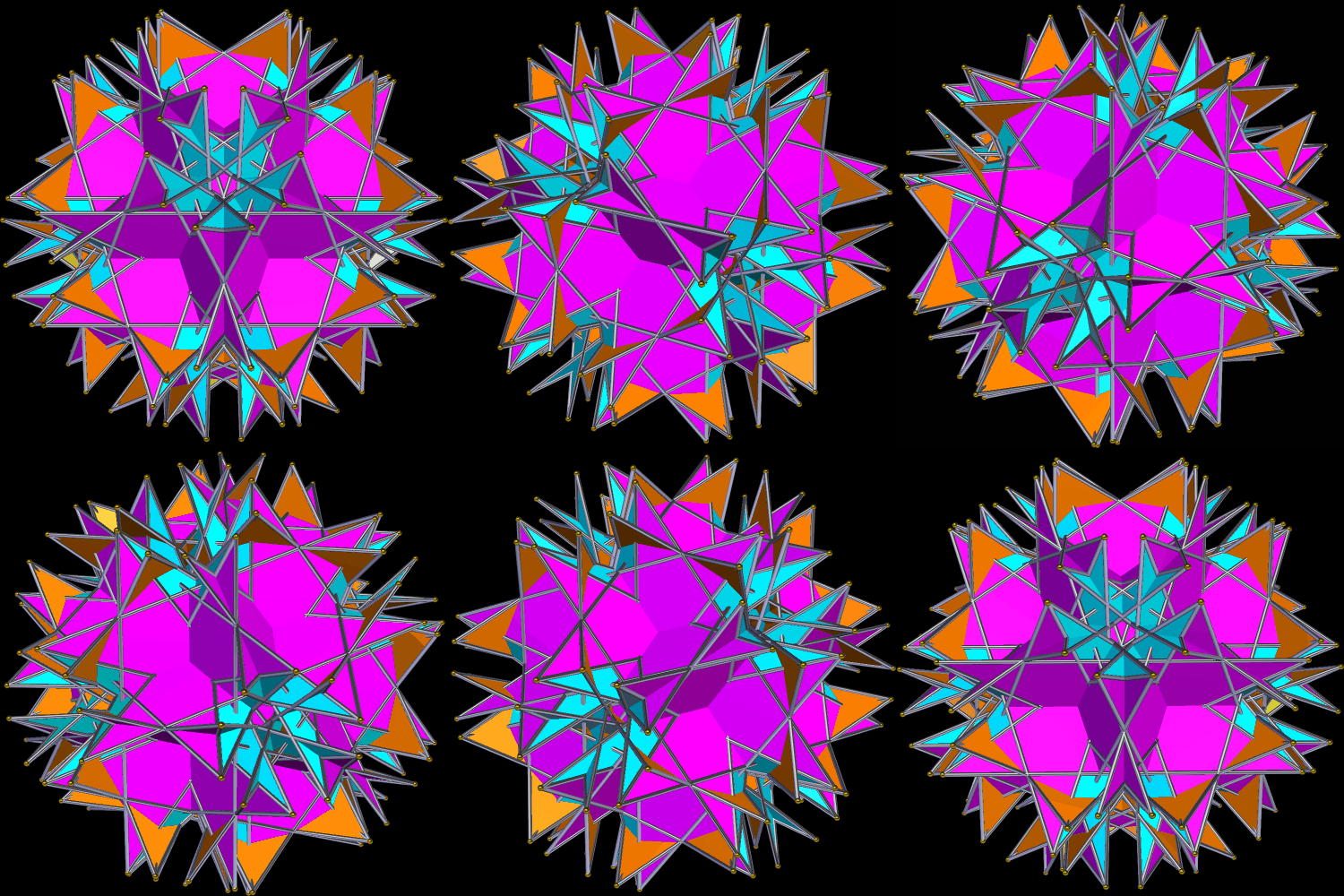

After using Geometer’s Sketchpad and MS-Paint to make the image on the faces (seen alone in the last post), I then used Stella 4d: Polyhedron Navigator to project these images onto a red dodecahedron, and create this .gif. Stella is available, including as a free trial download, at http://www.software3d.com/Stella.php.

I’ve never tried this before: create a rotating polyhedral image which is difficult to watch, using disorienting effects, such as the rotation of the images of spirals on the rotating faces. The spiral is made of golden gnomons (obtuse triangles with a base:leg ratio which is the golden ratio). This image, alone and without comment, is shown in the previous post, and was made using Geometer’s Sketchpad and MS-Paint. In the preparation for this post, it was further altered, including the projection of it onto the faces of a great rhombicosidodecahedron, and creating this rotating .gif. This part of the process was performed using a program called Stella 4d: Polyhedron Navigator, available here. You be the judge, please: is it, in fact, difficult to watch? Did I accomplish my (admittedly rather odd) goal?
If colored by face-type, based on face-position in the overall solid, this “cluster” polyhedron looks like this:
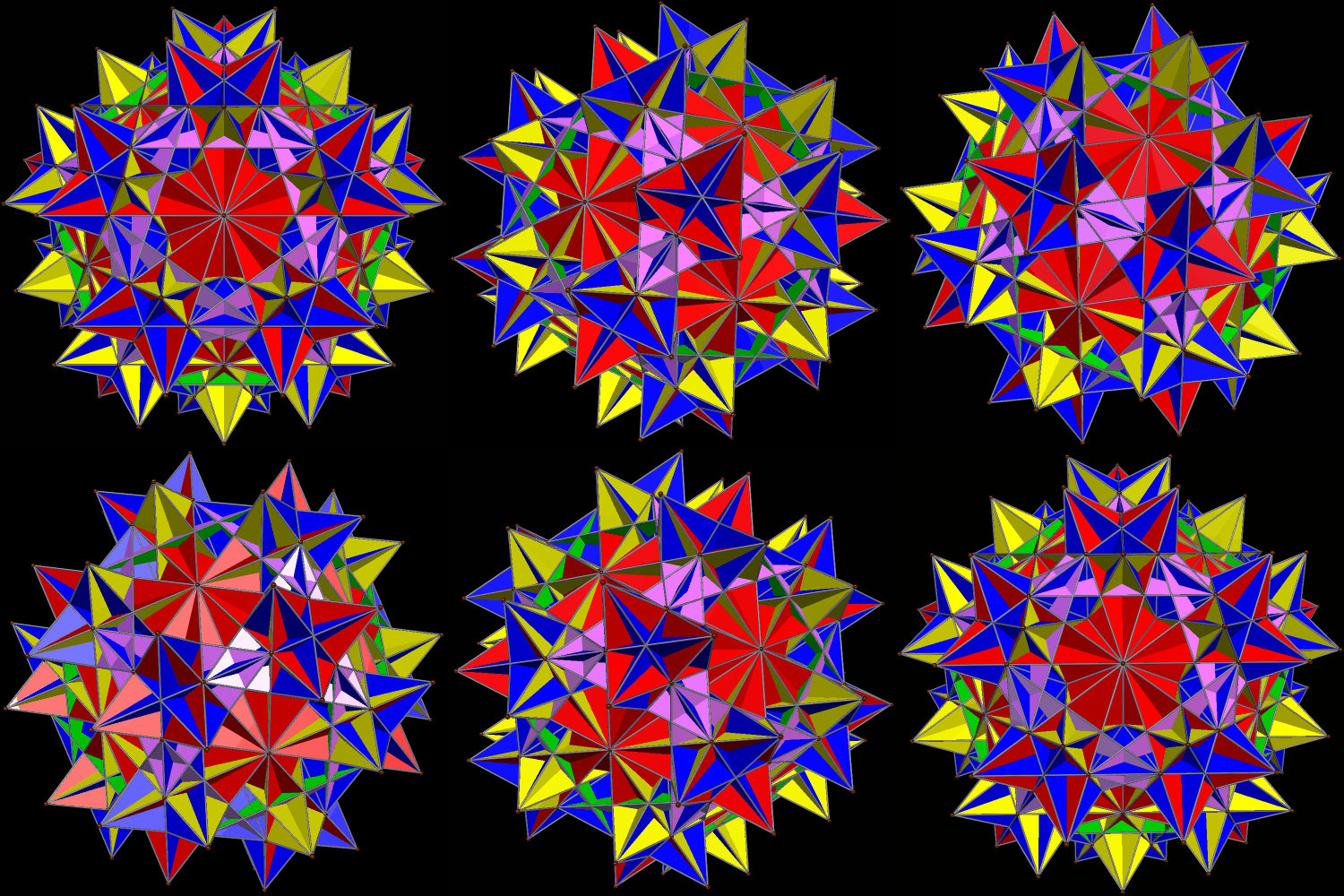
There is another interesting view of this polyhedral cluster I like marginally better, though, and that is to separate the faces into color-groups in which all faces of the same color are either coplanar, or parallel. It looks like this.
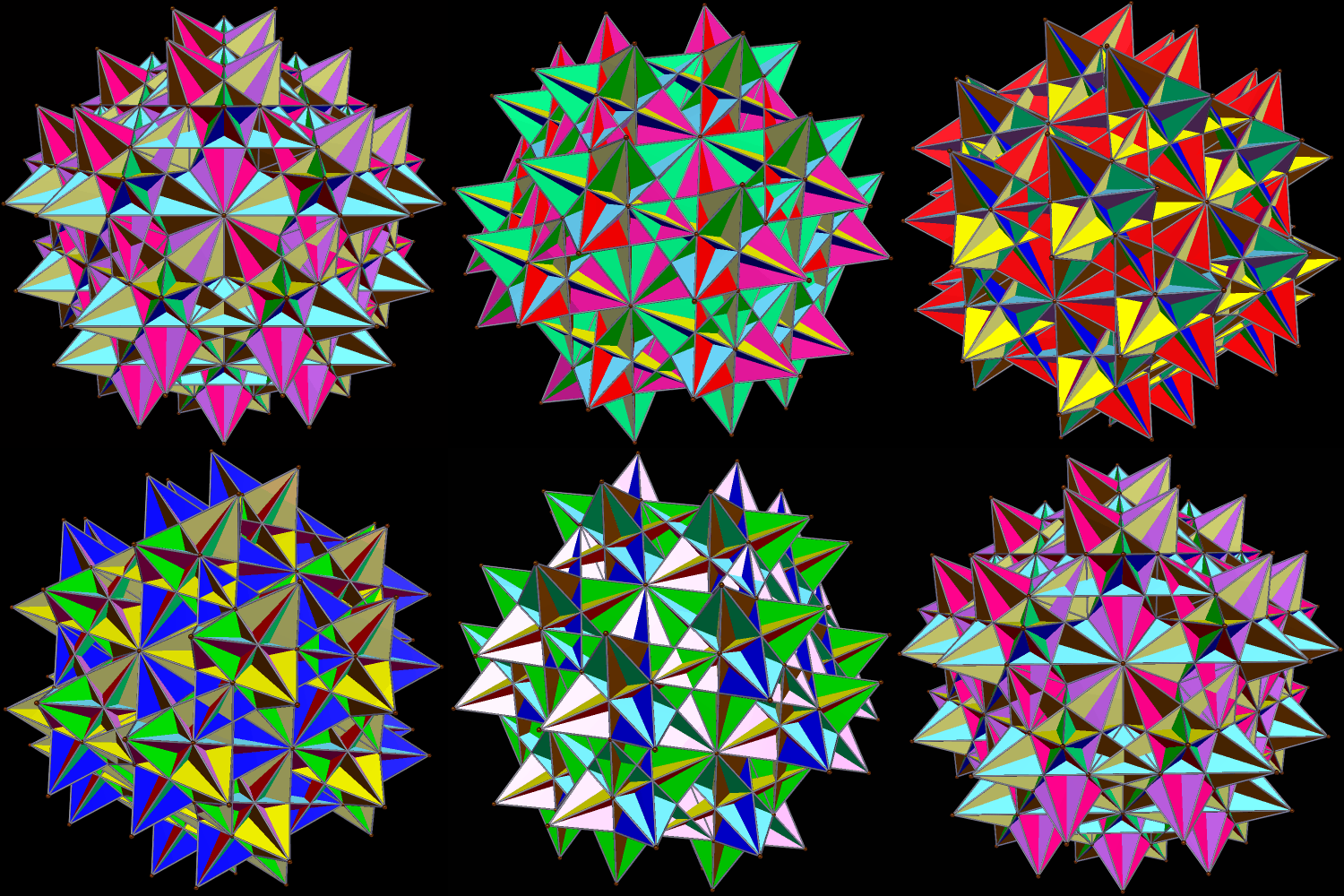
Both versions were created by augmenting each face of a Platonic icosahedron with a great icosahedron, one of the four Kepler-Poinsot solids. I did this using Stella 4d: Polyhedron Navigator, available here.
 RobertLovesPi.net